
Control4 vs Lutron: Lighting and Shades
No obligation · We aim to respond within one business day
Complimentary phone consultation
Talk it through with a local designer. Written proposal before anyone books a crew.
No obligation · We aim to respond within one business day
Quick answer
Both brands can handle lighting. Lutron RadioRA 3 and HomeWorks specialize in dimmers, engraved keypads, and motorized shades. Control4 sells Lux lighting and a whole-home operating system that can start a theater scene from a keypad. HomeWorks also integrates selected third-party audio/video, security, and voice. Your options are Lutron-only lighting, Control4-only lighting, or Lutron hardware run from a Control4 scene.
Key points
- Both brands can run lighting. Lutron specializes in lighting and shades; Control4 also sells Lux hardware and a whole-home operating system.
- RadioRA 3 Type A devices and Type A repeaters share one 198-unit system total.
- Ask who services lighting, who services the operating system, and who changes the integration after handover.
Are these two products even in the same category?
They overlap on lighting. In a combined installation, a common proposal divides the rest of the work: Lutron for dimmers, shades, and engraved keypads; Control4 for the Watch and Listen path (the controls used to select entertainment), theater remote, lock-and-thermostat scenes, and the app that reaches past lighting. That division is a programming choice, not a hard product boundary. HomeWorks “controls projectors, surround-sound receivers, and streaming devices.”
Lutron’s RadioRA 3 page calls RadioRA 3 “a professionally installed suite of wireless controls, intelligent lighting, and window treatments.” HomeWorks is Lutron’s lighting and automation system with “complete access to Lutron’s native lighting, window treatments & hand-crafted keypads.” HomeWorks communicates through Clear Connect, “not Wi-Fi,” and also offers QS wiring, Lutron’s wired low-voltage connection for compatible keypads and shades.
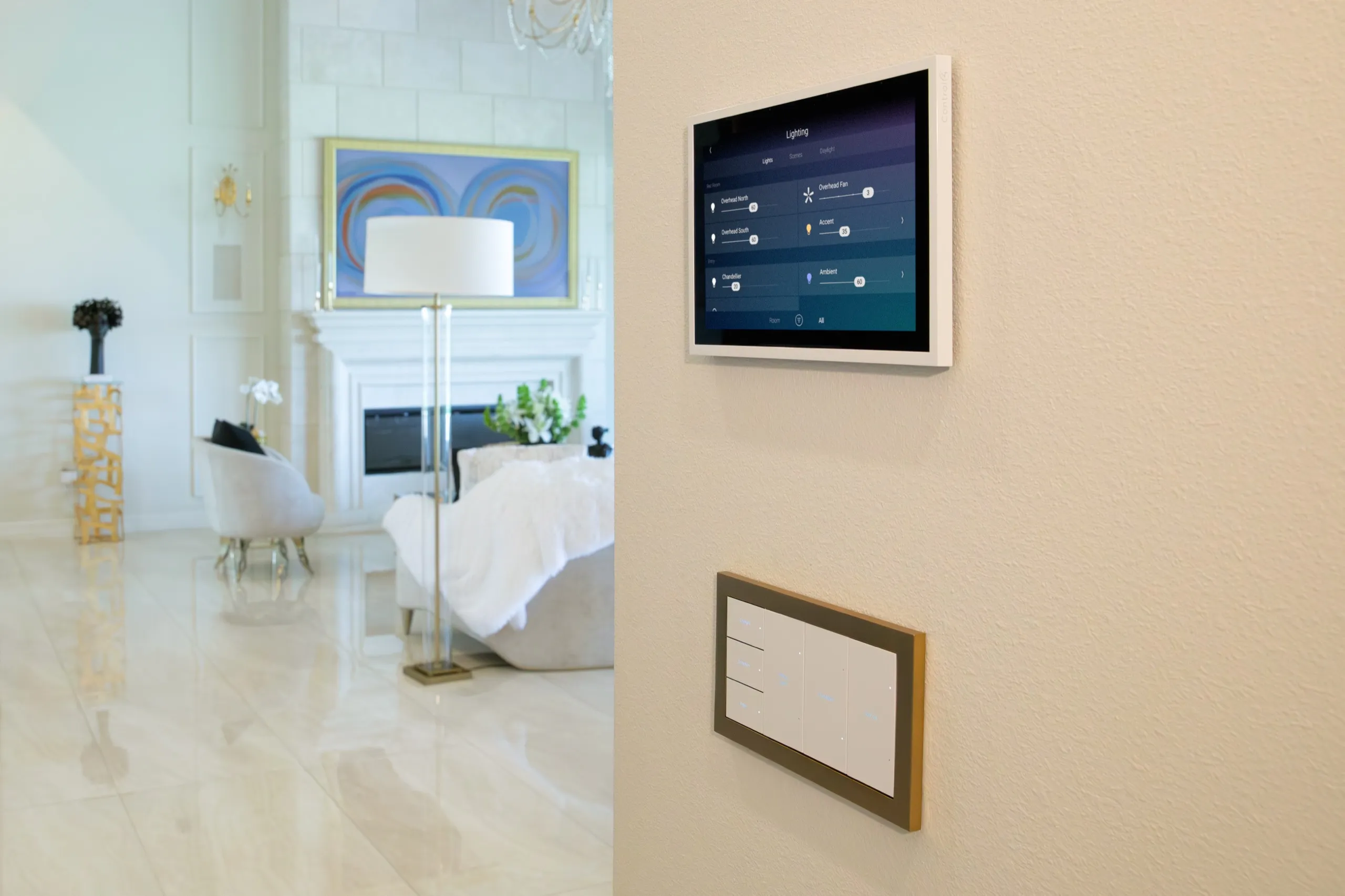
Control4 “connects a vast catalog of smart devices, bringing them all into one platform.” On the smart lighting page, “Lux is available in both wireless and wired options for expanded flexibility.” Confirm wired or wireless availability for each specified Lux model. A keypad can control more than lights, including music or locks and thermostats, and one button can “run a scene that turns off the lights, turns on your home theater, and starts your preferred video streaming app.”
If the job is fixtures, dimmers, shade fabric, and keypad finish, match those parts to a catalog. If the job is one Watch or Listen flow, start with Control4 when that platform covers the devices you want. If you want both layers, name the lighting hardware, the keypad or app interface, and which platform programs the scene.
What does Lutron say RadioRA 3 and HomeWorks are?
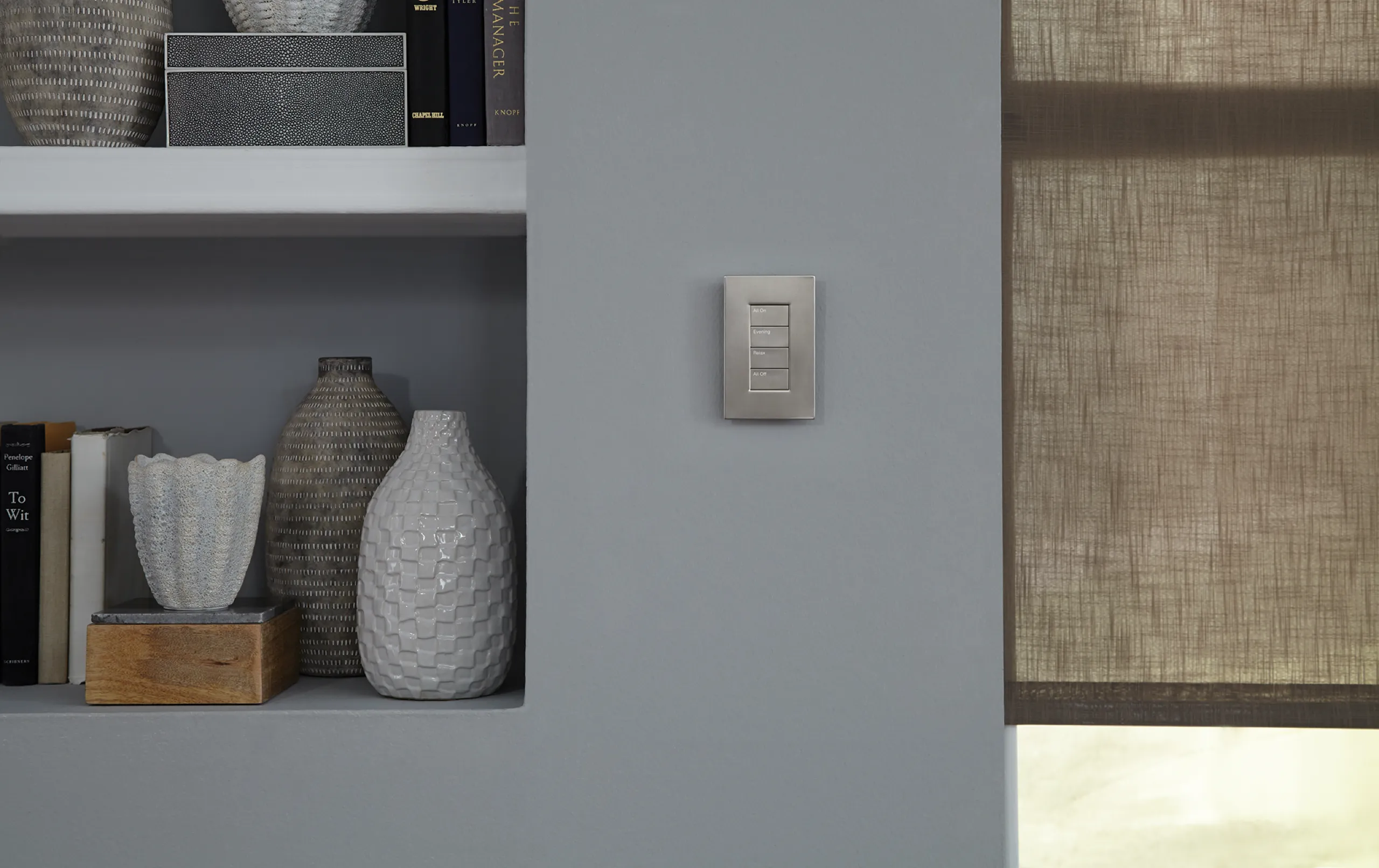
RadioRA 3 is the wireless professional line. Components communicate wirelessly, independently of Wi-Fi, on Lutron’s Clear Connect radio (Lutron’s own RF, separate from the house Wi-Fi). Lutron tells installers they can start in one room and add more without opening finished walls. That page lists Sunnata keypads (“Wireless keypad with vertical soft-glow LED accents.”) and Triathlon shades, and a “Movie Night” scene that dims the living room, turns the kitchen lights off, and lowers the shades. Sunnata keypads include default engravings, with custom text and icons available.
The processor that runs RadioRA 3 is a PoE (Power over Ethernet: power and data on one cable) box. Specification 3691221g says it is powered by an IEEE 802.3af-class PoE supply, that “local device operation will continue to function if internet connection is lost,” and that an internet connection is still required for initial setup and firmware updates. Professional A/V and security systems can communicate through Lutron’s LEAP API (the professional integration interface on that sheet). Each wireless processor needs a home run Ethernet connection back to the PoE supply.
Have the proposal count Type A and Type X devices, including keypads and repeaters, against the system totals on that sheet. Type A devices and Type A repeaters share one 198-unit total. Each repeater counts toward the 198-unit Type A total.
| Limit (spec 3691221g) | Per RadioRA 3 processor | In the RadioRA 3 system |
|---|---|---|
| Processors | n/a | 4 |
| Clear Connect Type X devices (Sunnata and similar) | 100 | 200 |
| Clear Connect Type A devices (Maestro, Pico, Sivoia QS wireless, and similar) | 95 | 198 Type A devices and Type A repeaters combined |
| Clear Connect Type A repeaters | 4 | Included in the shared 198-unit Type A device-and-repeater limit |
Use the system total as the cap.
HomeWorks is the larger Lutron line, with “complete access to Lutron’s native lighting, window treatments & hand-crafted keypads.” The HomeWorks page gives advertised coverage “over 50,000 sq. ft.” and “up to 10,000 zones.” Those figures are Lutron’s stated scale, not a conversion from room or window counts. Keypads there include Palladiom and Alisse, plus Aviena, with engraving on Palladiom and Alisse. Shades include Sivoia and Palladiom wire-free rollers. Programming uses Lutron Connect. HomeWorks “integrates with” third-party audio, A/V, security, and voice. A Goodnight scene on that page fades lights, draws shades, locks doors, and drops the temperature.
Caséta is a different Lutron path. On the Caséta smart hub page, the hub “plugs right into your router” and speaks Clear Connect, so “when your Wi-Fi goes down, you won’t lose your lighting control.” Lutron describes Caséta install as DIY or pro. Check the selected dimmer’s installation requirements before deciding whether to install it yourself. RadioRA 3 versus HomeWorks versus Caséta belongs on the Lutron lighting service page and the smart lighting solutions guide.
Complimentary phone consultation
Want lighting, shades or whole-home control in your house?
Describe the rooms and the routines you want. No obligation.
No obligation · We aim to respond within one business day
What does Control4 say lighting and the operating system do?
Control4 puts many devices on one platform. Integrators “personalize your system, automations, and scenes,” so daily actions live on the app, a touchscreen, a remote, or a keypad. The whole-home page calls the result “professionally installed and personalized for you,” and says Control4 experts “ensure your system has been professionally designed and installed.”
Lighting is one subsystem. The smart lighting page lists Lux keypads and dimmers, plus switches and outlets. A Control4 lighting job can be Control4 hardware from the wall box out, or Control4 talking to another lighting brand.
The climate and comfort page says Control4 “works with some of the world’s leading HVAC, shade, blind, fan, and lighting manufacturers.” A homeowner quote on that same page, attributed to “Michael L, Control4 Homeowner,” names “Lutron shades, lighting, HVAC, alarm, door locks, and now audio, in the way that Control4 can.” That is one customer’s installation plus a general compatibility claim. It does not prove that the reader’s existing processor, hardware generation, software, and driver will talk to each other.
When does a house need both?
When you want Lutron lighting and shade hardware, and you also want Control4’s Watch and Listen controls and the device integrations that platform supports. The integrator still has to write which processor owns each keypad button.
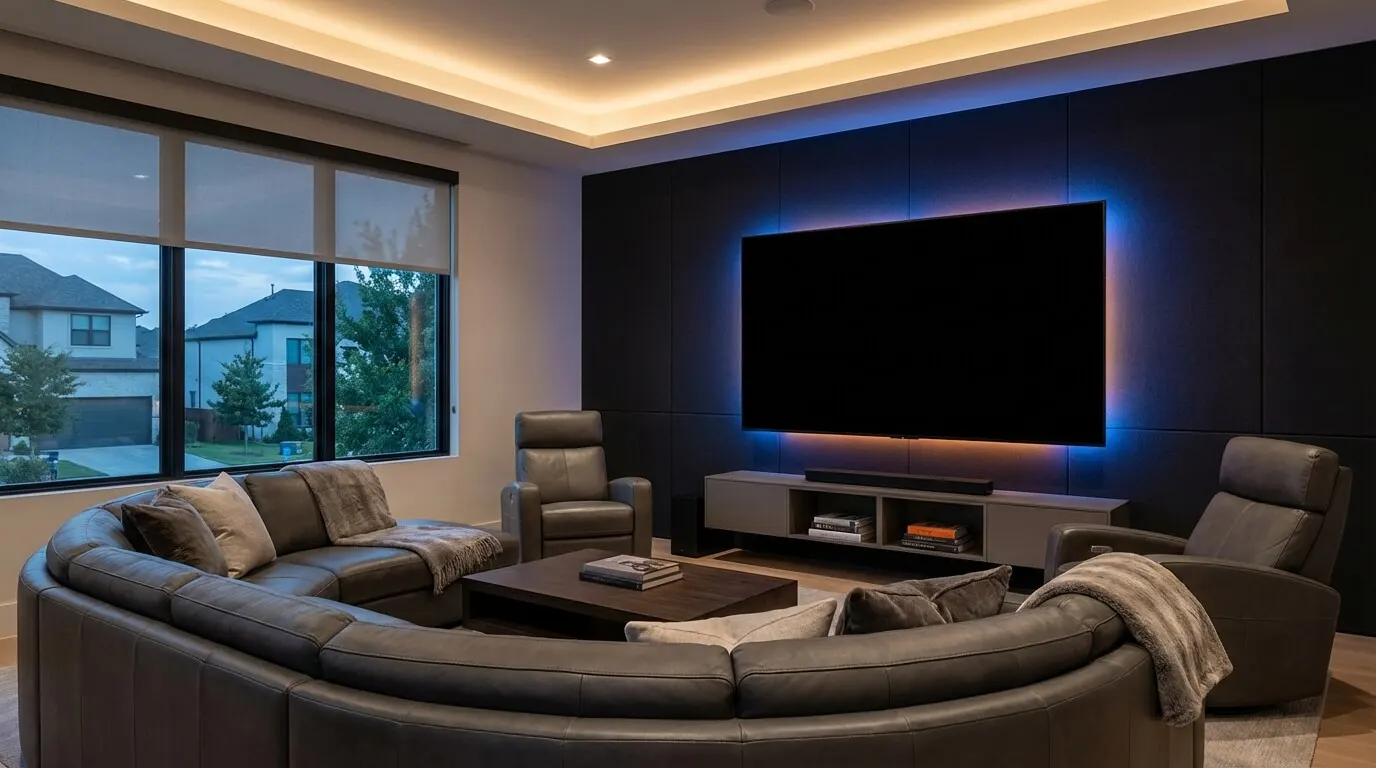
Home theater design still needs a dark room; theater lighting sets how dark. Lutron can lower the shades and dim the cans, and Control4 can start the disc or the stream on the same press if that is how the scene is written.
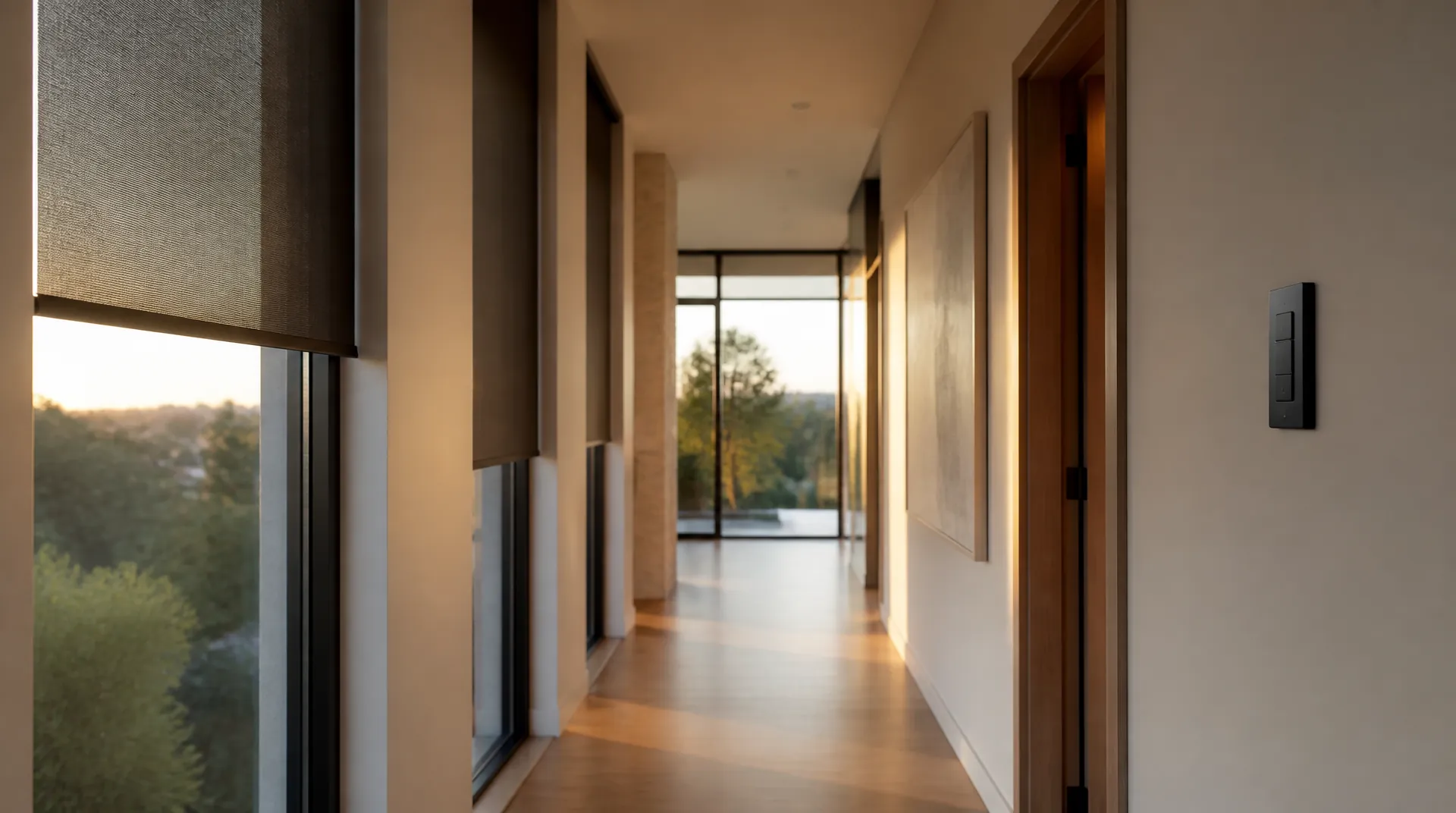
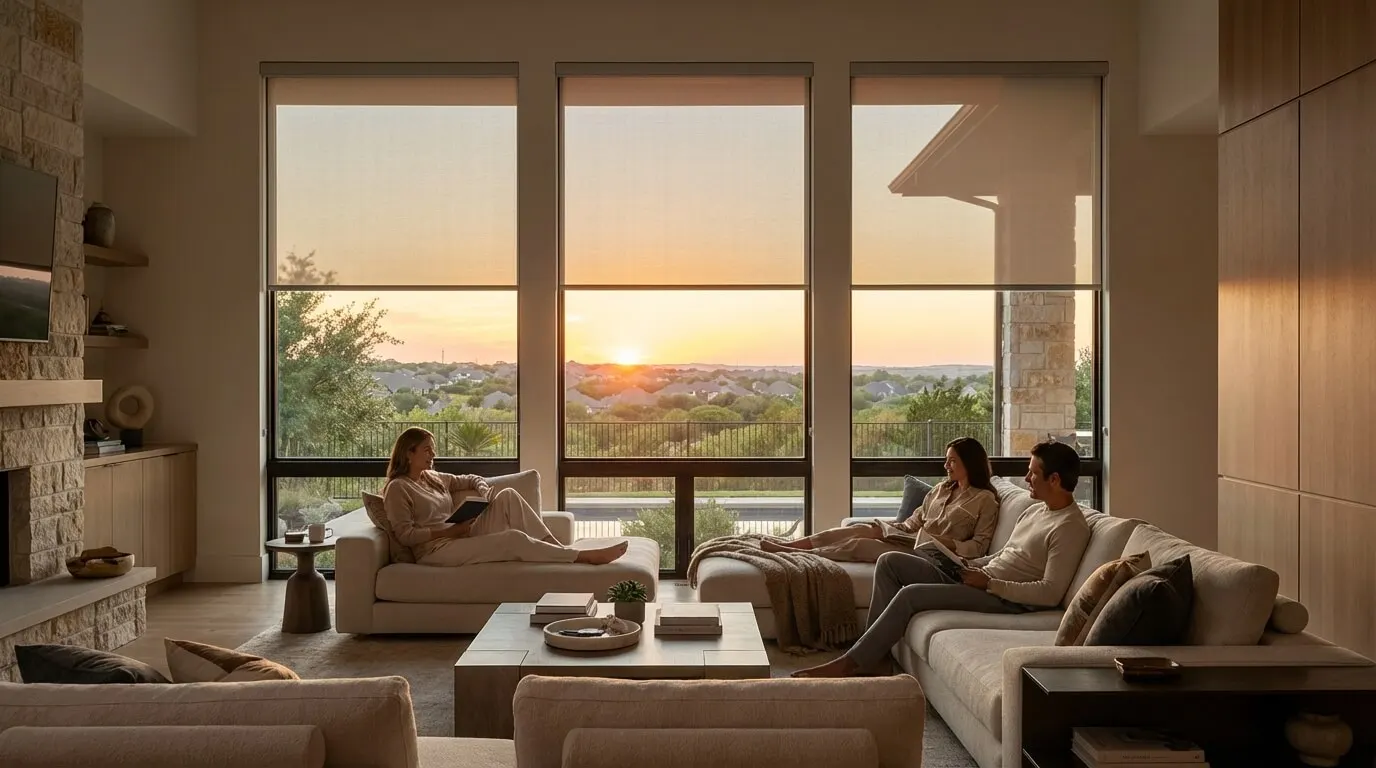
Motorized shades are fabric, mounting, motor, and scene. The motorized-shade benefits guide covers battery versus wired power and fabric selection.
Replacement and integration are different jobs. Compatible existing Lutron equipment may be retained after the integrator identifies the processor, software, models, and supported integration. Ask the proposal to list three fields for each lighting circuit and each shade: hardware manufacturer and model; new or retained; and controlling platform (Lutron or Control4). A shade called from Control4 may still be a third-party shade. Name a compatible dimmer family for the fixtures you already bought.
RadioRA 3’s processor sheet already requires that Ethernet/PoE home run. Clear Connect keeps the dimmers talking if the internet drops, but the closet still needs a wired run to the processor and the controller.
Designers map Lutron lighting loads, shade pockets, heating and cooling zones, and the Control4 controller onto your floor plan. During design, check whether Goodnight lives on one programmed button or on two buttons that do different jobs.
Who should own lighting, shades, and the rest of the house?
In a combined installation, Lutron owns lighting loads, shades, and engraved keypads, and Control4 owns the Watch and Listen layer and house-wide scenes; the table is that proposed split. HomeWorks’ third-party integrations mean a Lutron-only house can still cover some theater and climate actions if those integrations are in the scope.
| Job | Lutron RadioRA 3 / HomeWorks | Control4 | Where they wrote it |
|---|---|---|---|
| Loads and dimming | Native lighting and window treatments; HomeWorks opens the native catalog. | Lux keypads, dimmers, switches, outlets, and scenes. | RadioRA 3, HomeWorks, Control4 lighting |
| Shades | Native treatments: Triathlon, Sivoia, Palladiom. | Works with shade and blind manufacturers. A homeowner quote names Lutron shades. | RadioRA 3, HomeWorks, Control4 climate |
| Keypads | Sunnata on RadioRA 3. Palladiom, Alisse, and Aviena on HomeWorks, with engraving on Palladiom and Alisse. | Customizable buttons for lights, music, locks, or thermostats. | RadioRA 3, HomeWorks, Control4 lighting |
| Watch / listen | RadioRA 3 can link lighting and audio. HomeWorks names projectors, surround-sound receivers, and streaming devices. | One press can kill the lights, start the theater, and open a streaming app. | RadioRA 3, HomeWorks, Control4 lighting |
| Security and climate | HomeWorks names security and voice. The RadioRA 3 sheet exposes a LEAP API for professional A/V and security. | HVAC, occupancy, shades, and lighting in one set of routines. | HomeWorks, spec 3691221g, Control4 climate |
| Who programs it | Professionally installed. RadioRA 3 is PC-programmed. HomeWorks uses Lutron Connect. | Integrators personalize the system, automations, and scenes. | RadioRA 3, HomeWorks, Control4 home |
| Choose | If this is the job |
|---|---|
| Lutron RadioRA 3 or HomeWorks, no Control4 | Lighting quality, engraved keypads, and shades are the whole job, and you do not need Control4’s theater remote or app. HomeWorks can still run selected third-party A/V if those integrations are specified. |
| Control4, no Lutron | You want one OS for theater, music, locks, and thermostats; Control4 lighting hardware is acceptable; and Control4’s interfaces cover the devices in scope. |
| Both | You want Lutron circuits and fabric, and a Control4 Watch and Listen OS calling those circuits as part of a larger scene. |
Before you approve a proposal, walk this list:
- Count Type A and Type X devices, including keypads and repeaters, against the RadioRA 3 system totals. For Type A, count devices and repeaters against the shared 198. Treat HomeWorks’ advertised coverage (over 50,000 sq. ft., up to 10,000 zones) as Lutron’s scale statement, not a room-count conversion.
- If a wall button must also start a movie or a playlist, put Control4 (or HomeWorks’ own A/V integrations) in the scope. Do not assume it.
- Mark each keypad: lights, or lights plus Watch and Listen. Two Goodnight buttons that do different jobs will confuse the household.
- Write who services lighting after handover, who services the operating system, and who changes the integration when a fixture or shade is added later.
- List supplied and retained equipment. If Lutron is already in the house, identify the equipment details named above before marking any dimmer, keypad, or motor as retained. For each lighting circuit and each shade, write hardware manufacturer and model, new or retained, and controlling platform.
- Match each lighting circuit to a tested dimmer family.
What this comparison does not settle
It does not pick Control4 versus Savant versus Crestron. That is a three-platform operating-system question, and the Control4 alternatives guide covers it. The smart home hub explainer covers consumer hubs versus an integrator controller.
It does not pick RadioRA 3 versus HomeWorks versus Caséta. Those are Lutron families: RadioRA 3 is wireless professional, HomeWorks is the large native-catalog line with wireless and QS wiring, Caséta is the DIY-or-pro hub line. Take that fork to Lutron lighting.
It does not find a dealer by city. The installer section below points to the right dealer page for each kind of job.
When to call an installer
Call when the job is more than a handful of Caséta devices, when shade pockets have to land during framing, or when one button should dim the room and start a movie. The first step is a free phone consultation; we then write a line-item proposal for the house.
Keypad locations, shade pockets, and a closet for the controller are cheap during framing and expensive after paint. On a finished house, RadioRA 3’s wireless path avoids opening most walls, but the processor still wants that Ethernet/PoE home run.
Our smart home service is the install path for that map. For whole-home operating-system work, start with the Control4 dealer page. For lighting loads, keypads, and shades, start with the Lutron dealer page. We coordinate from the Plano office for homes in Frisco, Plano, McKinney, Allen, Prosper, Dallas, Southlake, Westlake, and Flower Mound. Call (469) 666-0747.
We are a Plano-based integrator specializing in Control4 for whole-home operating-system work, and specializing in Lutron lighting control and motorized shades. Digitalholics is a Control4 Certified Dealer and a Lutron Gold Dealer.
FAQ
Can Control4 and Lutron share one house?
Yes, when the integrator programs them to share a scene. Control4’s climate page quotes a homeowner running Lutron shades and lighting on Control4, and HomeWorks lists third-party audio, A/V, security, and voice. Compatible is not included: the proposal must name the dimmers and keypads, plus the shade motors you are buying or keeping, and, for anything retained, the processor, models, software, and supported integration.
Does Control4 replace a Lutron lighting system?
Control4 replaces the lighting hardware only where the proposal explicitly specifies replacement. Otherwise, a supported integration can leave compatible Lutron equipment in place after the integrator identifies the processor, models, software, and supported integration. Ask the equipment list to name hardware manufacturer and model, new or retained, and controlling platform for each circuit, and to name who services each layer later.
Which system should move the shades?
Lutron treats window treatments as native catalog items on RadioRA 3 and HomeWorks. Control4 says it works with shade and blind manufacturers, and a homeowner quote on Control4’s climate page names Lutron shades. If fabric and mounting plus the motor are the job, specify those Lutron parts; a shade called from Control4 may still be a third-party motor.
Can I install RadioRA 3 myself?
Lutron calls RadioRA 3 a professionally installed suite. Caséta describes installation as DIY or pro. Check the selected dimmer’s installation requirements before deciding whether to install it yourself. Control4’s whole-home page says that system is professionally designed and installed. Whole-home RadioRA 3, HomeWorks, or Control4 is integrator work because load matching, radio layout, and scene programming are the job.
Sources
- RadioRA 3 Wireless Home Lighting Control System | Lutron (opens in a new tab) — accessed September 30, 2026
- HomeWorks Home Automation & Lighting System | Lutron (opens in a new tab) — accessed September 30, 2026
- RadioRA 3 Processors specification 3691221g | Lutron (opens in a new tab) — accessed September 30, 2026
- RadioRA3 Sunnata Keypad | Lutron (opens in a new tab) — accessed September 30, 2026
- Smart Bridge: What is a Smart Hub? | Caséta by Lutron (opens in a new tab) — accessed September 30, 2026
- Smart Home Automation & Control Systems | Control4 (opens in a new tab) — accessed September 30, 2026
- Smart Lighting Control & Automation for Every Room | Control4 (opens in a new tab) — accessed September 30, 2026
- Smart Climate & Comfort Automation for Home | Control4 (opens in a new tab) — accessed September 30, 2026
- Whole Home Smart Automation Solutions | Control4 (opens in a new tab) — accessed September 30, 2026
Complimentary phone consultation
Ready to see how it would work in your home?
We map the rooms, the scenes you would use, and what integrates with what. Then you get a written, line-item proposal before anything is scheduled.