

Smart Home Automation
Smart Home Automation in Frisco, TX
Whole-home lighting, motorized shades, climate, and entertainment on one Control4 or Savant controller.
Before the proposal
What decides your project
The inputs that size the work, then what a proposal includes and what you supply.
New build or existing home?
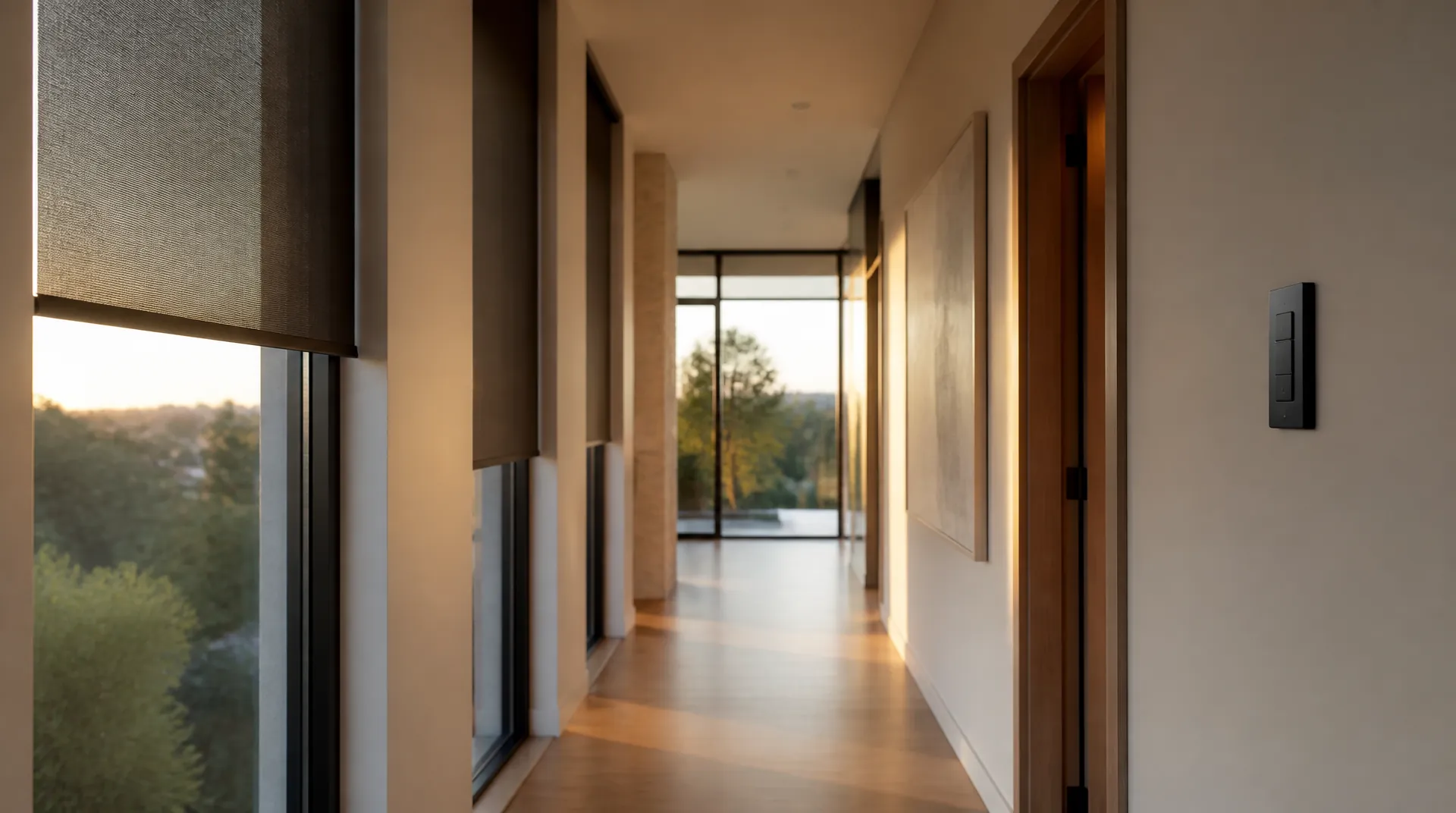
Pre-wiring during construction is cleaner; retrofitting finished homes is routine, with wireless Lutron lighting and shading avoiding openings.
What does installation look like in Frisco?
Start with a complimentary phone consultation, followed by a home walkthrough and a written line-item proposal. We serve Frisco, Plano, McKinney, Allen, and Prosper; finished-home retrofits can be phased by floor or system.
Which systems share one controller?
House size and the systems to combine decide scope. Lighting, shades, climate, security scenes, audio, and video can share one interface.
What happens when internet drops?
Core automation keeps working from a controller inside the house; outside phone control and streaming are what depend on connectivity.
Who uses it day to day?
Interfaces are programmed per person so family members get simple actions rather than every setting at once.
Scope ledger
Confirmed in writing before equipment is ordered.
- Included in the proposal
- Complimentary consultation, written line-item proposal, phased retrofit plan
- Controller programming, scene setup, per-person interfaces
- Lutron lighting and shade integration; Control4 platform integration
- Programming before move-in on new construction; support after handover
You or facilities provide
- House size and which existing platforms are already installed
- Builder schedule coordination on new construction
- Decisions about which floors or systems phase first
Local team
Digitalholics LLC
8105 Rasor Boulevard, Suite 211, Plano, TX 75024
Packages
Scope by room count
Scopes grow by room count and by how much of the house joins the controller.
| Scope | What shares the controller | If that is all you need |
|---|---|---|
| Standalone lighting and shading | No house controller needed yet | Lutron lighting |
| One entertainment room | A theater remote, joined to a controller later | Home theater |
| Cameras and locks only | Security runs on its own, folds into Control4 later | Surveillance & security |
| Whole house | Lighting, shades, climate, audio, video, and security on one controller | Whole-home integration |
Starter Automation Package
A first controller for the rooms you use every day, with a clear path to grow.
- Control4 or Savant processor (the computer that runs the house)
- Lighting control and custom scenes in main living areas
- Thermostat integration with schedules and remote access
- Video doorbell and smart locks on the same app
- Entertainment control in the main rooms
- Wired network sized for the new devices
Whole-Home Lighting & Climate Package
Every light, shade, and thermostat in the house answering to one schedule.
- Advanced Control4 or Savant system with voice throughout the house
- Whole-home Lutron lighting, including tunable scenes that shift color through the day
- Multi-zone climate with energy monitoring
- Motorized shades tied to sun and occupancy
- Whole-house audio in multiple rooms
- A dedicated network for household gadgets, kept separate from phones and laptops
Full-Property Integration Package
Larger homes where outdoor systems and a theater join the same controller.
- Fully customized Control4 or Savant interface for every user
- Ketra tunable lighting through the house
- Motorized shading on the glass that needs it
- Pool, spa, irrigation, and access control on the same system
- Whole-home audio plus a dedicated theater room
- Proactive remote monitoring and scheduled software updates
Smart Home Automation
From our Plano office we install smart home systems across north Dallas-Fort Worth: Frisco, Plano, McKinney, Allen, Prosper, Dallas, and Southlake. Our home automation work puts lighting, motorized shades, climate, security, and entertainment on one Control4 or Savant controller instead of a stack of separate apps. New construction gets a pre-wire drawing before drywall, and finished homes get a wireless retrofit phased by floor or system.
As a Lutron Gold Dealer and Control4 Certified Dealer, we put lighting, shading, heating and cooling (HVAC), audio, video, and security on one interface. Wall keypads, touchscreens, voice, and the phone app all drive the same house. A controller that lives in your equipment closet keeps those scenes running when the internet does not.
The design work is deciding what a button means. A Goodnight scene that locks the doors, drops the shades, and sets back the thermostats gets written with you, then revised after the family has lived with it for a week. After handover, remote monitoring lets the Plano team patch most faults before you call (469) 666-0747.
Keypad boxes, shade pockets, camera cable, and the network closet are cheapest to place while the electrical plan is open. Newman Village Homestead is a custom-home development in Frisco, so we coordinate that layout with the framing crew before paint. Painted Tree - Woodland District has new homes, which gives the same early window for wired lighting, shading, cameras, and network runs. Custer Ridge Estates is a community in Allen. We do not assume its construction stage; there, the first visit establishes whether the walls are open or finished, then we choose a wired plan or a wireless retrofit with a short, deliberate backbone.
Platform and cost notes are in the Control4 alternatives guide and smart home automation cost. Everyday use is in what a smart home hub does, voice control, smart thermostat schedules, and the comfort guide. Planning a system from scratch is in how to create a smart home on a budget, AI home features, where the technology is going, and pre-wiring a new Frisco home.
We are a Control4 Certified Dealer, and on new construction that means a pre-wire drawing for the controller closet, keypads, shades, cameras, and Wi-Fi access points before drywall. After handover, the same Plano team that programmed the system is who answers the phone for aftercare and remote monitoring.
Explore Lutron lighting for standalone lighting and shading, and the thermostat schedules guide for climate scheduling. Tell us which lighting, shading, and climate systems you already have so the proposal can define their integration with Control4 or Savant.
Pick the company that maps the system on your floor plan first: controller and network closet, keypad positions, shade pockets, and camera and access-point cable on a pre-wire drawing. Ask how a finished home avoids opening walls, how scenes get programmed around your week and revised after move-in, and who trains each person at handover. The controller should keep lighting, shades, and climate running when the internet drops, and the same Plano team should answer for monitoring and service.
How we approach the work
What’s included
- Control4 & Savant platforms
- Lutron lighting & shades
- Scenes programmed to your week
- Runs when the internet does not
One interface for the house
Lighting, climate, security, and entertainment sit on the same Control4 or Savant screen. Family members stop juggling separate apps.
A Goodnight scene that holds
One keypad button runs lock-up: doors, alarm, lights, shades, thermostats. We write it with you and revise it after the first week, because real routines take a week to surface.
Controls for each person
Tell us who will use a phone, keypad, or voice control and which rooms they use. We program per-person interfaces and walk the household through its everyday scenes at handover.
Local care after install
Remote monitoring lets our DFW team update software and catch faults from Plano. Call (469) 666-0747 when you want a person who already knows the system.
Start with a complimentary consultation
Start with a ConsultationNo obligation · We aim to respond within one business day
New-build pre-wire checklist
| Item | What to plan |
|---|---|
| Controller and network closet | Location and rack ventilation |
| Lighting and keypads | Lighting loads, box locations, and cable routes |
| Motorized shades | Shade pockets and cable routes |
| Cameras and Wi-Fi access points | Locations and dedicated low-voltage runs on the pre-wire drawing |
| Audio and video | Cable routes for the systems joining the controller |
Before drywall, review these items with your builder.
The Work
What the finished work looks like
Select any photo to enlarge
A keypad engraved with the words your family actually says.
Shades lower themselves against west-facing glass.
Dusk hands the house over to its evening scene.
Goodnight is one press — locks, lights, shades, thermostats.
Routines are written around the week you actually have.
Two buttons beat twelve when the scene names itself.
Show all 12 photosShow fewer photos
Dimming sits where a switch used to be.
Shade keypads label themselves in plain words.
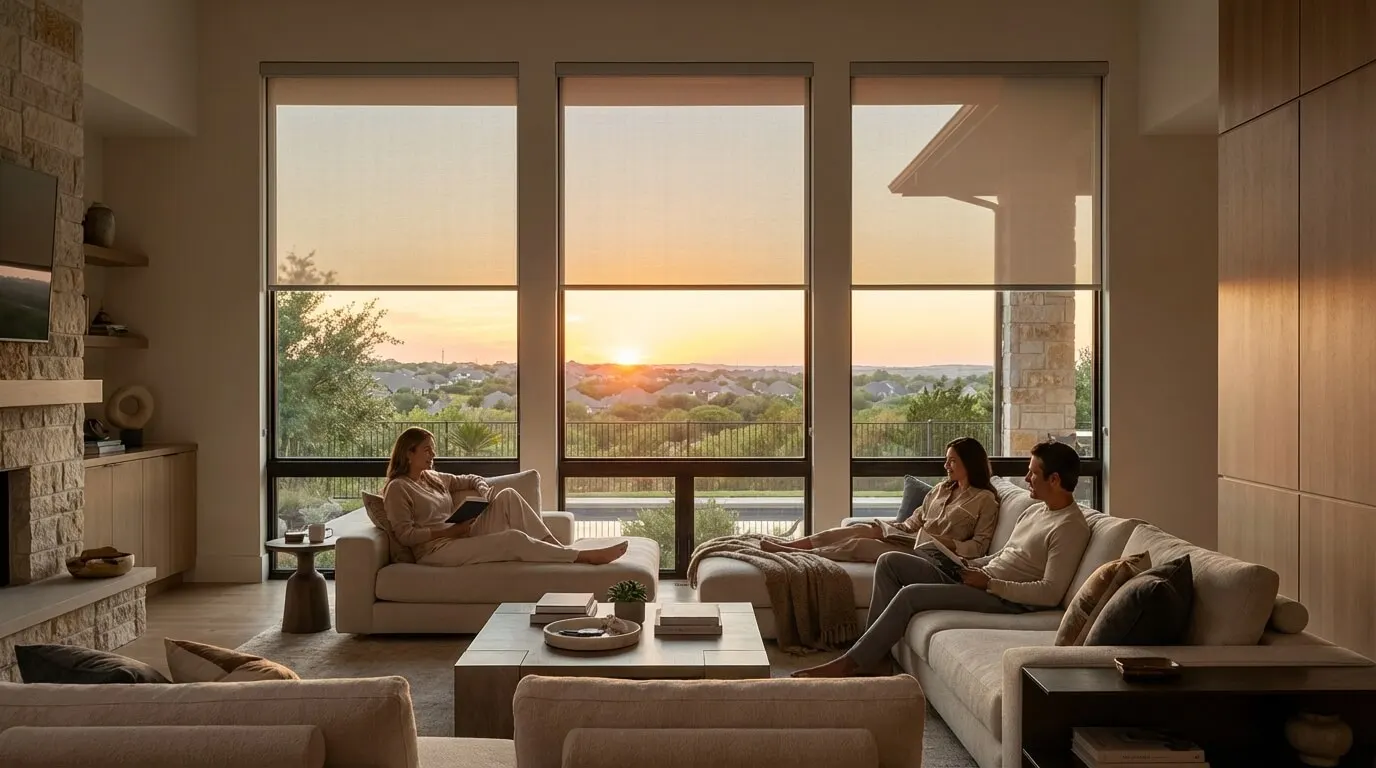
Sheer shades hold afternoon sun without closing the view.
Bedrooms wake on their own schedule.
Fabric and hembar details are chosen to match the room.
The same touchscreen arms the house and dims the hall.
Our Process
From walkthrough to a working house
Six steps from a phone call to a house that answers to one app — the walkthrough comes after we agree it is a fit.
Complimentary phone consultation
We start on a call: house size, which systems you want on one screen, whether the walls are open or finished, and who in the household will actually use it. No charge, no obligation. If it is a fit, we book the walkthrough.
Home walkthrough
We walk the house with you: which rooms fight the Texas sun, which lights you still switch by hand, who will actually use a phone app. You leave with a written scope and a line-item proposal, not a product pitch.
System design & engineering
Designers map Lutron lighting loads, shade pockets, heating and cooling zones, and the Control4 or Savant controller onto your floor plan. New construction gets a pre-wire drawing for the builder. Finished homes get a wireless and low-voltage plan that avoids tearing drywall.
In-house installation
Our technicians handle keypad mounting and controller programming, then dress the equipment rack. On a new build we work to the builder's schedule. On a retrofit we pull wire only where we must and close walls so the house looks finished when we leave.
Family training & handover
Before we call the job done, we sit with the household and run the scenes you use every day. Each person who wants a phone, keypad, or voice (Alexa, Google, or privacy-focused Josh.ai) gets it set up in the rooms they live in.
Monitoring & local support
The controller stays on our remote monitor so software updates and most faults get handled from Plano. When you need a person, call (469) 666-0747 and reach the same local team. Hours are Mon–Fri 9:00 AM – 6:00 PM · Sat 10:00 AM – 1:00 PM.
Property Types
New build or finished home
Whether the walls are open or the house is finished decides the method, not the outcome.
New construction
During framing we run dedicated low-voltage cable for lighting, shades, keypads, cameras, and Wi-Fi access points so the finished house has no surface raceways. We coordinate box locations, shade pockets, and rack ventilation with your builder. Programming happens before you move in, so the morning scene works on day one.
Existing-home retrofit
Finished walls change the method. We use Lutron wireless lighting and shading where pulling cable would damage millwork, then run a short, clean cable plant only where reliability demands it: the controller, the network, and any wired keypads. Work can be phased by floor or by system so the house stays livable.
Open-plan homes with heavy glass
Frisco and Plano open plans with two-story glass need shades, lighting, and heating and cooling on one schedule. Independent apps cannot keep west rooms from overheating at 4 p.m. We specify motorized shades with sun sensors, Lutron dimming, and thermostat setbacks that share occupancy and time-of-day logic.
Which systems do you want to combine?
For lighting and shades alone, explore Lutron lighting control. For cameras and locks, start with surveillance and security. Whole-home integration brings lighting, shades, climate, security, audio, and video onto one interface. Bring your existing equipment list to the complimentary phone consultation so we can discuss which systems should work together.
What we install
Brands we install & support
One controller, and the keypads and shades that hang off it — chosen from the manufacturers we install and support.







Common Questions
Questions about smart home automation
01How much does smart home integration cost for a typical DFW home?
House size, system count, and new build versus retrofit set the range. A lighting retrofit is not a whole-estate system, so we do not publish a single price. The Frisco cost guide linked below gives planning ranges. After a complimentary consultation we write a line-item proposal for your property.
02Can you automate an existing home, or only new construction?
Both. Pre-wiring during construction is cleaner and leaves more options later, but retrofitting finished DFW homes is routine work for us. Wireless Lutron lighting and shading avoid opening most walls. We still run a short wired backbone for the controller and network, because those pieces should not depend on Wi-Fi.
03Why Control4 over DIY platforms like Alexa or Google Home?
Alexa and Google Home are voice layers on top of individual gadgets. Control4 and Savant are professional controllers that integrate thousands of devices natively and keep running inside the house. We program lighting, shades, climate, and security to the same scenes, so the family uses one app instead of a drawer of logins.
04What happens to my smart home if the internet goes down?
It keeps working. Core automation runs on a controller inside your house — lighting, shades, climate, and security scenes do not care about the cable modem. Phone control from outside and streaming pause until the internet returns. Wall keypads never needed it in the first place.
05How long does a smart home project take?
New construction follows the builder's schedule, and programming lands before move-in. A retrofit is phased by floor or by system, so the family keeps working lights throughout. The written proposal includes the schedule for your house.
06Who services the system after install?
The same Plano team. Remote monitoring lets us update software and catch most faults before you call. When you want a person, call (469) 666-0747 during posted hours (Mon–Fri 9:00 AM – 6:00 PM · Sat 10:00 AM – 1:00 PM).
07What should a Control4 pre-wire include in a DFW new build?
The pre-wire drawing should place the controller and network closet first, then map dedicated low-voltage cable for lighting, shades, keypads, cameras, Wi-Fi access points, audio, and video. We coordinate box locations and shade pockets with the builder before drywall, then program and test the agreed scenes before move-in.
08Can a bathroom or wet room join the smart home?
Within what the platform already does: lights, motorized shades for privacy, and a thermostat setback can share a scene with the rest of the house. For lighting alone, explore Lutron lighting control.
09Do you offer smart home installation near me?
If you live in north Dallas-Fort Worth, yes. Our office is in Plano, and we install in Frisco, Plano, McKinney, Allen, Prosper, Dallas, and Southlake. Start with a complimentary phone consultation about house size, open versus finished walls, and which systems should share one screen. If it is a fit, we book a walkthrough and write a line-item proposal for your house.
10What goes into a home automation plan?
The plan names which systems join one controller: lighting, motorized shades, climate zones, locks, cameras, audio, and video. It maps the controller and network closet, keypad positions, and cable routes on your floor plan, then phases the work by floor or system for finished homes. Scenes are written with you, such as a Goodnight scene that locks doors and sets back thermostats, and revised after the first week.
11How do lighting, shades, and climate work as one system?
They share one controller and one schedule instead of a stack of separate apps. Shades drop against west sun while dimmers hold a dinner level and thermostats set back, all from a keypad button, touchscreen, voice command, or phone. We program those scenes around your week and revise them after the family has lived with them. The controller lives in your equipment closet, so scenes run on the local network rather than depending on a cloud app.
12Do you install home automation across Dallas-Fort Worth?
Yes. Our office is in Plano, and we install in Frisco, Plano, McKinney, Allen, Prosper, Dallas, and Southlake. New builds get pre-wire drawings for the builder before drywall, and finished homes get a phased wireless retrofit that keeps working lights throughout. Work starts with a complimentary consultation, a walkthrough, and a written line-item proposal.

More Residential
Complimentary Consultation
Start with a complimentary consultation
Tell us about your space and what you want it to do — if it is a fit, we book the walkthrough, then send a written, line-item proposal. You approve the scope before anyone books a crew.
- A complimentary phone consultation. No obligation.
- A written proposal before any work is scheduled.
- We aim to respond within one business day.
No obligation · We aim to respond within one business day