Smart home design from Plano

Lutron Dealer in Frisco & Plano, Texas

Digitalholics is a Plano-based integrator specializing in Lutron lighting control and motorized shades for Dallas, Frisco, Plano, and the wider North Texas service area. We plan loads, controls, scenes, shade power, and interfaces together, then program a system that remains comfortable to use from familiar wall controls.

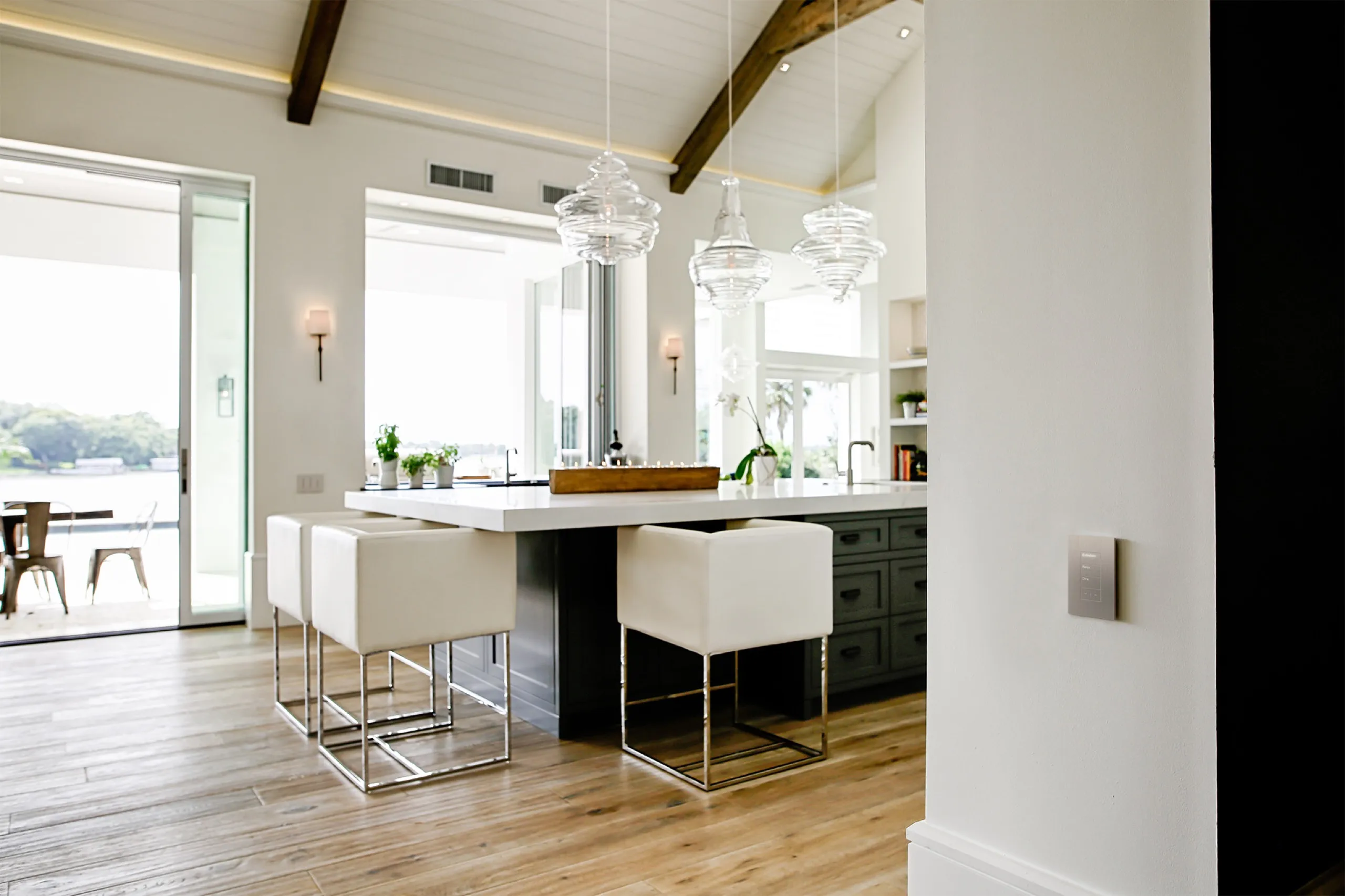
Luxury kitchen island scene with a brushed-metal Lutron Palladiom keypad on the foreground wall.

The working relationship

What a Lutron dealer relationship means for you

Lutron work begins with the electrical and daylight plan, not a wall-control catalog. We identify the loads, fixture behavior, control locations, desired scenes, window conditions, shade power, and links to other home systems. That design guides device selection, wiring coordination, programming, labeling, and commissioning. During handoff, we show how everyday actions work at the wall and in the app, and we document the choices that matter for later service. Product warranty coverage follows the manufacturer terms and the written proposal. The practical value of a local relationship is accountability across design, programming, and diagnosis when a symptom could come from a fixture, dimmer, shade, network, integration, or changed setting. We can plan for new construction, renovation, or a careful retrofit without pretending those paths have the same constraints. Digitalholics is a Lutron Gold Dealer.

See the technology partners we work with and how our local team approaches a project.

Where we work from our Plano office

We serve Frisco, Plano, McKinney, Allen, Prosper, Dallas, Southlake, Westlake, and Flower Mound. Consultation, design, programming, and follow-up are coordinated from the Plano office. Project scheduling depends on access, construction timing, electrical coordination, shade measurements, and the final scope.

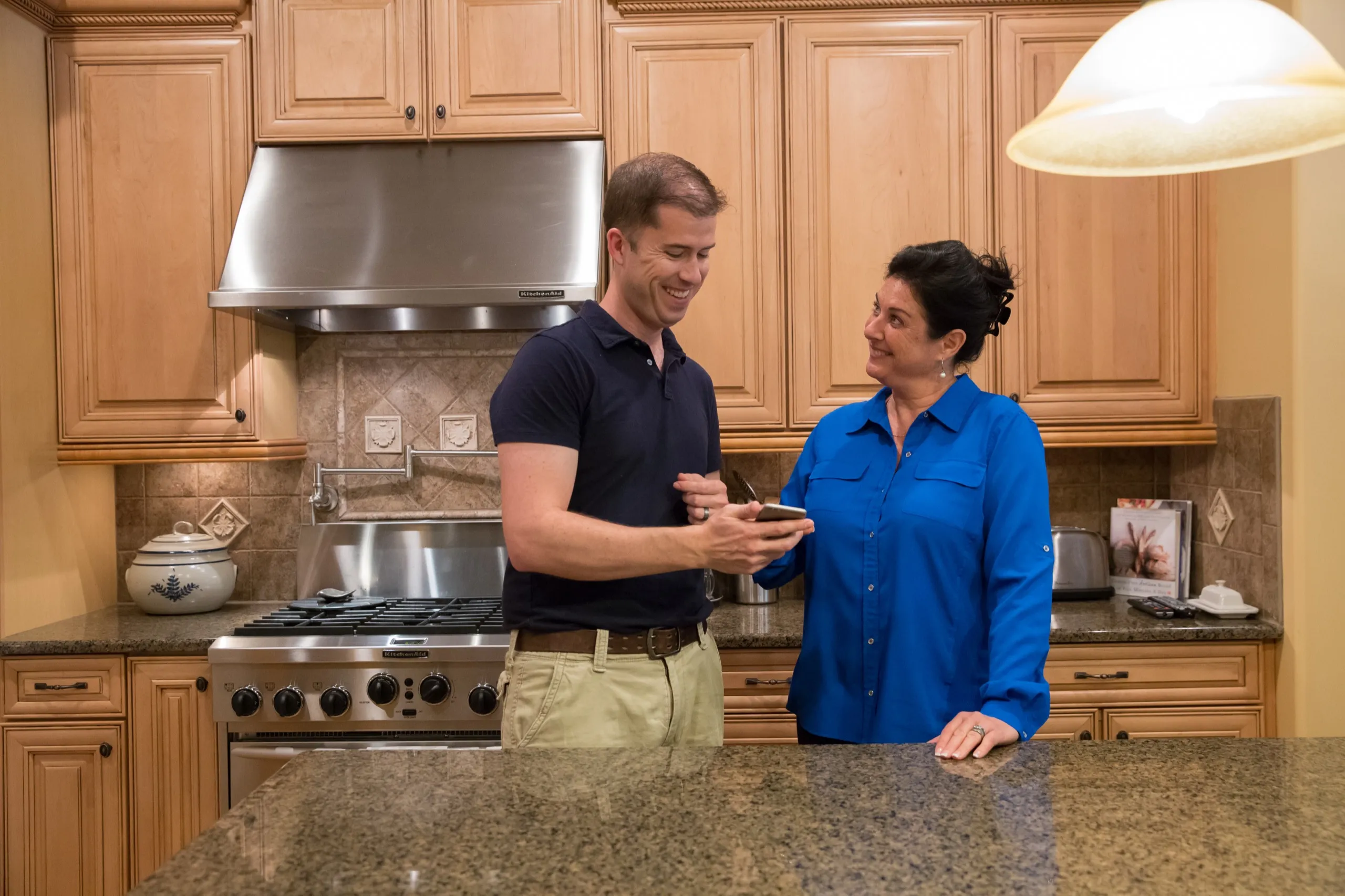
Technician and homeowner reviewing a smartphone together in a maple-cabinet kitchen.

One plan, familiar controls

What the Lutron platform can control

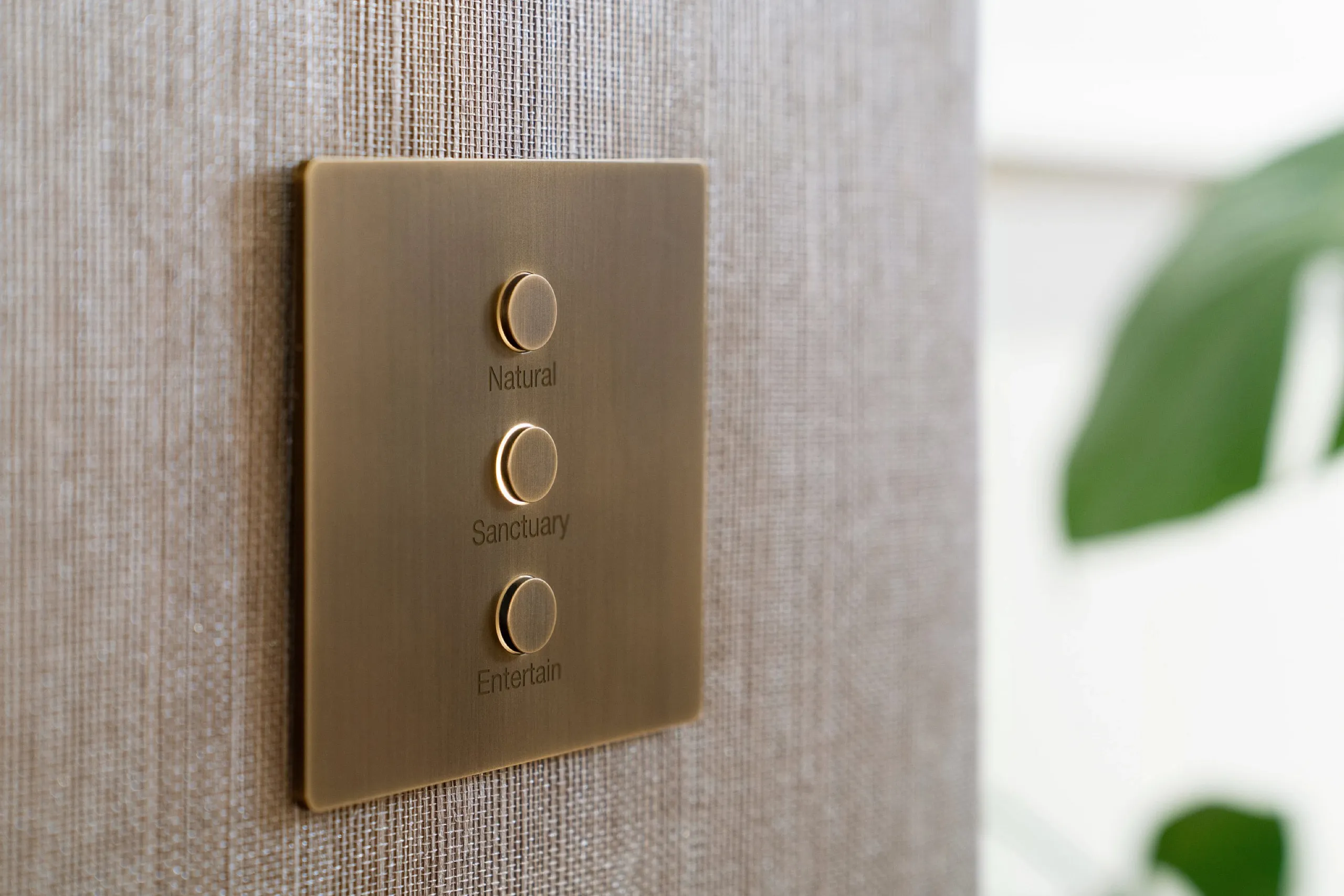
  • Antique brass three-button lighting keypad labeled Natural, Sanctuary, and Entertain on woven wallcovering.

    Lighting control can replace groups of unrelated switches with named scenes while keeping familiar wall locations available for direct, understandable control.

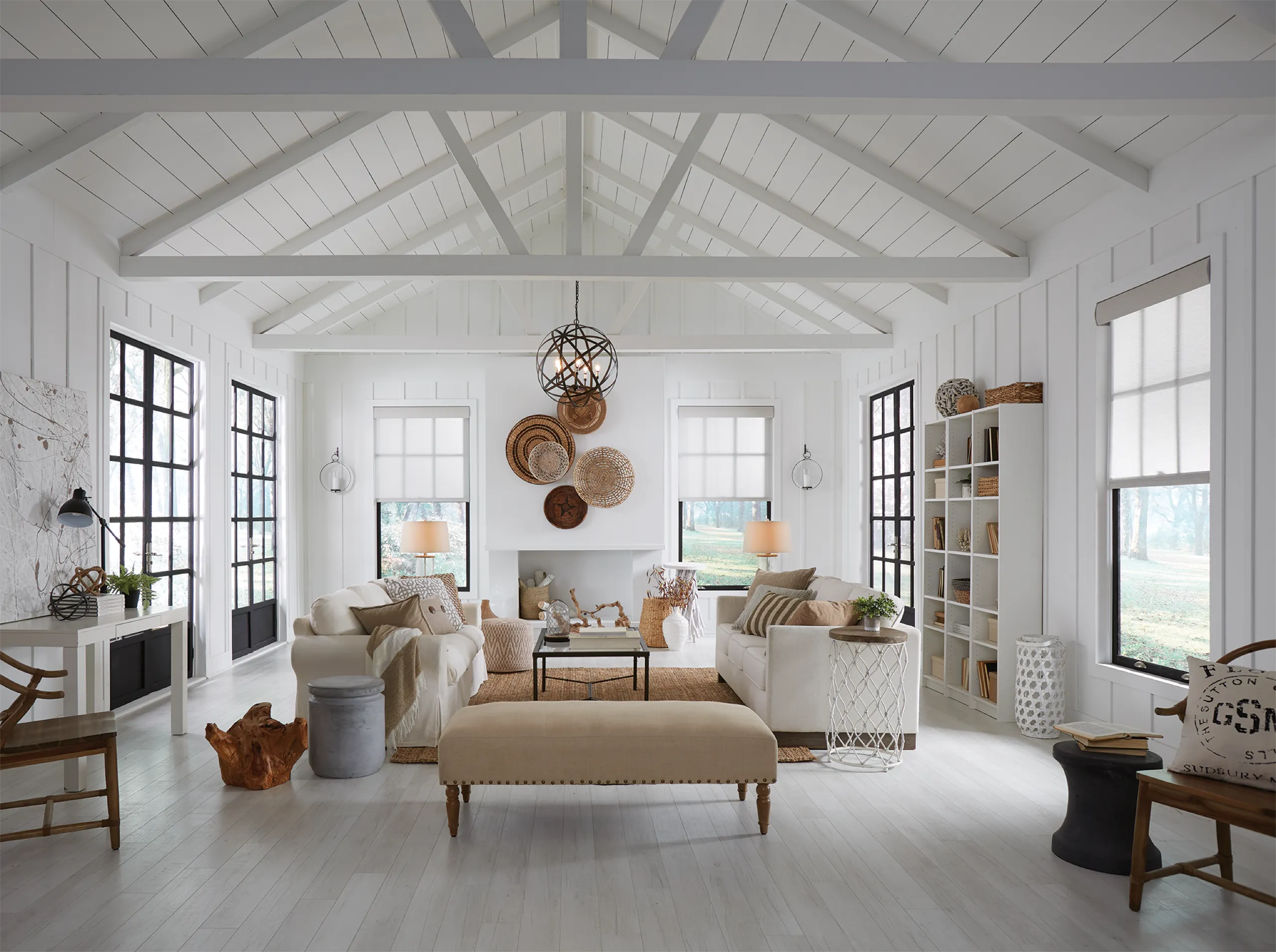
  • Bright white living room with vaulted ceiling, cream sofas, and light roller shades set at matching mid heights.

    Motorized shades can manage privacy, glare, and daylight through keypads, schedules, or supported system scenes after window conditions and fabric choices are resolved.

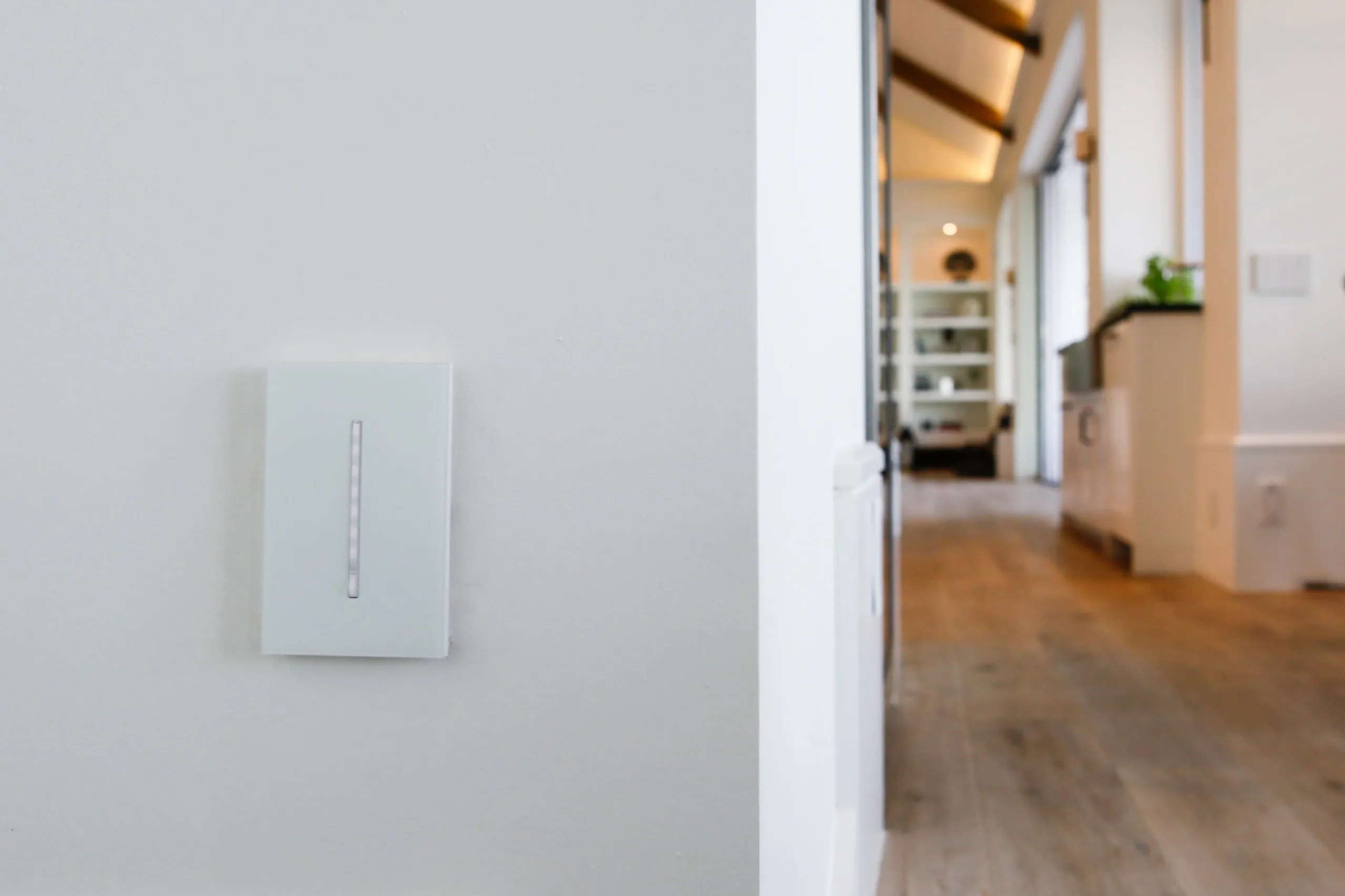
  • White Lutron Grafik T architectural dimmer on a white wall with a blurred modern kitchen in the background.

    Selected Lutron systems can coordinate dimmers, switches, keypads, sensors, fans, window treatments, and supported integrations without making a phone the only interface.

Explore our pages for smart home automation, home theater, whole-home audio and video, lighting control, motorized shades, and surveillance and security.

Current product paths

Products we consider and why

Product selection follows the room, wiring, interfaces, connected systems, and service plan. The proposal identifies the exact equipment for your project.

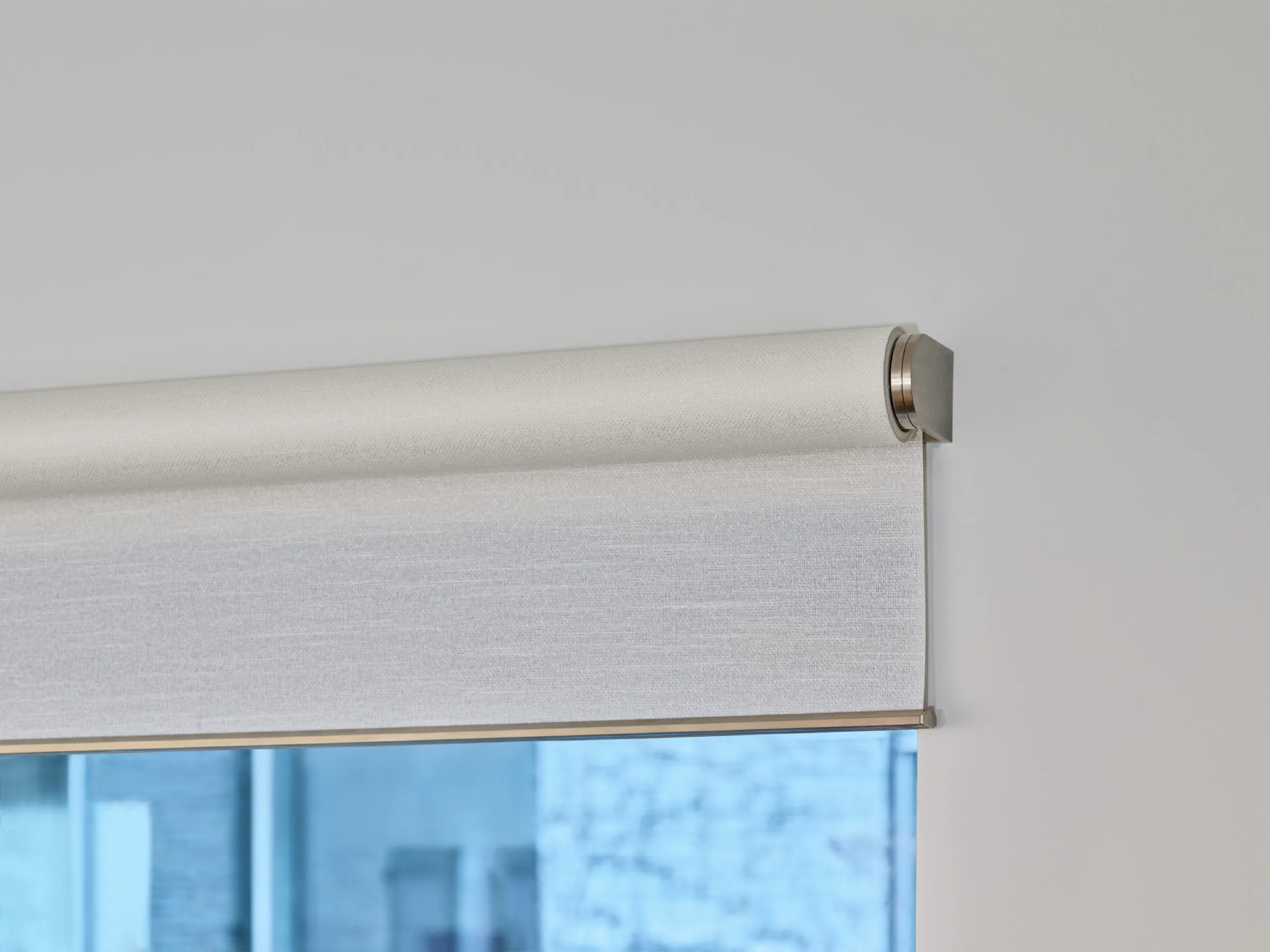
Close-up of a brushed-metal Lutron roller shade bracket and textured light fabric on a white wall.

Caséta

Caséta is Lutron's smart lighting control system, built around the Smart Hub and the Lutron app. Lights, shades, and remotes can be grouped into scenes and schedules in the Lutron app. We consider it for single rooms and smaller homes where the goals are light, shade, and simple scenes without new control wiring.

Read the Lutron product page

RadioRA 3

RadioRA 3 is a professionally installed suite of wireless controls, intelligent lighting, and window treatments. We consider it for retrofit and phased work where the design benefits from professional programming without opening every finished wall. The current generation centers on Sunnata RF keypads, dimmers, and switches with a light-bar design, an all-in-one PoE processor, and Clear Connect RF for up to 200 devices. Programming happens on a computer, changes stay possible through the Lutron app after move-in, and most RadioRA 2 and RA2 Select devices carry over.

Read the Lutron product page

HomeWorks

HomeWorks offers access to Lutron's native lighting, window treatments and hand-crafted keypads. We consider it when the project needs deeper customization, coordinating lighting, shades, and keypad locations across many rooms, or a mix of wired and wireless design choices. The wired Palladiom keypad connects to the HomeWorks processor on the QS link, and its backlight behavior is set in Lutron Designer software. The Lutron app controls lights, shades, and scenes from a mobile device on a HomeWorks system with a QSX processor, and allows simple editing of keypad buttons.

Read the Lutron product page

Palladiom Wire-Free Roller Shades

These are wire-free battery powered roller shades with exposed, hand-finished aluminum and brass brackets. We consider Palladiom when the exposed hardware is part of the room’s design and a wire-free approach fits the measured window and service plan. Shade planning includes window measurements, fabric choices, available power, and the controls you want to use. Confirm those details before choosing scenes or schedules. For budget planning, read the motorized shades cost guide.

Read the Lutron product page

Scope before equipment

What changes the cost of a Lutron system

A Lutron proposal depends on the number and type of lighting loads, fixture compatibility, keypad and finish selections, processor and panel requirements, shade count, window measurements, fabric choices, power availability, integration work, and programming depth. Retrofit access can favor a different system path from new construction with open walls. Existing dimmers, switches, panels, and shades need inspection before anyone assumes they can stay. Electrical work, patching responsibility, finish samples, engraving decisions, and coordination with designers or window-treatment specialists also shape labor and schedule. Planning bands by platform live on the lighting control cost guide. The design meeting narrows the system and finish choices; the written proposal records equipment, labor, exclusions, and any staged options. Compare Lutron quotes on separate equipment, labor, and programming lines. Ask whether the dimmers need a neutral, how scenes get revised after move-in, and who owns patching and electrical work.

For the broader decision framework, read our smart home automation cost guide.

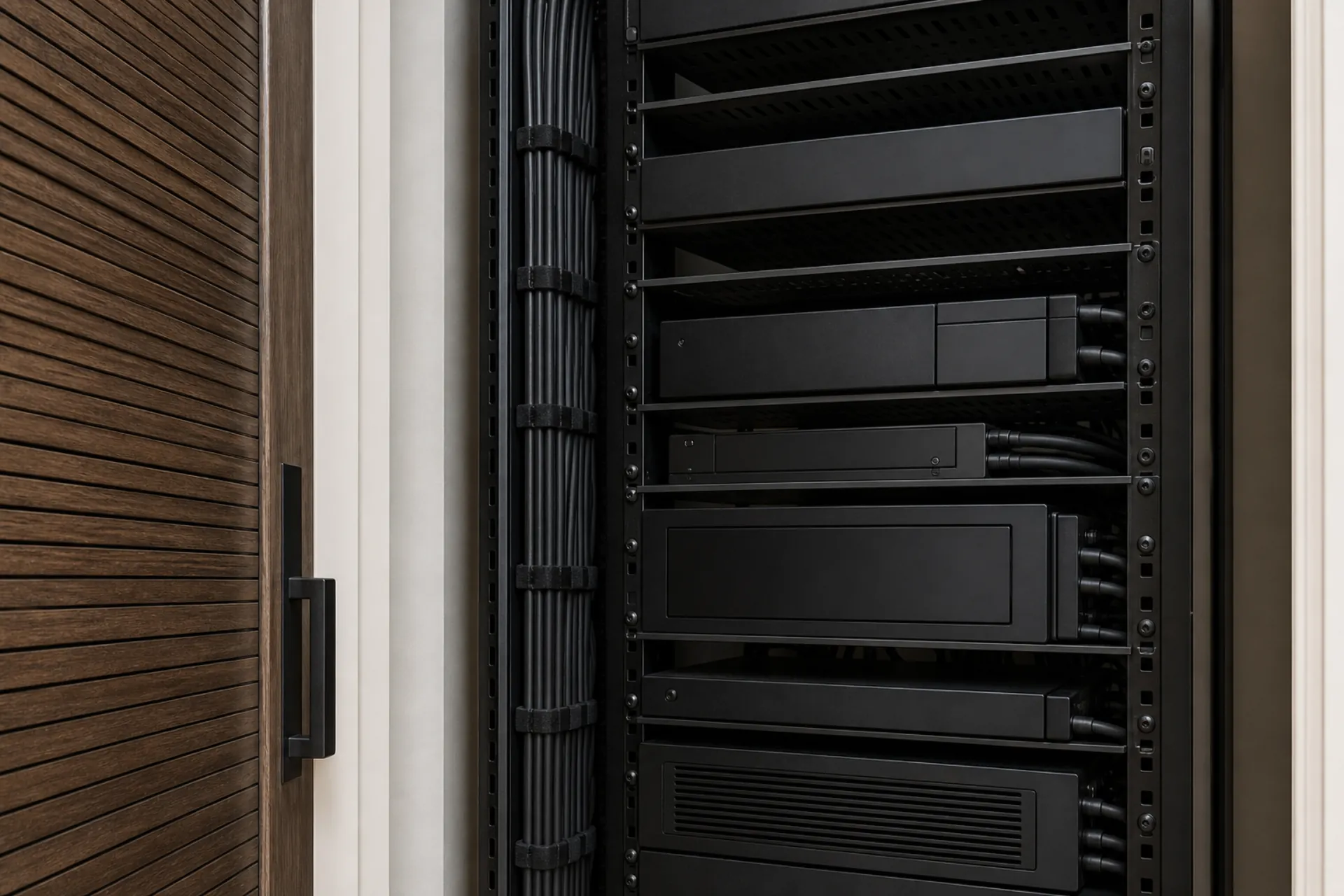
Close-up of an equipment rack behind a slatted wood door, with black components and a velcro-dressed cable loom.

After installation

Service, updates, and system takeovers

A dependable handoff includes clear keypad labels, agreed scene behavior, app orientation, and records of the devices and programming choices. For service, we isolate the source of the symptom before changing the program. A light that behaves poorly may point to the fixture, load control, wiring, or programming; a shade concern may involve power, alignment, fabric, obstruction, or control communication. Updates are scheduled with compatibility and disruption in mind. We can also evaluate a Lutron system created by another company. A takeover starts with system access, processor and network condition, load and shade inventory, documentation, and a list of what the household wants to preserve. We do not assume every inherited part should stay. The assessment supports a repair plan, staged modernization, or redesign with clear reasons for each recommendation.

Adding to a system someone else installed

Adding to a system someone else installed starts the same way: system access, processor and network condition, and a load and shade inventory.

A RadioRA 2 layout can move to RadioRA 3 by replacing the main repeater and connect bridge with a RadioRA 3 processor and converting the project file, after checking the project conversion for unsupported devices. Lutron Designer software then programs, activates, and transfers the system.

Caséta additions pair to the Smart Hub through the Lutron app.

Servicing a HomeWorks system

A HomeWorks QSX installer can obtain access in the Lutron app locally or through a temporary remote code. We separately check the available programming project and determine which changes are possible before quoting work.

Some HomeWorks QSX keypad settings can be edited in the Lutron app, and homeowner edits sync with the Designer software at the next connection. We check the system and requested changes to determine whether programming software is needed.

Plan a Lutron project in North Texas

Digitalholics works in Frisco, Plano, McKinney, Allen, Prosper, Dallas, Southlake, Westlake, Flower Mound. Start with the service that owns the project, then use a consultation to confirm access, construction timing, and the systems that need to work together.

Questions about Lutron design and service

Which Lutron system is right for my house?

The choice follows the project, not a label. Caséta fits single rooms and smaller homes where the goals are light, shade, and simple scenes from the Smart Hub and the app, without new control wiring. RadioRA 3 fits retrofit and phased work across many rooms, with professional programming, Sunnata keypads, and one PoE processor for up to 200 devices. HomeWorks fits projects coordinating lighting, shades, and keypad locations across many rooms, with wireless or wired design. We confirm the system against your wiring, fixtures, shades, and intended controls.

Can Lutron be added without opening every wall?

Often, a retrofit can use wireless controls and wire-free shade options, but the existing wiring, fixture compatibility, processor location, and window conditions still need review. Some goals require new power, low-voltage wiring, or repair work, which we identify before the proposal.

Can I keep normal wall controls?

Yes. Physical wall control is central to a comfortable lighting design. We plan button locations, labels, and scene behavior around everyday use, then use the app for broader navigation and supported remote access rather than forcing every action onto a phone.

Can lighting and shades work in the same scene?

They can when the selected system, controls, shades, and programming support the scene. We define the intended behavior first, including what should happen at a keypad, on a schedule, or through another integrated system, then confirm the required equipment.

Can you add to my existing Lutron system?

Often. We start with system access, the processor model, and an inventory of loads, shades, and keypads. A RadioRA 2 layout can move to RadioRA 3 by replacing the main repeater and connect bridge with a RadioRA 3 processor and converting the project file, after checking the project conversion for unsupported devices. Caséta additions pair through the Smart Hub and the app. The assessment says which path fits before anything is changed.

I have Caséta now. When does RadioRA 3 or HomeWorks make sense?

Caséta covers lights, shades, and simple scenes from the Smart Hub and the app. RadioRA 3 fits when the house needs Sunnata keypads in many rooms, one PoE processor for up to 200 devices, and programming that can change after move-in. HomeWorks fits projects coordinating lighting, shades, and keypad locations across many rooms, with wireless or wired design and wired Palladiom keypads on the QS link. We document the fit against your wiring, room count, load list, and shade plan before specifying devices.

Can you change the buttons and scenes on a system someone else installed?

Some HomeWorks QSX keypad settings can be edited in the Lutron app. We check the system and requested changes to determine whether programming software is needed. Buttons with single-variable or conditional programming cannot be edited in the app. Engraved button labels are ordered after you approve the wording.

Do my older RadioRA 2 dimmers still work with RadioRA 3?

Most of them. RadioRA 3 is backward compatible with most RadioRA 2 and RA2 Select devices. We check each installed model before deciding what can remain, and we name anything that needs replacement before work starts.

Can you service a Lutron system installed by someone else?

We can start with an assessment of access, processors, loads, shades, programming, network condition, and documentation. We then explain what can be supported as it stands, what needs repair, and where replacement is the more dependable path. ### Do you install Lutron shades in Dallas? Yes. Digitalholics serves Dallas from its Plano office. Shade planning considers window measurements, fabric choices, power, and the controls and scenes you want to use. Start with the rooms and windows you want covered. ### How do we start? Start with a complimentary consultation. Describe the rooms, controls, and routines that matter. We will define the scope, identify open questions, and explain the next design step before equipment is specified.

How do you choose keypad labels and scenes?

We use the household’s language and the actions people repeat. Clear names such as Welcome, Entertain, Away, and Goodnight are easier to remember than technical load names. We review the proposed labels before engraving and keep scene behavior predictable across rooms.

Complimentary Consultation

Talk to a Lutron designer

Start with a ConsultationCall (469) 666-0747

No charge, no obligation. We aim to respond within one business day.