Smart home design from Plano

Control4 Dealer in Frisco & Plano, Texas

Digitalholics is a Plano-based smart home integrator specializing in Control4 for homes in Frisco, Plano, and the wider North Texas service area. We plan the system, select compatible equipment, program everyday scenes, document the handoff, and remain available when the home or the way you use it changes.

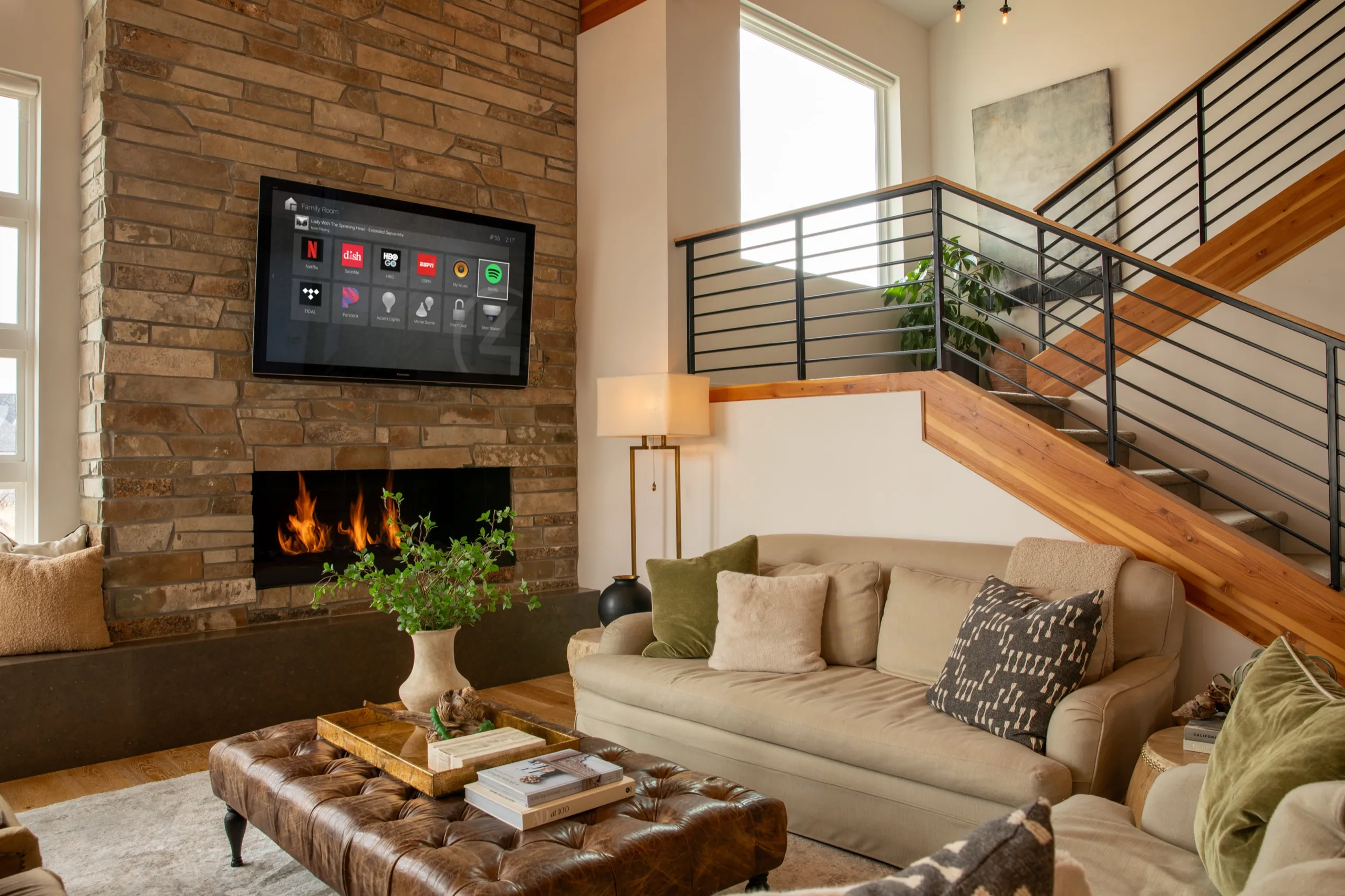
Modern living room with stone fireplace, wall TV showing smart-home apps, sofa seating, and wood staircase.

The working relationship

What a Control4 dealer relationship means for you

A useful dealer relationship starts before equipment is selected. We ask how each room should work, which controls feel comfortable, and which systems need to share a scene. That design becomes a written scope, wiring plan, equipment list, and programming brief. During installation, we configure the controller and connected devices as one system, then walk you through the remotes, touch controls, and app. Product warranty terms still come from each manufacturer and the final proposal; the relationship does not replace those terms. It does give you one local team to diagnose whether a problem begins with programming, the network, a source device, or a connected subsystem. We also keep the design understandable so later service does not depend on guesswork. Digitalholics is a Control4 Certified Dealer.

See the technology partners we work with and how our local team approaches a project.

Where we work from our Plano office

We serve Frisco, Plano, McKinney, Allen, Prosper, Dallas, Southlake, Westlake, and Flower Mound from our Plano office, which is the base for consultation, design, installation, and follow-up. Scheduling depends on the project scope, site access, and the time needed to coordinate other trades.

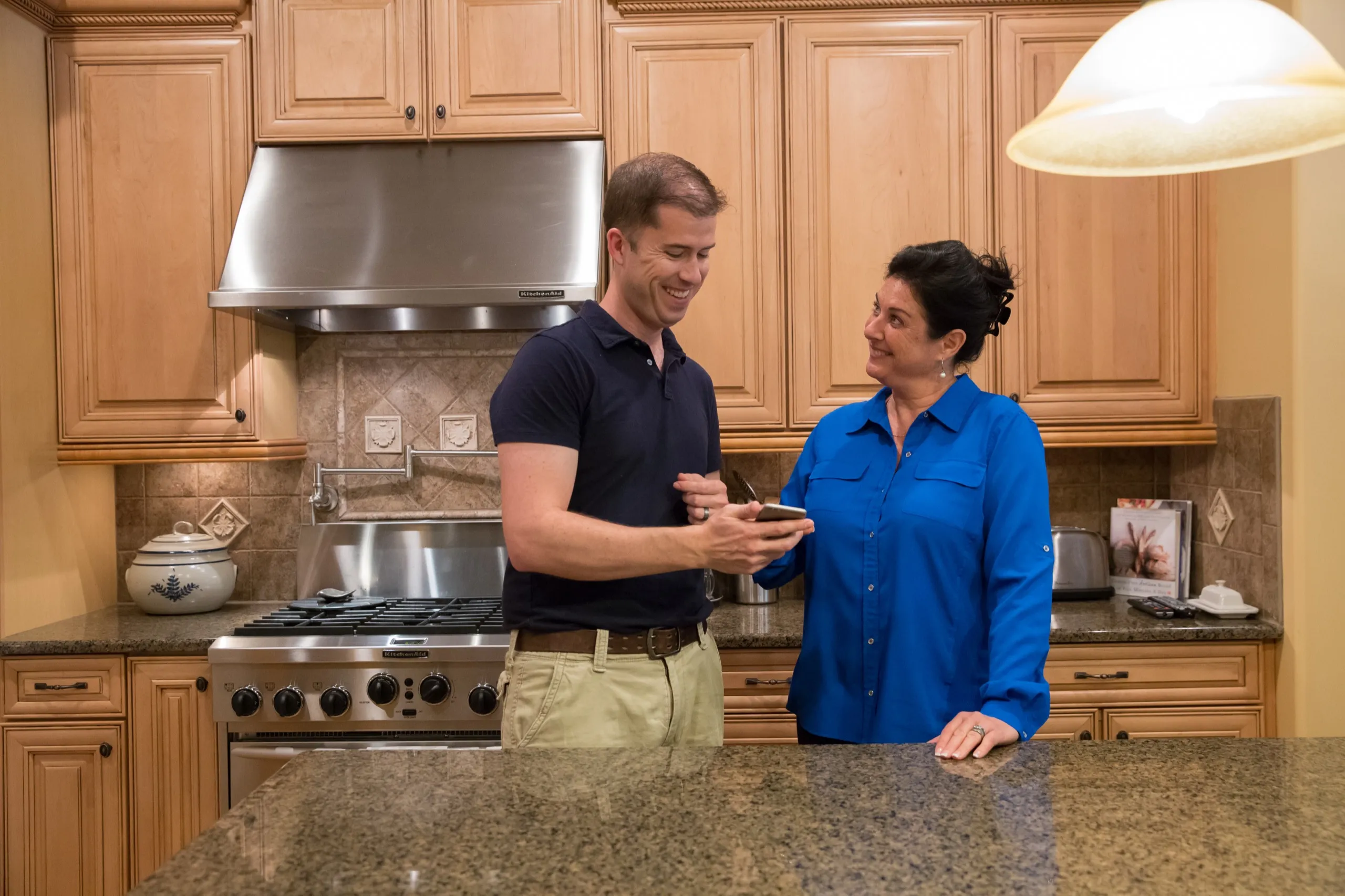
Technician and homeowner reviewing a smartphone together in a maple-cabinet kitchen.

One plan, familiar controls

What the Control4 platform can control

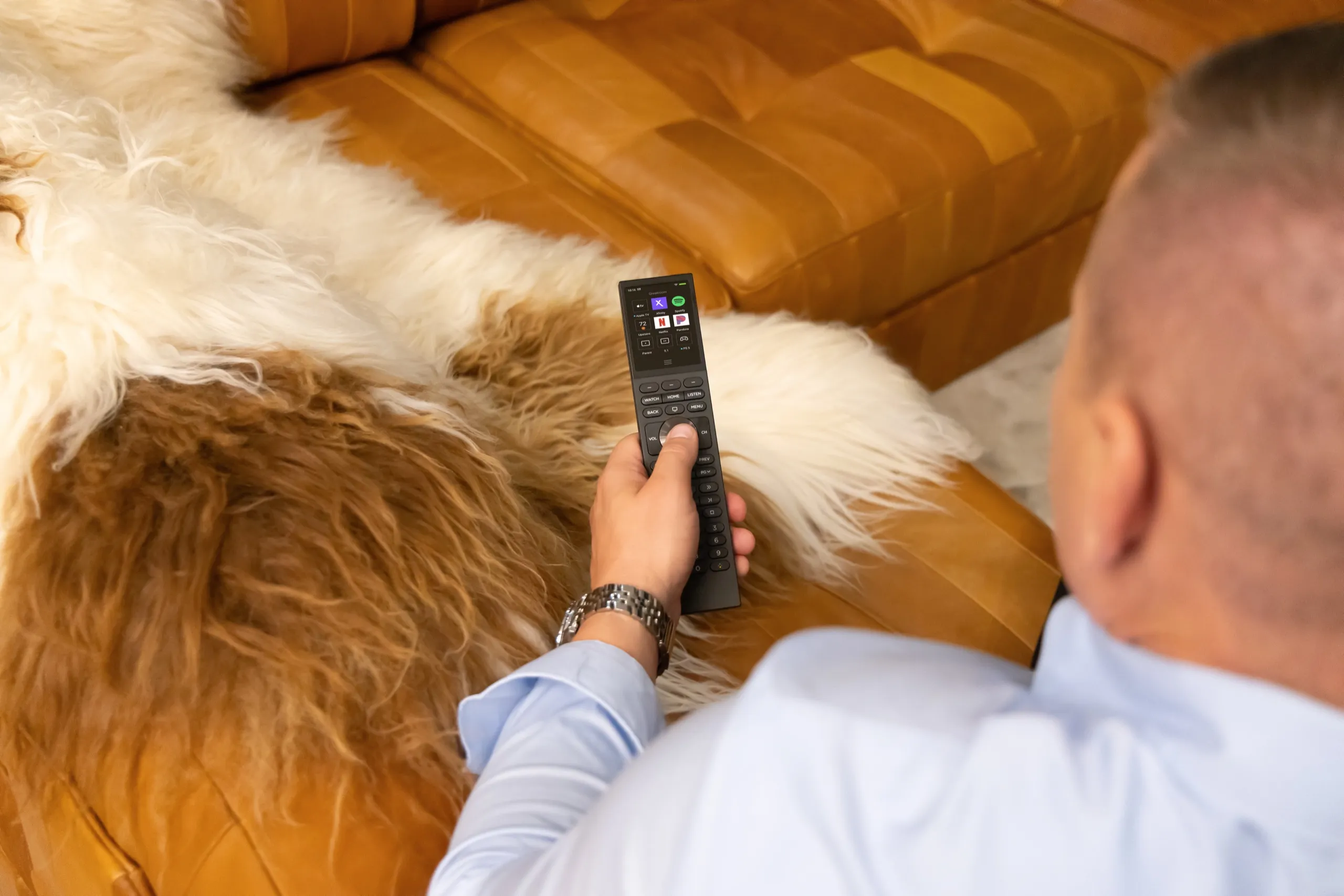
  • Person on a leather sofa holding a black touchscreen remote with media app icons.

    Entertainment can bring televisions, receivers, streaming sources, and room audio into a consistent Watch or Listen flow instead of leaving a stack of unrelated remotes.

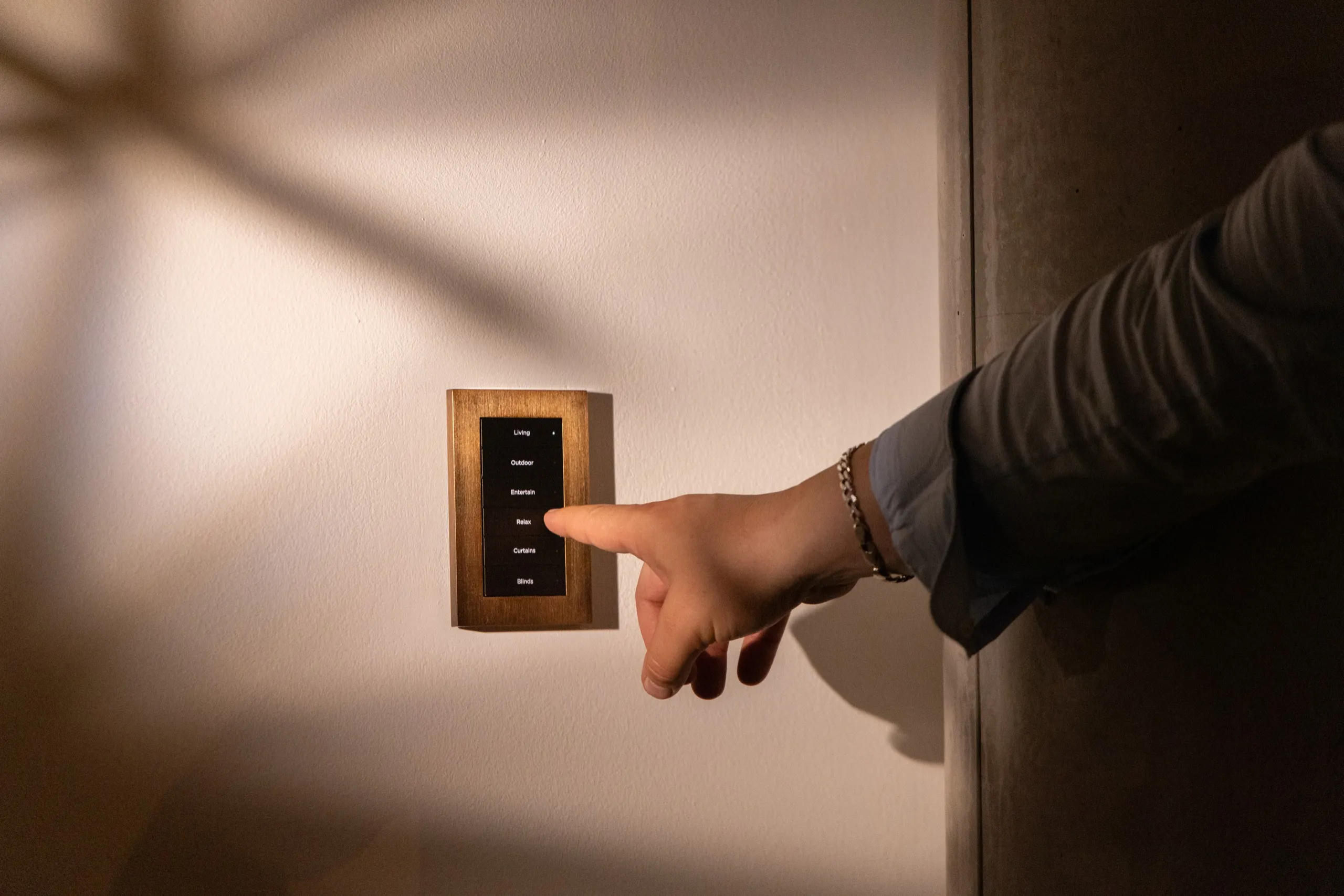
  • Hand pressing a labeled button on a wood-framed wall keypad in warm ambient light.

    Lighting and motorized shades can join named scenes, schedules, and wall-button actions. For a movie-night routine, discuss which lighting, shade, and entertainment controls you want together. The selected devices and integrations determine what is possible; depending on the design, daily actions can use a remote, keypad, touch control, or schedule.

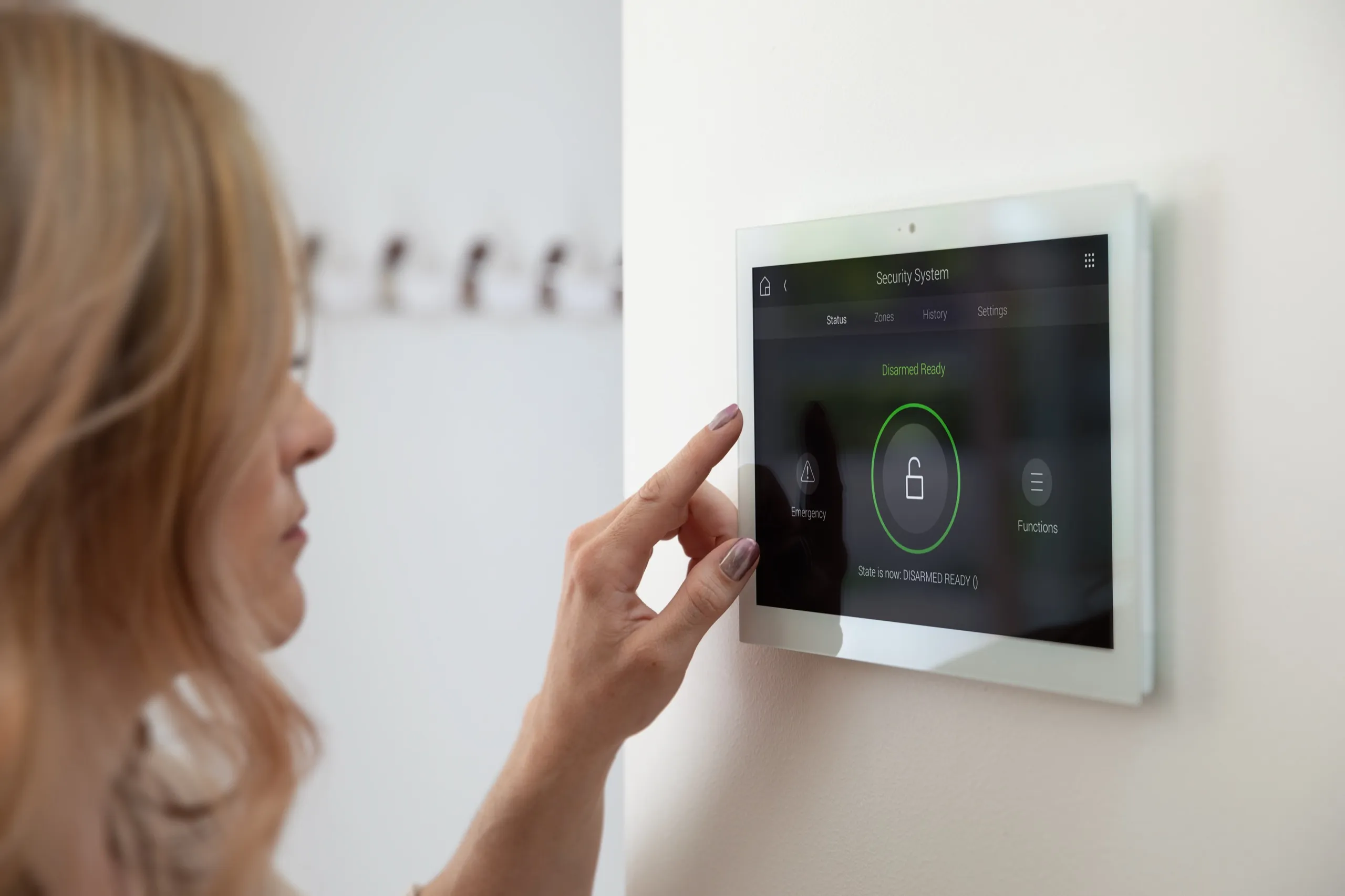
  • Woman touching a white wall touchscreen showing a security system disarmed-ready status.

    Climate, compatible locks, cameras, and security-panel status can be presented through shared interfaces when the selected devices and integrations support that connection.

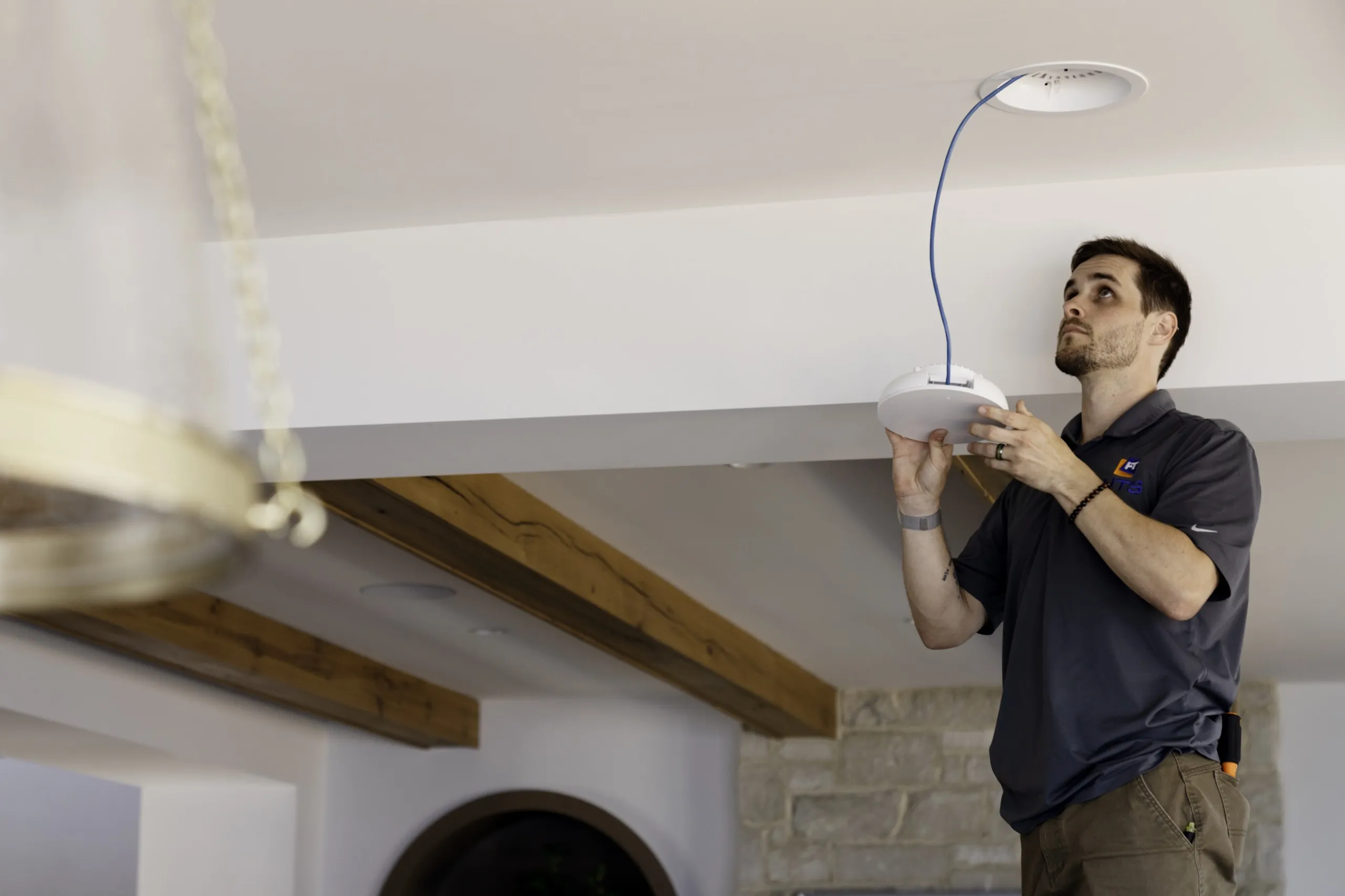
  • Installer lifting a white ceiling Wi-Fi access point toward a blue network cable in a room with wood beams.

    The home network supports those interactions. We treat switching, wireless coverage, equipment locations, and remote-service access as part of the design rather than an afterthought.

Explore our pages for smart home automation, home theater, whole-home audio and video, lighting control, motorized shades, and surveillance and security.

Current product paths

Products we consider and why

Product selection follows the room, wiring, interfaces, connected systems, and service plan. The proposal identifies the exact equipment for your project.

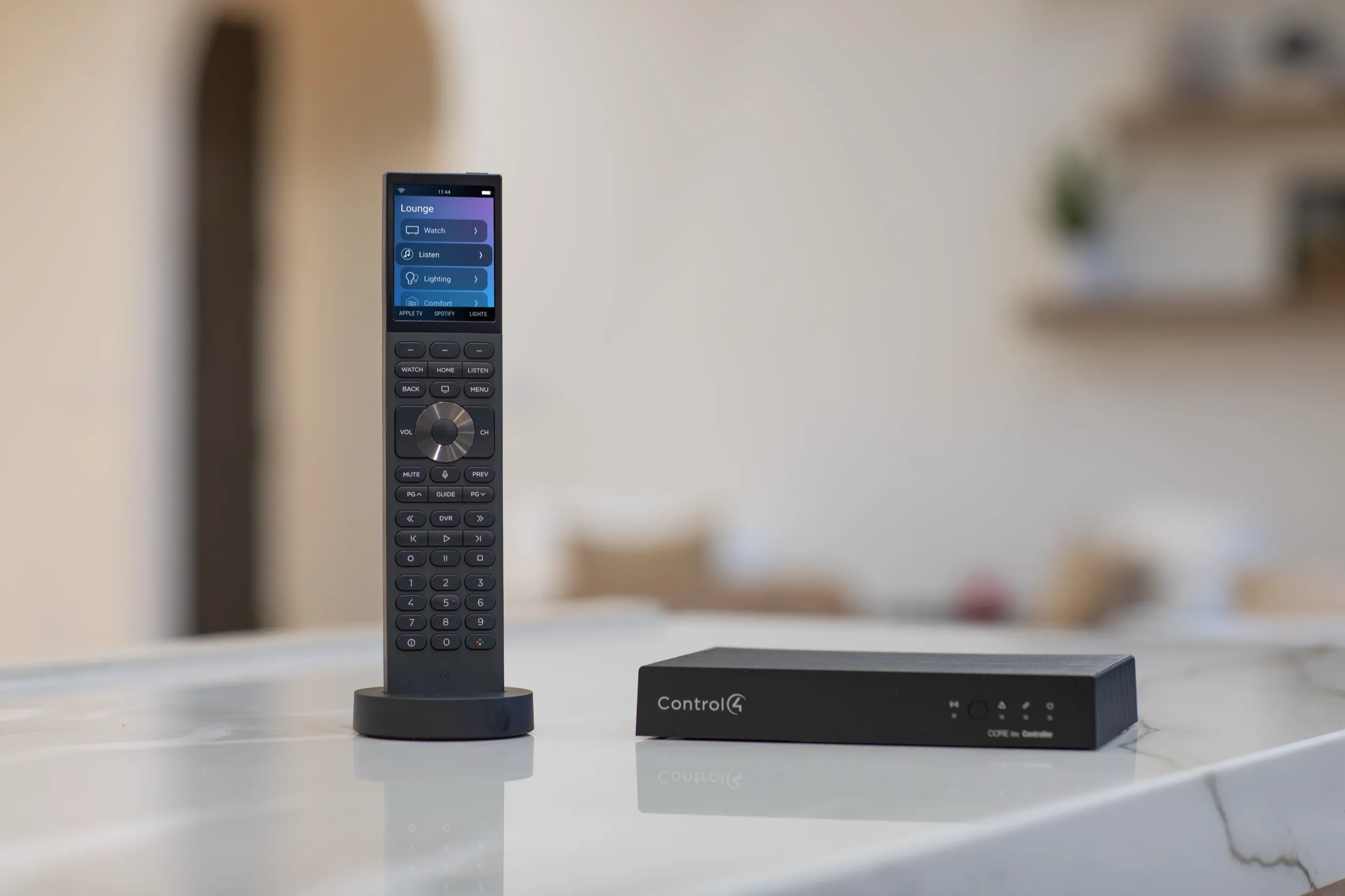
Control4 handheld remote next to a black CORE-HC home controller on a marble counter.

CORE 1

CORE 1 is a compact controller for a single room or a TV location. We consider it when the design calls for focused room control or a distributed controller close to a television, then confirm the final role against the complete system plan.

Read the Control4 product page

CORE 3

The CORE 3 data sheet describes multi-room, high-resolution audio and smart automation. We consider it for a broader system where controller placement, audio distribution, connected subsystems, and future programming changes need to be planned together.

Read the Control4 product page

Halo and Halo Touch

Halo controls audio and video equipment as well as lights, scenes and shades, media browsing, voice control, and more. We use that range to discuss which daily actions belong on a handheld remote and which are better left to keypads, touch controls, or automatic scenes.

Read the Control4 product page

Scope before equipment

What changes the cost of a Control4 system

A Control4 proposal changes with the number of rooms, the devices being integrated, the amount of new or repaired wiring, the network work, the control interfaces, and the programming depth. A single entertainment area has a different design burden from a whole-home system with lighting, shades, climate, security, and distributed media. Existing equipment also matters: some devices can be integrated cleanly, while others need replacement or a different control path. Rack work, electrical coordination, finish protection, access above ceilings, and documentation add labor when the house demands them. We price each Control4 proposal after the site visit, because the room count, devices and wiring decide the number. The consultation is for defining the scope first; the written proposal is where equipment, labor, exclusions, and optional phases become clear. ### Questions to ask about your Control4 proposal - Which rooms and devices are included? - What wiring and network work does the design need? - Which scenes and control interfaces are planned? - What equipment and labor are included, and what is excluded? - Which rooms could be planned for a later phase?

For the broader decision framework, read our smart home automation cost guide.

Close-up of a finished structured-wiring rack with neatly dressed, labeled cable runs.

After installation

Service, updates, and system takeovers

Support starts with a usable handoff: named rooms, sensible scenes, instructions for the controls people actually touch, and notes about the network and connected equipment. When something changes, we first separate a programming issue from a network, source, display, power, or third-party-device issue. Updates are planned around compatibility and the household’s schedule; an available update is not automatically the right moment to disrupt a working system. We can also assess an existing Control4 system installed by another company. A takeover begins with access, controller and network health, device inventory, documentation, and a conversation about what currently works. We do not promise that every inherited component can remain. After the assessment, we can recommend a repair, a staged cleanup, or a redesign, with the trade-offs recorded before work begins.

Taking over a system from a closed dealership

When the original dealer is gone, a takeover starts with paperwork and access, not equipment. Confirm that you can sign into your Control4 account before the visit. We review controller registration and the permissions needed for service, then check the controller model and software version, confirm the network path, and inventory rooms, devices, scenes, and remotes against what the house actually does.

If you do not have a project backup, we first check whether the installed controller’s project can be accessed and backed up. We assess any reconstruction before quoting changes.

Moving to the documented X4 release (OS 4.1) needs an active Connect subscription on the system, and the system must already be on OS 4.0 or higher. Under that release, Gen1 and Gen2 lighting devices, T3 touch screens, and the EA on-screen display no longer receive software updates or technical assistance, while the EA controllers themselves continue to be supported. Where the hardware allows, remote diagnosis and small programming changes can happen without a visit once account access and remote connectivity are in place.

When the system stops responding

We check the network, controller, programming, and connected devices. We explain the findings and any further diagnostic work before proposing repairs.

We work in order from the switch and wireless coverage to controller power and registration, then scene and driver behavior in the project, and finally the source, display, speaker path, or lighting load at the end of the chain. Some faults end in a programming repair. Others end in a replaced switch, a re-terminated cable, or a device that has reached the end of its support.

Plan a Control4 project in North Texas

Digitalholics works in Frisco, Plano, McKinney, Allen, Prosper, Dallas, Southlake, Westlake, Flower Mound. Start with the service that owns the project, then use a consultation to confirm access, construction timing, and the systems that need to work together.

Questions about Control4 design and service

Can you work on an existing Control4 system?

Yes, we can begin with an assessment of an existing system. We review access, controller status, network health, connected devices, and available documentation. The result may be a programming repair, a staged cleanup, or a recommendation to replace equipment that cannot be supported reliably.

My Control4 dealer closed. Can you take over my system?

Yes. Confirm that you can sign into your Control4 account for the house and gather anything the previous company left behind, such as remotes, touch screens, and notes on where equipment is installed. We review controller registration and the permissions needed for service, check the controller and network health, and inventory the rooms, devices, and scenes. The result may be a programming repair, a staged cleanup, or replacement of equipment that can no longer be supported.

How do I move my Control4 system to a new dealer?

You make the change yourself in your Control4 account. Sign into customer.control4.com, open My Account, then Smart Home Pro, and choose Change My Pro. This path applies when the controller is registered in OvrC. Searching for our company by name and confirming the choice sends a request that stays pending until we accept it. Plan for a gap with no dealer support or maintenance while the request is pending. The change cannot move forward until the project has been handed off to you. If the project was never handed off, tell us before initiating the transfer so we can assess access.

Do you need the original programming file to take over?

It helps, but if you do not have a project backup, we first check whether the installed controller’s project can be accessed and backed up. The dealer software presents the project configuration from the controller on connection, and a copy can be saved to a computer. We assess any reconstruction before quoting changes.

Can you reprogram scenes or add rooms to an existing system?

Both are possible when the controller, wiring, and network support the change. New rooms need a control path, compatible devices, and programming headroom on the controller. We define the end state first so an addition does not force rework later.

Will my older touch screens and dimmers keep working?

It depends on the generation. Under the documented X4 release (OS 4.1), Gen1 and Gen2 lighting devices, T3 touch screens, and the EA on-screen display no longer receive software updates or technical assistance, and OS 4 is their terminal release. The on-screen display is removed from EA-1, EA-3, and EA-5 controllers, but those controllers continue to be supported. We inventory each device and say plainly which ones stay, which ones need a different control path, and which ones should be replaced.

Do I need to replace every device in the house?

Not automatically. The answer depends on device compatibility, condition, available drivers, wiring, and the experience you want. We inventory useful equipment before specifying replacements and explain where keeping an older device adds complexity or limits a scene.

Can Control4 operate without a phone?

A well-planned system should not make the phone the only control. Depending on the design, daily actions can live on remotes, keypads, touch controls, or scheduled scenes. The app remains useful for broader navigation and supported remote access.

What happens when my television or streaming device changes?

We check the replacement device, control method, connections, rack path, and programming before changing the system. Some swaps are straightforward; others affect video distribution, audio return, remote commands, or network settings. We confirm the impact before scheduling the update.

Can the system grow room by room?

It can be planned in phases when the controller, network, wiring, and equipment locations support the later work. We define the intended end state early so the first phase does not create avoidable replacement or rework in the next one.

How do you make the controls comfortable for guests and older adults?

We favor clear room names, predictable button actions, physical controls for common tasks, and a short set of useful scenes. The handoff includes practice with the controls. We can simplify a screen or remote when extra options create more confusion than value. ### Prepare for your Control4 consultation - List the rooms you want first and those that can wait. - Note whether your household prefers remotes, keypads, touch screens, or an app. - List televisions, receivers, speakers, and streaming devices you hope to keep. - Note where the router sits and where you notice connection problems. - Describe the routines you would like to control together.

How long does a Control4 installation take?

Scheduling depends on the project scope, site access, and coordination with other trades. Use the consultation to discuss construction timing, the rooms involved, and the systems that need to work together.

Complimentary Consultation

Talk to a Control4 designer

Start with a ConsultationCall (469) 666-0747

No charge, no obligation. We aim to respond within one business day.