What is a Smart Home Hub (and Why Do You Need One)?
No obligation · We aim to respond within one business day
Complimentary phone consultation
Talk it through with a local designer. Written proposal before anyone books a crew.
No obligation · We aim to respond within one business day
A smart home hub is a box on your home network that talks to lights, locks, and sensors so they can run together. You need one when devices use Zigbee, Z-Wave, or Thread, or when automations must keep running if the internet drops. Wi-Fi gadgets with their own apps do not need a separate hub.
For voice commands, see the whole-home voice guide. For dealer-programmed Control4 systems, see the Control4 dealer page. If cameras already stutter, fix the LAN before you add another radio; start with the home network guide.
What does a smart home hub actually do?Link to this section
A hub sits on Ethernet or Wi-Fi and speaks one or more device radios. It stores the pairings. It runs the rules: a door sensor can turn on a porch light, or a keypad can drop shades and kill the TV. Some hubs also act as a Matter controller, which is the piece that lets a Matter-certified lock or bulb join more than one app.
Matter is an IP-based application standard (a shared way for devices to talk over the internet protocol). The Connectivity Standards Alliance Matter page says the first specification release runs on Wi-Fi and Thread network layers and uses Bluetooth Low Energy for commissioning. It lists local connectivity as a reliability goal. Matter does not turn a Zigbee-only bulb into a Wi-Fi bulb. A Zigbee Hue lamp is designed to run through the Hue Bridge; a Matter-model lamp on Wi-Fi or Thread is the exception.
Zigbee is a low-power mesh radio with its own application language. The Alliance Zigbee page says certified products use the same IoT language, that the stack is fully backward compatible with over a billion Zigbee devices already deployed, that the PHY supports both 2.4 and Sub-GHz bands, and that AES-128 bit encryption protects messages. It describes a self-healing mesh scalable to thousands of nodes.
Thread is a low-power IPv6 mesh. The Thread Group benefits page says Thread uses IEEE 802.15.4 radio technology on the 2.4 GHz spectrum, that Thread networks have no single point of failure and can self-heal, and that an application layer such as Matter can run on devices connected via both Thread and Wi-Fi. A Thread border router is the box that joins that mesh to your Ethernet or Wi-Fi so a phone can reach the sensors.
Z-Wave is a third radio. It does not share a network with Zigbee. If a lock's box says Z-Wave, a Zigbee-only stick will not hear it, so inventory the radio on each device before you buy a hub. Hubitat's Elevation page lists external antennas for Zigbee and Z-Wave, and features the C-8 Pro as its most advanced hub.
Wi-Fi devices already talk to your access point. They do not need a Zigbee coordinator. They still need a stable LAN, and a cloud account if the maker put the brains off-site.
Complimentary phone consultation
Curious what lighting, shades, or whole-home control would feel like in your house?
Describe the rooms and the routines you want. A complimentary phone consultation is the first step — no obligation.
No obligation · We aim to respond within one business day
Do you need a hub if every device already has an app?Link to this section
Buy a hub when the devices use a radio your phone cannot speak, or when you want one rule that hits more than one brand. A phone app is a remote for one maker. It is not a coordinator for Zigbee or Z-Wave, and it is not a Thread border router.
Skip a dedicated hub when you only run Wi-Fi gadgets that already work in their own apps and you do not need those gadgets to trigger each other. A doorbell that texts you and a thermostat that follows its own schedule can stay that way.
Hue lighting is the common in-between. The Philips Hue Bridge is a hub, just a lighting one. Signify lists a US price of $69.99, a maximum of 50 lights and 12 accessories, Zigbee and Bluetooth as the communication protocols, Matter functionality via the Bridge, and a frequency band of 2400-2483.5 MHz. It also says the Bridge works without Wi-Fi. That sentence is about the lights talking to the Bridge, not about remote access from a hotel. If you are Hue-only and under those limits, this Bridge is enough. A second general-purpose hub will not make those same bulbs brighter.
Which radio should the hub speak?Link to this section
Match the hub to the radios you already own. Then decide whether automations must run with the WAN unplugged. The prices below are the seller's listed prices on the linked product pages, and they apply to those models, not to a product class.
| Hub (this model) | Radios on the box | Local / outage note from the maker | Seller price (US) | Choose this if |
|---|---|---|---|---|
| Home Assistant Green | Ethernet to your LAN. No built-in Zigbee/Thread support. Nabu Casa says Green uses these protocols by adding a Connect ZBT-2. | Nabu Casa says your data stays local and you can access the smart home when the Internet is down. | $199 recommended MSRP | You want local automations and will add a radio. |
| Green plus Connect ZBT-2 | Zigbee 3.0 or Thread. One protocol per stick. Frequency 2400-2483.5 MHz. | Same local software. The stick adds the radio Green lacks. | $248 before tax ($199 + $49) | You need Zigbee or Thread on Home Assistant, not both on one adapter. |
| Philips Hue Bridge | Zigbee and Bluetooth. Matter via the Bridge. | Signify says it works without Wi-Fi. Remote app use still needs a path to the house. | $69.99 | The house is Hue lighting and you stay at or under 50 lights and 12 accessories. |
| Hubitat Elevation C-8 Pro | Zigbee and Z-Wave, with external antennas. | Automations execute on the hub, not in the cloud. Hubitat says it works when the internet does not. | Confirm on Hubitat | You want local Zigbee and Z-Wave without running Home Assistant. |
| Amazon Echo Hub | Wi-Fi, Bluetooth, Zigbee, Matter, Sidewalk, and Thread. Amazon developer docs list Echo Hub as a Thread 1.3 border router. | Amazon's product page and its Echo Hub news page do not use the same outage wording. Test the devices you care about with the WAN unplugged. | Check current price on Amazon | You already live in Alexa and want an 8.0 inch, 1280 x 800 wall panel that also speaks those radios. |
| HomePod mini or Apple TV 4K (3rd generation) Wi-Fi + Ethernet | Home hub for HomeKit and Matter. Thread-enabled Matter accessories need a Thread-enabled hub. | Apple says you must set up a home hub to add Matter accessories in the Home app. HomePod mini becomes a home hub when you set it up. | Confirm on Apple | You use Apple Home and need a Thread-enabled hub for Matter-over-Thread accessories. |
Example: a Home Assistant Green at the $199 recommended MSRP plus a Connect ZBT-2 at the $49 recommended MSRP is $248 before tax and shipping. That pair still speaks only one of Zigbee or Thread until you add a second radio. Nabu Casa says Connect ZBT-2 cannot run both at once, and that the team does not plan to implement multiprotocol on this stick because testing on the older ZBT-1 was inconsistent.
Nabu Casa lists more than 1,000 built-in integrations. The Green FAQ says it works with Matter devices over Wi-Fi and Ethernet once Matter is set up, and that Thread-based Matter devices need a Thread border router, which Green can provide only after you add a Thread-capable radio such as ZBT-2.
What still works when the internet drops?Link to this section
Local control means the rule runs on a box in the house. Cloud control means the rule waits on a server. CISA's IoT note from 2021 asks you to consider whether a device needs continuous connectivity to the Internet, to change default passwords, and to apply patches. That is a checklist, not a promise that any one hub stays up in a storm.
Home Assistant Green is sold as a local system: Nabu Casa says you can access the smart home when the Internet is down. Hubitat says automations execute on the hub and that devices work even when the internet does not. Those are those products' claims. They do not transfer to an Echo, a Hue Bridge used through a phone away from home, or a Wi-Fi plug whose maker shut the cloud.
Amazon's Echo Hub product page says compatible devices can be controlled if the internet is down. The Echo Hub news page on aboutamazon.com narrows that to select devices such as lights, switches, and plugs. Those two sentences do not match. If outage behavior is why you are buying, unplug the WAN and try the lights and locks you care about before you keep the panel.
A Hue Bridge can keep talking to its Zigbee lamps when Wi-Fi is down. The Hue app on a phone across town still needs a path into the house. Do not treat "works without Wi-Fi" as "works without any network at all from the street."
Consumer hub or integrator-grade controller?Link to this section
A consumer hub is something you pair in an app. An integrator-grade controller is a dealer-programmed system: keypads, lighting scenes, shades, climate, and AV on one logic set that someone else can change after you move in. Control4 is that class of controller. Digitalholics is a Control4 Certified Dealer. See the Control4 dealer page for the platform, the processors, and who should buy them.
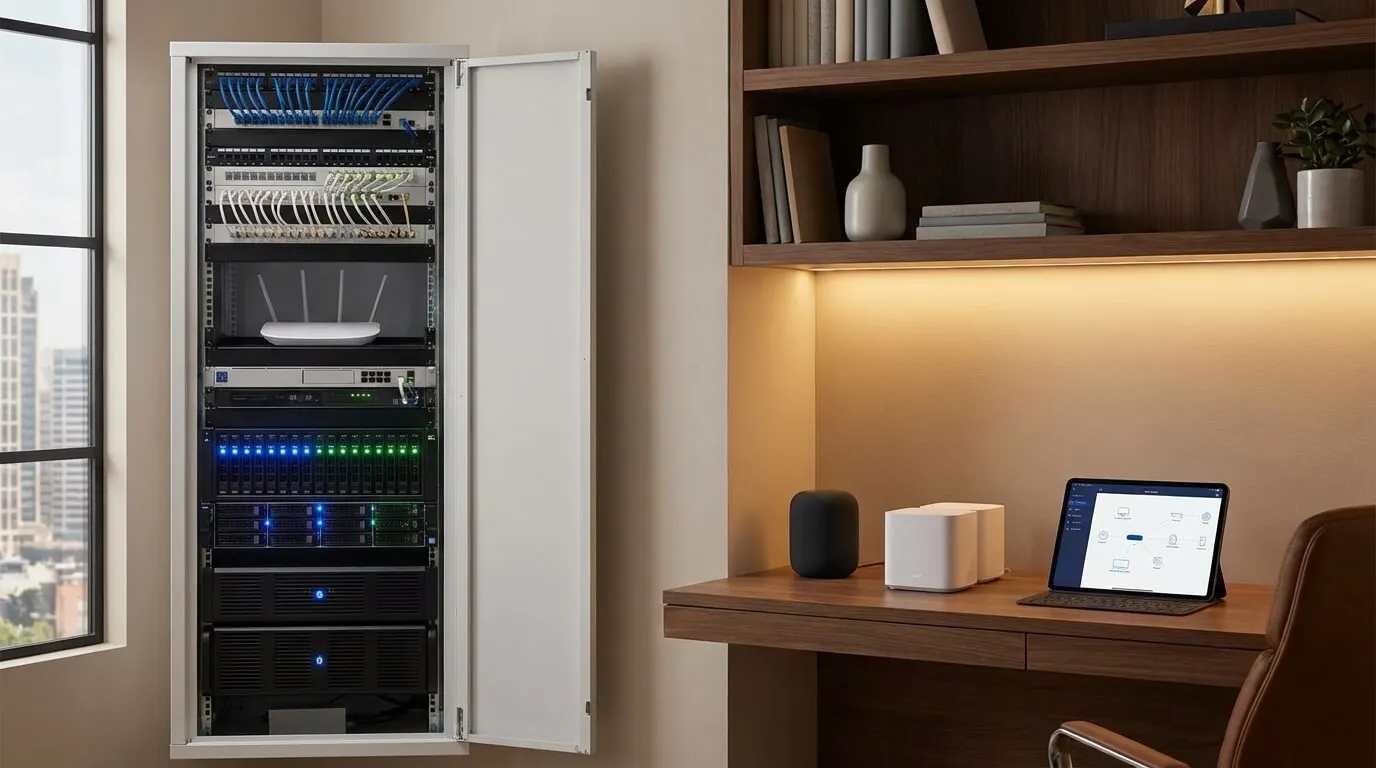
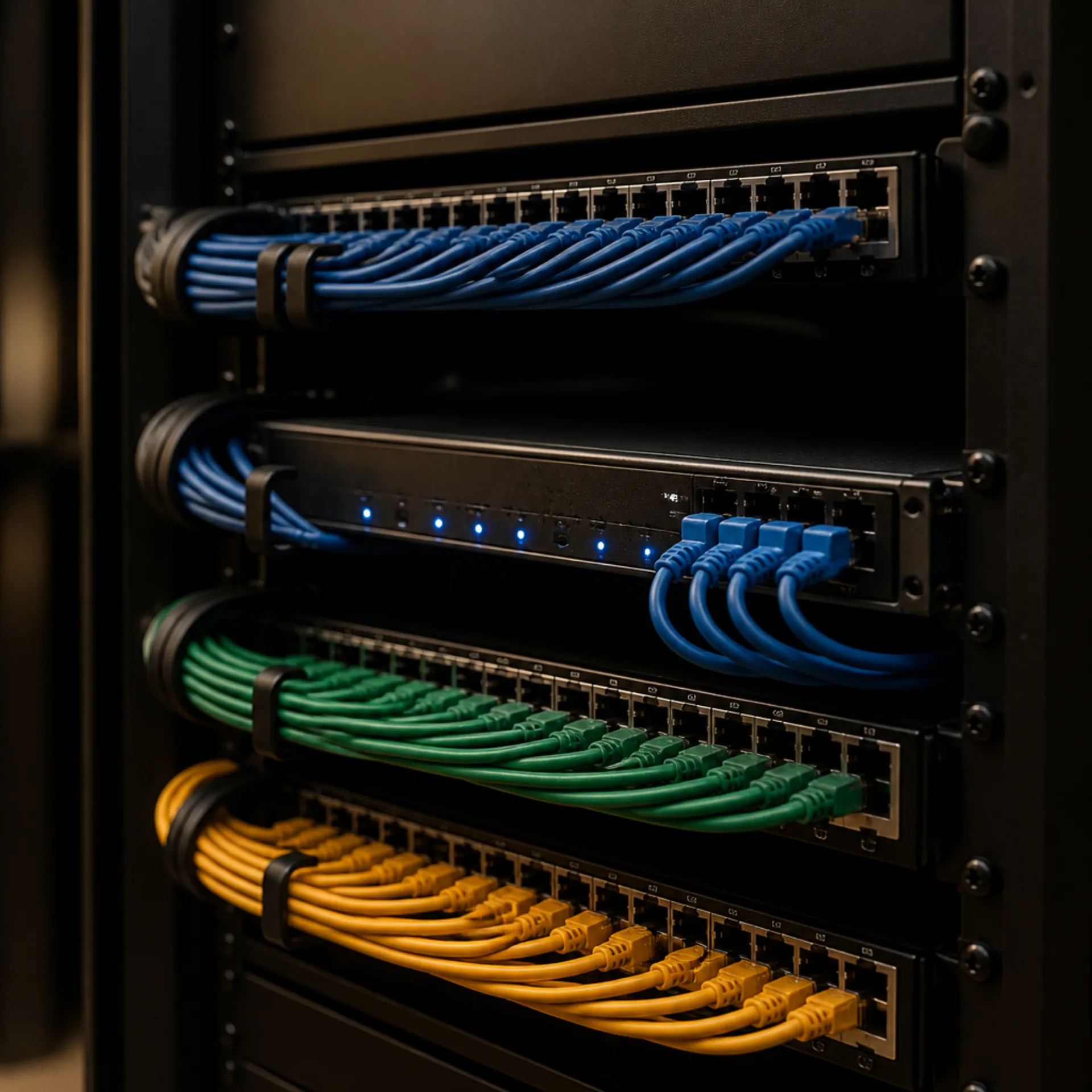
A controller that lives in your equipment closet keeps those scenes running when the internet does not. We keep the controller and network on a short wired run, because those pieces should not depend on Wi-Fi.
Choose a consumer hub if you will keep the app updated and you are willing to replace a brick if a maker walks away. Choose an integrator controller if Lutron lighting, motorized shades, climate, and the theater need to share one programmed scene and you want a dealer on the hook for that scene. Stacking Echo Hub, Hue Bridge, and Home Assistant in the same house is a hobby. It is not the same job as a controller that owns the keypads.
Voice is a layer on top of either path. If the question is how you talk to the house, see the voice guide.
How do you match a hub to devices you already own?Link to this section
Read the radio on each device. Then look at what is already plugged in.
If a HomePod mini is already on the LAN, Apple's product page says it can act as a home hub for HomeKit and Matter-enabled accessories. Apple's home hub article says you must set up a home hub to add Matter accessories to the Home app, that HomePod mini and HomePod become home hubs when you set them up, and that Thread-enabled Matter accessories require a Thread-enabled home hub such as HomePod mini or Apple TV 4K (3rd generation) Wi-Fi + Ethernet, or a supported third-party border router.
If a Hue Bridge is already on the router, keep Hue lamps on it. Adding Home Assistant or Hubitat later is a migration, not a free extra coordinator for the same bulbs. Confirm the path on the software you pick before you reset anything.
If you want Alexa on the wall, Echo Hub is Amazon's 8.0 inch, 1280 x 800 panel. Check the current price on Amazon's product page. That page lists Wi-Fi, Bluetooth, Zigbee, Matter, Sidewalk, and Thread on the built-in hub, says the unit has no Ethernet port, and says a USB-C PoE adapter must support both 5V/2.4A and 9V/3A and IEEE 802.3at or IEEE 802.3bt. Amazon's Thread developer page lists Echo Hub under Thread version 1.3 border routers. Compatible with Zigbee is not the same as including every Hue feature. Hue still wants its Bridge for Hue lighting features.
If you want local Zigbee and Z-Wave in one box without Home Assistant, Hubitat's C-8 Pro page says it is compatible with over 1,000 smart devices from 100+ brands and that it processes data locally.
When should you skip a hub, and when is DIY enough?Link to this section
Buying a $199 Green for a single plug is not worth the setup time.
Skip Home Assistant if you will not apply updates. Nabu Casa says new features and improvements are added every month. That is a maintenance load, not a defect.
Skip an integrator controller for a plug and a bulb. The controller is for a house that needs keypads and shared scenes, not for a lamp you can reach with a thumb.
DIY is enough for a Hue Bridge, a HomePod mini you already know how to set up, an Echo Hub you will mount near an outlet, or a Home Assistant Green if you will plug in Ethernet and follow the on-screen steps. Hubitat is still DIY, but the programming model is closer to a rules engine than to a consumer wizard. If the house needs Lutron keypads, Control4 logic, and a rack, that is installer work. Start on the smart home service page.
What should you check before you buy or hire?Link to this section
- Write down each device and the radio printed on its box or spec sheet: Zigbee, Z-Wave, Thread, Matter, or Wi-Fi.
- Note any hub already on the LAN: Hue Bridge, HomePod mini, Apple TV, Echo Hub, or a leftover stick.
- Mark which rules must still fire if you pull the WAN cable: porch light, lock, thermostat hold.
- If you plan Matter-over-Thread, confirm a Thread-enabled home hub or border router is already on the network, or budget for one.
- If you plan Home Assistant plus ZBT-2, pick Zigbee or Thread for that stick. Budget a second radio if you need both.
- If the house is Hue lighting only, stay on the Hue Bridge until you hit 50 lights or 12 accessories. Then read Hue's current Bridge page for that model's limit.
- If lighting, shades, climate, and AV must share one programmed keypad scene, ask an integrator about a controller. Bring the device list. Book that conversation on the contact page or start on the residential smart home page.
SourcesLink to this section
Connectivity Standards Alliance, Matter
Connectivity Standards Alliance, Zigbee
Nabu Casa, Home Assistant Green
Nabu Casa, Home Assistant Connect ZBT-2
Apple Support, set up a home hub
Amazon Staff, Echo Hub news page
Complimentary phone consultation
Ready to see how it would work in your home?
Start with a complimentary phone consultation. We map the rooms, the scenes you would actually use, and what integrates with what — then a written, line-item proposal before anything is scheduled.
No obligation · We aim to respond within one business day