8K TV and Streaming Guide for Home Theaters
No obligation · We aim to respond within one business day
Complimentary phone consultation
Talk it through with a local designer. Written proposal before anyone books a crew.
No obligation · We aim to respond within one business day
Keep a 4K TV as the default. Buy 8K only if a source you watch outputs 7680 × 4320, you sit close enough that extra pixels can show from that seat, and you compared same-size 4K and 8K models with your usual shows. Netflix lists 4K as its highest resolution. YouTube accepts 8K uploads at 7680 × 4320.
Wall cable and Wi-Fi planning live on the home network guide for 8K streaming. For newer HDMI ports and Ultra96 cables, see whether your home is ready for HDMI 2.2.
Is an 8K TV worth it in a home theater?Link to this section
Choose 8K if your tape-measured seat is at or inside the 8K design distance in the table below, a source you actually watch outputs 7680 × 4320, and you have confirmed that format through the TV's own apps or through the HDMI path you will use. Choose 4K if you sit farther than the 4K design distance, you live on Netflix or an Apple 4K box, or a same-size comparison from your seat does not show a benefit on the shows you watch.
ITU-R BT.2020-2 sets two UHDTV (ultra-high definition television) production grids: 7680 × 4320 and 3840 × 2160, both 16:9 with square pixels. 7680 / 3840 = 2 and 4320 / 2160 = 2, so the finer grid has four times the pixels. More pixels do not guarantee a better picture.
The same recommendation puts home UHDTV on displays with a screen diagonal of the order of 1.5 metres or more. That is a production note about where those formats are meant to be seen, not a rule that every living-room TV must be 8K.
Complimentary phone consultation
Curious what lighting, shades, or whole-home control would feel like in your house?
Describe the rooms and the routines you want. A complimentary phone consultation is the first step — no obligation.
No obligation · We aim to respond within one business day
What native 8K video can you stream?Link to this section
Three different things get called 8K. Native source detail is the picture that was captured or mastered with 8K information. Encoded resolution is the pixel grid stored in the file or stream. Display resolution is the pixel grid of the panel. A lower-resolution master can be stretched before it is encoded, so a 7680 × 4320 file does not prove native detail. An 8K playback badge on the TV does not prove it either.
YouTube lists 4320p (8k) as 7680 × 4320 for 16:9 uploads. That is an encode size. It is a real 8K path only if the upload was mastered with that detail and the app on your set can decode it. Samsung's 8K TV page says Samsung TV Plus and YouTube already support 8K content. That is Samsung's wording about those platforms on that page, not a list of titles and not a US catalogue.
Netflix's quality labels stop at 4K or 4K HDR. Its recommended-speed table lists Ultra high definition (UHD) as 4K at 15 Mbps or higher. That table lists HD, FHD, and UHD 4K. Do not treat 15 Mbps as an 8K number. It is Netflix's floor for 4K.
A streaming box can cap you below the panel. Apple TV 4K video formats top out at 2160p, 60 fps for SDR, Dolby Vision, and HDR10. 2160p is progressive 3840 × 2160. SDR is standard dynamic range (the ordinary brightness range). Dolby Vision and HDR10 are high dynamic range formats (they can show a wider spread of bright and dark). The same spec sheet requires a 4K HDR TV for 4K HDR streaming. That Apple box will not emit 7680 × 4320. Use the set's YouTube app, or another source whose manufacturer page lists 8K output, if native 8K is the reason you bought the panel.
Xbox Series X lists gaming resolution as True 4K and high dynamic range as Up to 8K HDR. Those are two different rows. True 4K is the gaming resolution Microsoft prints. "Up to 8K HDR" is the HDR line, not a promise that games render at 7680 × 4320. The same page lists one HDMI 2.1 port and includes an Ultra High Speed HDMI cable in the box.
Sony's PS5 product page talks about 4K graphics on a 4K TV and HDR on an HDR TV. Plan that console from that 4K and HDR copy, not as a native 8K source.
YouTube's bitrate tables are upload settings, not a household playback speed. For 8K SDR uploads, YouTube recommends 80-160 Mbps at 24, 25, or 30 frames per second, and 120-240 Mbps at 48, 50, or 60 frames per second. HDR 8K upload recommendations run higher on the same page. Playback on the TV is adaptive: YouTube changes the quality of your video stream based on your viewing conditions. For how the house network should be built so a large stream does not stall, use the 8K streaming network guide.
At your seating distance, can you tell 8K from 4K?Link to this section
The extra pixels only matter if they are large enough on the glass from where you sit. Measure seat-to-screen distance with a tape. Compute picture height from the sixteen-by-nine diagonal, then compare that seat distance to the 4K and 8K design distances below.
Rule of thumb: picture height H = diagonal × 9 / √337, because 16:9 means 16² + 9² = 337. ITU-R BT.1845-1 Table 1 gives an optimal viewing distance of 1.6 H for the 3840 × 2160 system and 0.8 H for the 7680 × 4320 system. That "optimal" distance is the point at which two adjacent source pixels subtend one arc-minute at the eye, a typical acuity figure for still pictures. Motion can look softer. Your eyesight may differ. The numbers are a size-versus-distance check, not a proof of what you will notice.
Each 4K pixel is H / 2160 tall. Each 8K pixel is H / 4320 tall, half as tall as a 4K pixel on the same panel. Use those heights to see why the 8K grid is denser. Do not try to judge them as marks on the glass.
Example: an 85-inch 16:9 panel and a seat 9 feet (108 inches) from the glass. H = 85 × 9 / √337 = 41.7 inches. The 4K design distance 1.6H is 66.7 inches (5.6 feet). The 8K design distance 0.8H is 33.3 inches (2.8 feet). A 9-foot seat is farther than both, so the extra 8K pixels sit below this 1-arc-min design point. If you still care about brightness, motion, or that model's upscaler, play the same 4K show on the 4K and 8K sets of that size from that seat.
| 16:9 diagonal (example) | Picture height | 4K design distance (1.6H) | 8K design distance (0.8H) | 4K pixel height | 8K pixel height |
|---|---|---|---|---|---|
| 65 in | 31.9 in | 51.0 in | 25.5 in | 0.0148 in | 0.00738 in |
| 75 in | 36.8 in | 58.8 in | 29.4 in | 0.0170 in | 0.00851 in |
| 85 in | 41.7 in | 66.7 in | 33.3 in | 0.0193 in | 0.00965 in |
| 98 in | 48.0 in | 76.9 in | 38.4 in | 0.0222 in | 0.0111 in |
Picture height uses H = diagonal × 9 / √337. Design distances multiply that height by 1.6 and 0.8 from ITU-R BT.1845-1 Table 1. Pixel heights are H / 2160 and H / 4320. Look up your diagonal, then put your tape-measured seat next to the two design-distance columns. If your seat is farther than 1.6H, extra 8K pixels are below this design point. Other picture traits can still differ, so compare the actual models from that seat with your normal content.
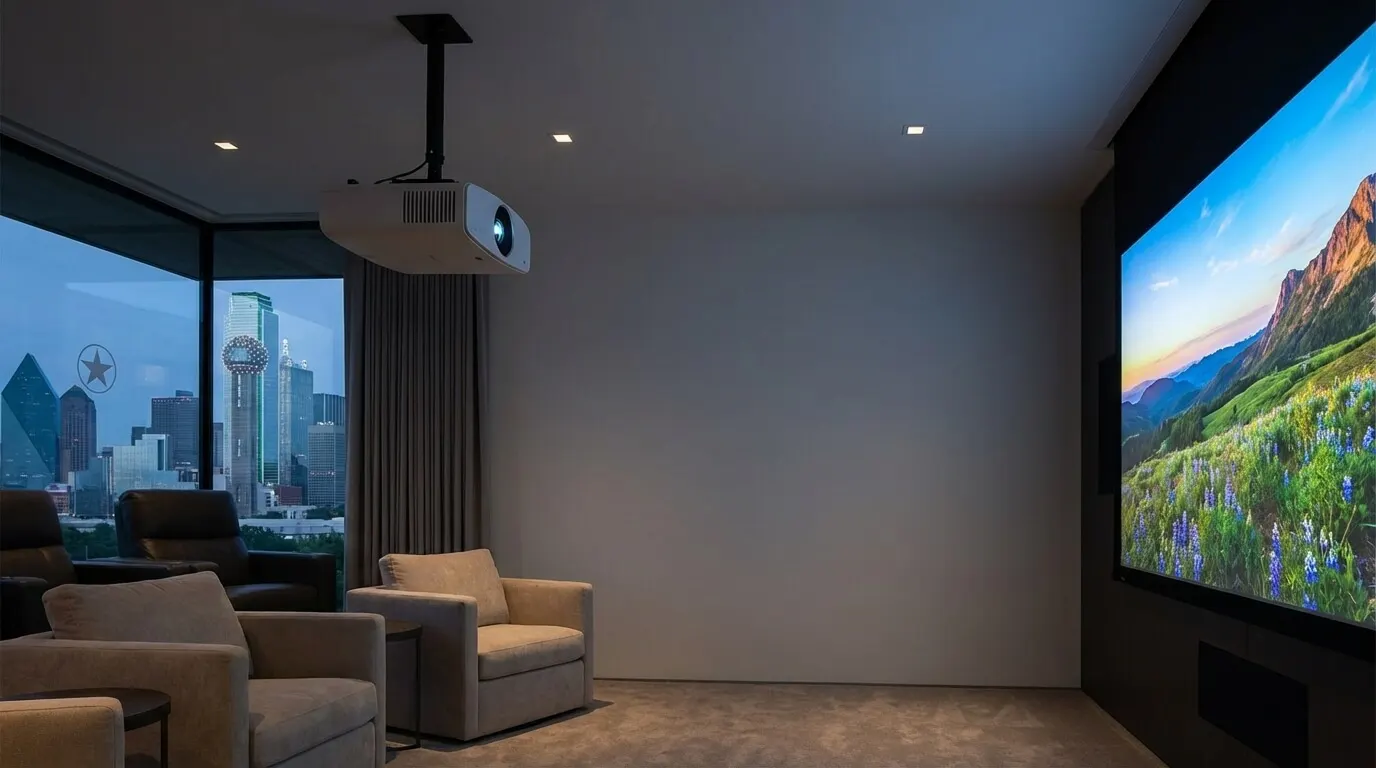
If you want an image larger than a TV you can hang, use the projector versus TV guide.
What HDMI cables and source devices does an 8K path need?Link to this section
Built-in apps and HDMI boxes are different paths. If you play YouTube on the TV's own app, the stream never rides an HDMI cable. If you play from a box, a console, or a disc player, the picture has to survive the source, every cable, any AV receiver (the box that splits audio to speakers) in the middle, and the TV input you land on. Confirm the exact resolution, frame rate, and HDR format on each of those spec sheets for the ports you will use. An incompatible hop can limit the format you get, or it can leave the screen black.
Ultra High Speed HDMI Cable is the HDMI 2.1 cable class. HDMI Licensing says it was introduced in the HDMI 2.1 Specification and entered the market in 2020, and that it applies to configurations supporting up to 48 Gbps. That is a cable bandwidth ceiling, not a guarantee of 8K, and not a certification class for every device in the chain. Look for the certification label on the package and the name on the jacket. Scan the label. A cable that only says "high speed" on the print is a different class.
Confirm 8K on the TV's own spec sheet and on the source's own spec sheet. Apple's 4K box lists HDMI 2.1 and still stops at 2160p. That port revision is not the same as 8K on the wire. Xbox Series X lists HDMI 2.1 and True 4K gaming. Read both lines before you treat a console as an 8K player.
If the picture passes through an AV receiver, that receiver's HDMI inputs and outputs have to match the format you want. Check the model page. Do not assume a receiver that plays 4K Atmos will pass 7680 × 4320. Compatible with a standard is not the same as including that format on every jack.
DIY is fine when you can handle the TV safely, the mount matches the wall and the set's weight, the source is the set's own app or a box on a short certified Ultra High Speed HDMI cable, and you are not fishing a long run through finished walls. Hire the work when the HDMI path is long, a receiver sits in the middle, or the room still needs seating and screen size set together. A black screen after you swap one cable is a reason to check the certification label and the input you landed on, not a reason to keep buying random cables.
Does 8K upscaling replace native 8K video?Link to this section
No. Upscaling is the TV inventing extra pixels to fill 7680 × 4320. Native 8K detail has to be in the source. An upscaler can make a 4K file look cleaner on a dense panel. It cannot recover information the file never had.
Samsung describes 8K AI upscaling on its 8K TV page and names the AI Quantum Processor 8K as the part that does that work on those sets. The same page says the resulting picture may vary based on source content. That line limits Samsung's upscaling claim on Samsung's 8K TVs: the processor cannot invent detail the source never had. It is not a rating of every 8K panel.
If most of your library is Netflix 4K, you are buying an upscaler plus a denser panel. Compare the 4K and 8K models of the same size from your seat with those shows. Extra pixels are one trait. Brightness, contrast, motion, and processing are others. If you sit farther than 1.6H, spend the money on a better 4K panel, speakers, or light control instead of paying for pixels below this design point.
Judge color in the light your room actually has, not in a showroom. Extra pixels do not fix a washed-out image. Check the room's lighting, the reflections on the glass, and the display in that light. Shades or a brighter panel can help when glare or low contrast is the problem. They are not a guaranteed fix.
What should you check before you buy or hire anyone?Link to this section
- Measure seat-to-glass distance and write the 16:9 diagonal you are considering.
- Compute picture height with H = diagonal × 9 / √337, then 1.6H and 0.8H, and compare your tape measure to those two distances.
- List what you actually watch: Netflix, YouTube 8K, discs, a console, a PC.
- Open each source's manufacturer or help page and write the maximum resolution it prints. The Apple 4K box stops at 2160p. Netflix stops at 4K. YouTube lists 7680 × 4320 for 8K uploads.
- If an AV receiver sits between the source and the TV, open that model's HDMI page and confirm the inputs and outputs you will use for the resolution, frame rate, and HDR format you want.
- Buy cables with the Ultra High Speed certification label. Scan the label. Skip uncertified "8K ready" print on a bag.
- For Ethernet versus Wi-Fi and shared traffic on the same hop, use the 8K network guide instead of guessing a speed.
Digitalholics designs and installs home theaters from the Plano office and was founded in 2015. We start with a complimentary phone consultation. Use the contact page when you have the diagonal, the tape-measure seat distance, and the source list in hand.
SourcesLink to this section
- ITU-R BT.2020-2, Parameter values for ultra-high definition television systems
- ITU-R BT.1845-1, Guidelines on metrics for image quality, display sizes and aspect ratios
- YouTube Help, Video resolution and aspect ratios
- YouTube Help, Recommended upload encoding settings
- YouTube Help, Change the quality of your video
- Netflix Help, How to get the best video quality
- Netflix Help, Netflix-recommended internet speeds
- HDMI Licensing, Ultra High Speed HDMI Cable
- HDMI Licensing, HDMI 2.2 specification overview
- Apple, Apple TV 4K technical specifications
- Microsoft, Xbox Series X
- Sony, PlayStation 5
- Samsung, 8K TVs
Complimentary phone consultation
Ready to see how it would work in your home?
Start with a complimentary phone consultation. We map the rooms, the scenes you would actually use, and what integrates with what — then a written, line-item proposal before anything is scheduled.
No obligation · We aim to respond within one business day