Projector vs. TV: Which is Right for Your Home Theater? Complete 2026 Comparison Guide
No obligation · We aim to respond within one business day
Complimentary phone consultation
Talk it through with a local designer. Written proposal before anyone books a crew.
No obligation · We aim to respond within one business day
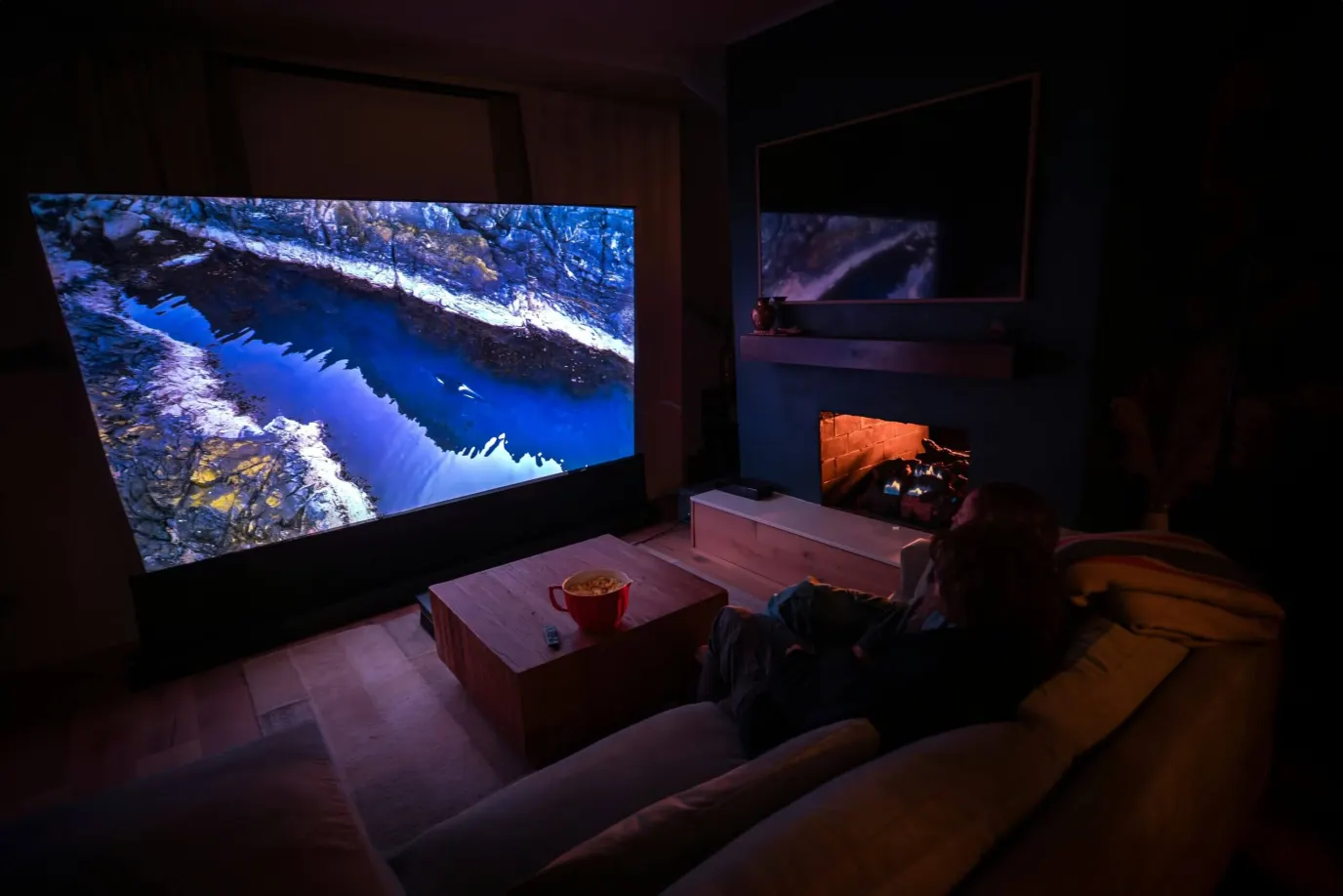
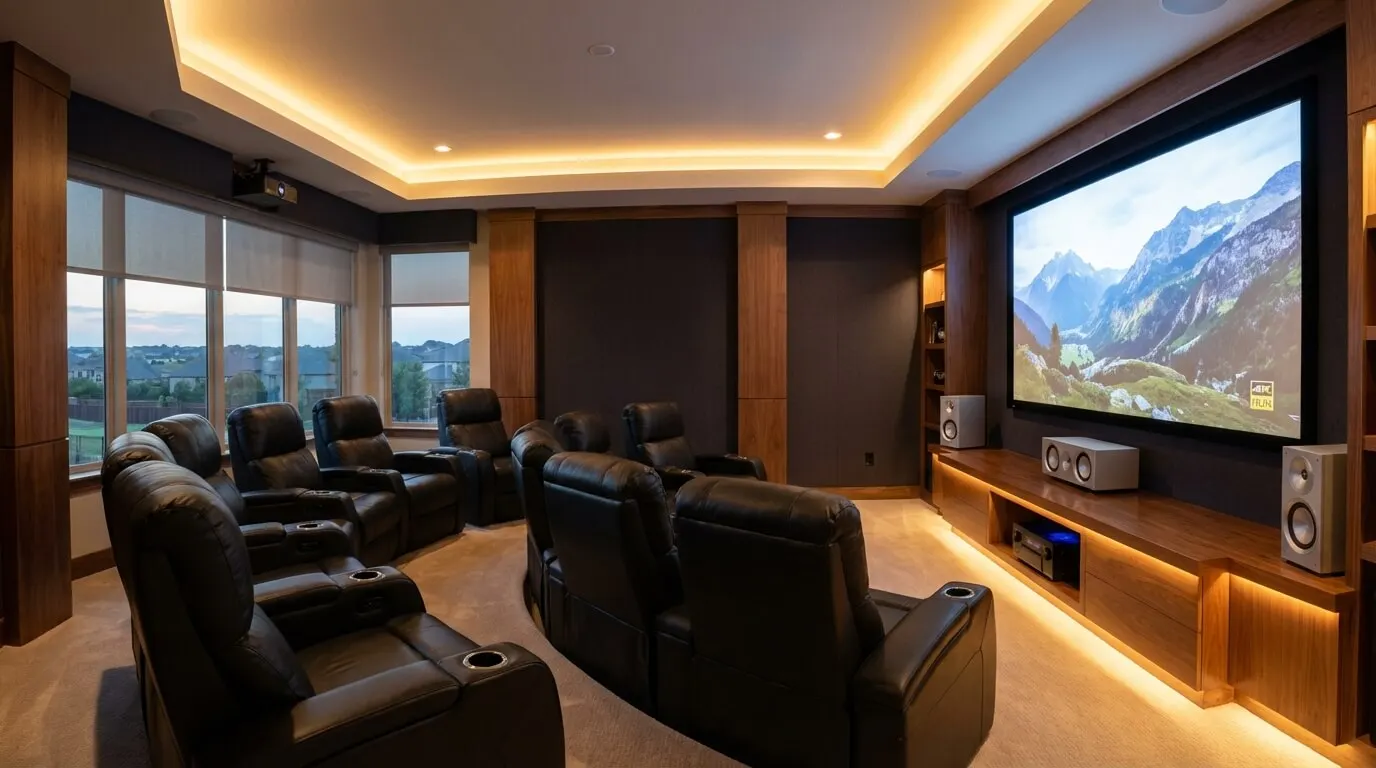
Choose a TV when the room stays lit and a 75-inch or 83-inch panel fills the seat. Choose a projector when you can darken the room and want a larger image. A TV is one panel. A projector needs a screen, a mount, and light control. Measure seating distance and afternoon glare before you buy.
Cost follows that split. Scope, room count, wiring, equipment tier, and control programming move the number more than the brand on the box. A living-room OLED is one product on one wall. A theater projector is a projector, a screen, ceiling power, and often motorized shades. The dollar rows below are earlier planning allowances from this guide. A current price comes from a written proposal after a room measurement.
How much does a projector-plus-screen cost versus a large TV?Link to this section
A TV quote is mostly the panel, a mount, and calibration. A projector quote is the light engine, the screen, the mount, and calibration, then the room work that makes the image hold up. Full-room theater budgets live on the Frisco home theater cost guide. Projector-only line items live on the 4K projector cost guide.
The Epson Pro Cinema LS12000 lists an MSRP of $5,999 on Epson's US product page. That is one home-theater laser chassis, not an installed room. Treat it as a check on the "high-end laser projector" band in the table, not as a Digitalholics proposal.
| Path | What the allowance covers | Line items (unchanged) | Planning band |
|---|---|---|---|
| Entry-level laser | Projector, 100-inch fixed screen, mount, basic calibration | Native 4K laser projector $2,000-$3,500; 100-inch fixed screen $800-$1,500; professional mounting $400-$800; basic calibration $300-$500 | $3,500-$6,300. Low end: 2,000 + 800 + 400 + 300 = 3,500. High end: 3,500 + 1,500 + 800 + 500 = 6,300. |
| Premium theater display | Higher-output laser, 120-inch motorized screen, install, THX calibration | High-end laser projector $4,000-$8,000; 120-inch motorized screen $2,000-$4,000; professional installation $1,500-$2,500; THX calibration and setup $500-$800 | $8,000-$15,300. Low end: 4,000 + 2,000 + 1,500 + 500 = 8,000. High end: 8,000 + 4,000 + 2,500 + 800 = 15,300. |
| 75-85 inch premium TV | Panel, mount, calibration | OLED/QD-OLED models $2,500-$4,000 or high-end QLED $2,000-$3,500; professional mounting $300-$600; calibration $200-$400 | $2,500-$5,000. OLED path: 2,500 + 300 + 200 = 3,000 up to 4,000 + 600 + 400 = 5,000. QLED path: 2,000 + 300 + 200 = 2,500 up to 3,500 + 600 + 400 = 4,500. |
| 95-98 inch ultra-premium TV | Panel, specialized mount, delivery | Micro-LED $8,000-$12,000 or premium QLED $6,000-$9,000; specialized mounting $500-$1,000; white glove delivery $200-$500 | $6,700-$13,500. Micro-LED path: 8,000 + 500 + 200 = 8,700 up to 12,000 + 1,000 + 500 = 13,500. QLED path: 6,000 + 500 + 200 = 6,700 up to 9,000 + 1,000 + 500 = 10,500. |
Earlier planning allowances from this guide also listed professional recalibration at $300-$500 per year. That row is an allowance, not a service contract. The high ends on the two projector paths were printed as $6,000 and $15,000 in the old table; those totals were short of their own line items, so the sums above replace them.
An Epson Pro Cinema LS12000 laser is rated for no light-source maintenance for up to 20,000 hours, defined as the time until brightness falls to half of first use on an acceleration test. That is this family's light-source rating, not a promise that every part lasts that long, and it is not a number of calendar years.
Complimentary phone consultation
Planning a theater or media room?
Tell us the room and how you like to watch. A complimentary phone consultation is the first step — no obligation, and the written proposal is yours to keep.
No obligation · We aim to respond within one business day
How big is a 75-inch or 80-inch TV next to a projector image?Link to this section
Size is a seating-distance problem, not a brand problem. Two public rules disagree on purpose, because they optimize for different rooms.
ENERGY STAR tells you to measure viewing distance and divide by 2 to get a recommended UHD TV diagonal. THX's 4K living-room rule is to multiply that same distance in inches by 0.835 to get a screen diagonal. THX cinema placement aims for a 36 degree horizontal viewing angle at the farthest seat. Those are three different targets. Pick the one that matches how you sit.
Example: the sofa is 12 feet from the wall (144 inches).
- ENERGY STAR UHD size: 144 / 2 = 72 inches, a 75-inch class TV.
- THX 4K living-room size: 144 × 0.835 = 120.24 inches, a 120-inch class image.
- THX 36 degree cinema size on a 16:9 screen: width = 2 × 144 × tan(18°) = 93.6 inches; diagonal = 93.6 ÷ (16 / √337) ≈ 107 inches.
A 75-inch TV at 12 feet matches the ENERGY STAR UHD rule and sits farther than THX's 4K living-room size. An 80-inch TV is the same neighborhood: THX's 4K rule wants 80 / 0.835 = 95.8 inches of distance (about 8 feet). At a 12-foot sofa, 80 inches is still a living-room panel, not a theater image. People comparing an 80-inch set to a projector are usually deciding whether a ~75-83 inch OLED is enough, or whether they want the 100-120 inch class a projector can throw.
| Seat distance | ENERGY STAR UHD diagonal (distance ÷ 2) | THX 4K living-room diagonal (distance × 0.835) | What that means |
|---|---|---|---|
| 8 ft (96 in) | 48 in | 80.2 in | A 75-inch TV is already larger than ENERGY STAR's UHD size and close to THX's 4K size. |
| 10 ft (120 in) | 60 in | 100.2 in | A 75-inch TV already exceeds ENERGY STAR's 60-inch size; a 100-inch screen is the THX 4K choice. |
| 12 ft (144 in) | 72 in | 120.2 in | 75-inch class TV versus a 120-inch projector image. |
| 14 ft (168 in) | 84 in | 140.3 in | An 83-inch OLED is near ENERGY STAR. A projector is how you reach THX's 4K size. |
Use the home theater screen size tool to compare image dimensions for your seating distance, aspect ratio and viewing angle. That tool describes a flat image from the seat; it does not choose a projector or its throw distance. For the full-room budget around either choice, see the Frisco home theater cost guide, and for a measured install start with the home theater installation page.
Epson defines throw distance as the gap between the projector and the image, and groups short throw as about 3 to 8 feet and ultra-short throw as 0 to 4 feet. Lens choice is a separate page: how to choose a projector. Room layout sits on the home theater design guide.
Both THX and ENERGY STAR keep the eye line within 15 degrees above or below screen center. A TV over a fireplace often breaks that.
When does an OLED beat a projector, and when does it lose?Link to this section
An OLED (organic light-emitting diode: each pixel makes its own light) wins when the room is bright, the seat is close, and you want blacks that go off. A projector wins when you can kill the light and you want a width no 83-inch panel can match.
The 2026 LG OLED evo G6 77-inch set (OLED77G6WUA) lists over 8.3 million self-lit pixels, Dolby Vision, a 165 Hz refresh rate, a 0.1 ms response time, and Reflection Free Premium. UL Solutions rates its Perfect Black as black levels of 0.24 nit or lower at up to 500 lux. The same product page offers 55, 65, 77, and 83 inch options (a 97-inch G6 sits above them). Those figures are this model's ratings, not a rule for every OLED.
The Epson Pro Cinema LS12000 is a home-theater laser. Epson rates it at 2,700 lumens of white brightness under ISO 21118 and 2,700 lumens of color brightness under IDMS 15.4, HDR10+ and HLG, HDMI 2.1 at 48 Gbps, 4K at 120 Hz, and input lag below 20 ms. Dynamic contrast is listed as exceeding 2,500,000:1 with UltraBlack. Pixel-shift 4K is not the same as a native 3840×2160 panel; Epson describes 4K PRO-UHD as shifting pixels to a 3840×2160, 8.29-million-pixel image.
Choose the G6-class OLED if you watch with lamps on, sit inside ENERGY STAR's UHD distance, or game at 120 Hz on a bright panel. Choose the LS12000-class projector if the seat is 12 feet or more and you can darken the room.
ENERGY STAR notes that OLED TVs use less energy than LCD screens and may not be as bright as LED LCD TVs.
Which display is easier for console gaming?Link to this section
The Epson Pro Cinema LS12000 lists input lag below 20 ms and gaming up to 4K at 120 frames per second on its own product page, with HDMI 2.1 at the full 48 Gbps for 4K HDR content up to 120 Hz. These figures support console gaming on the LS12000. Input lag and pixel response time measure different things, so these specifications alone do not show whether it responds faster than an OLED to controller input.
How much light can the room have before a projector looks washed out?Link to this section
A projector paints light onto a screen. Room light adds to that paint and lifts the black floor. An OLED makes light at the pixel, so the same sun hits a smaller, brighter surface. A west glass wall in Dallas and a west glass wall in Plano both wash a white screen in the afternoon.
CTA/CEDIA-CEB23-B (Home Theater Video Design, September 2019) ties screen size to the primary seat and covers room lighting plus wall color, ceiling finish, and carpet. Its public summary gives no single lux cutoff. The practical test is: sit in the seat at the brightest hour you actually watch, with the shades you already own. If you can still read a magazine cover on the screen wall, a projector will look gray until that light is gone.
Shades are worth it on that glass. A hand-pull on a small north window is enough. A projector in a sun-facing great room without blackout is not worth the install. Pair the display decision with shade fabric on the motorized shades guide.
Does a Dallas or Frisco living room change the TV-versus-projector call?Link to this section
Check the screen wall from your usual seat at the time you watch, with the shades positioned as you expect to use them.
We measure the space and the light first, then say which of the three this is: a dedicated cinema, a media-room conversion, or a retrofit around the architecture you already have.
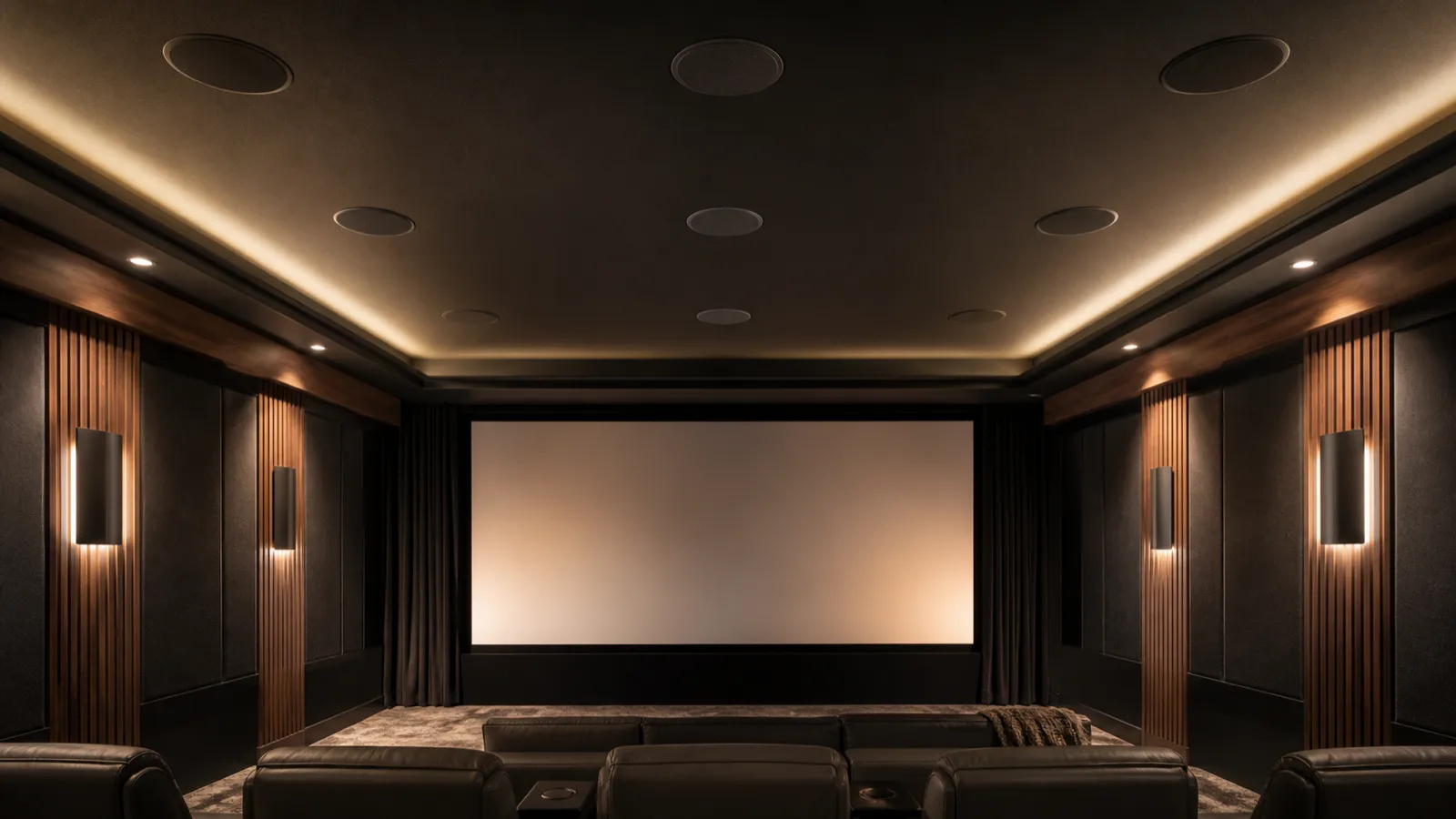
The firm is THX Certified, a Lutron Gold Dealer, and a Control4 Certified Dealer. Technicians who hold THX professional certification measure the finished room with calibrated microphones for speaker levels and timing, and set picture color to the reference targets a commercial cinema uses.
What is different about a business projector and a home theater projector?Link to this section
A meeting-room projector is built to stay readable with the lights on. A home-theater projector is built for HDR and a 16:9 movie image in a darker room. Do not buy one to do the other's job.
The Epson PowerLite L630U is a meeting-room laser. Epson rates it at 6,200 lumens of color and white brightness (ISO 21118 / IDMS 15.4), native WUXGA 1920×1200, images from 50 to 500 inches on 16:10 (or ultra-wide 16:6 / 21:9), and a 20,000-hour laser to half brightness on the same test language as the Pro Cinema family. The page lists classrooms and meetings. It also lists wireless, Miracast (wireless screen mirroring), plus HDBaseT (single-cable video over network wire).
The LS12000, on its own page, lists 2,700 lumens, HDR10+, and lag below 20 ms, for a 16:9 home-cinema image. More lumens on the L630U do not make it a better movie projector. They make slides readable under fluorescent light. Put an L630U in a dedicated dark theater and you get a bright, presentation-tuned image. Put an LS12000 in a glass conference room and the picture goes pale. Office display work belongs on the conference room systems page.
What changed for projectors and TVs going into 2026?Link to this section
Three product facts are enough to shop with.
Laser light sources: both the LS12000 family and the L630U use a laser rated to 20,000 hours to half brightness. That is why lamp-replacement talk from older home theater guides is the wrong model for these chassis. This page does not pair that test with a TV-hours rating. Epson's half-brightness estimate comes from accelerated testing and varies with use and environment; other parts may need replacement sooner, so it is not a whole-projector lifespan guarantee.
OLED sizes: the G6 77-inch product listing offers 55, 65, 77, and 83 inch options (a 97-inch G6 sits above them). That is the living-room band people mean when they compare a 75-inch or 80-inch TV with a projector.
Cables: HDMI Licensing Administrator states that Ultra High Speed HDMI cables entered the market in 2020 with the HDMI 2.1 specification and support up to 48 Gbps, and that HDMI 2.2 introduced Ultra96 cables at up to 96 Gbps for formats such as 8K at 60 or 4K at 240 with 4:4:4 (full-chroma color sampling). The LS12000 page claims HDMI 2.1 at 48 Gbps. If you are pre-wiring a new house, read whether the run needs HDMI 2.2 before the drywall closes.
Epson also describes a compact Q-Series as high-lumen 4K HDR for dedicated theaters and brighter entertainment rooms. That is not a reason to skip shades.
How do you pick the display after you measure the room?Link to this section
Do this in order before you hire anyone.
- Measure seat to screen wall in inches. Write the ENERGY STAR size (inches ÷ 2) and the THX 4K size (inches × 0.835).
- Sit there at the brightest hour the room is used. Note whether existing shades can kill glare on the screen wall.
- Name the room: dedicated cinema, media-room conversion, or retrofit around the architecture you already have.
- If ENERGY STAR's size is enough and the room stays lit, buy a TV. A 75-inch or 83-inch OLED on a stand, with one HDMI cable, is a fair DIY job if you can find studs or leave the feet on.
- If you want the THX 4K size and you can darken the room, price a projector plus screen. Ceiling power, an in-wall HDMI run, and a 120-inch frame are not a Saturday project. Use the DIY versus professional install guide.
- Match the projector type to the room. A business laser is for slides. A home-theater laser is for movies.
- Plan programming last: one TV remote, or a scene that drops shades and dims lights. HDMI cable grade is part of that plan.
Choose the TV if the seat is inside ENERGY STAR's UHD distance, the glass cannot be blacked out, or you need 165 Hz on a self-lit panel. Choose the projector if the seat is 12 feet or more, you can darken the room, and you want an image wider than an 83-inch panel. Skip both extremes if you are forcing a 120-inch screen into a 10-foot seat (THX's 4K size at 10 feet is 100 inches) or hanging a theater projector in a glass box with no shades.
Digitalholics LLC was founded in 2015 and works from Plano. A complimentary phone consultation is the start. No equipment is ordered until you approve that document, the written line-item proposal.
For a room-specific path, use the home theater installation page or contact us.
SourcesLink to this section
- THX certified screen placement: 36 degree horizontal viewing angle at the farthest seat
- THX home theater room size guide: 4K screen size = seating distance in inches × 0.835; eye line within 15 degrees of center
- ENERGY STAR televisions: UHD diagonal ≈ viewing distance ÷ 2; 15 degree eye line; OLED energy and brightness note
- CTA/CEDIA-CEB23-B Home Theater Video Design: screen size from the primary seat; room lighting and surface color
- Epson Pro Cinema LS12000: 2,700 lumens (ISO 21118 / IDMS 15.4), HDR10+, HDMI 2.1 48 Gbps, lag below 20 ms, MSRP $5,999
- Epson Pro Cinema installations: 20,000-hour laser to half brightness; Q-Series note
- Epson PowerLite L630U: 6,200 lumens, WUXGA, 50-500 inch, meeting-room features
- Epson throw distance and positioning: short throw 3-8 feet; ultra-short throw 0-4 feet
- LG OLED evo G6 77-inch (OLED77G6WUA): 8.3 million self-lit pixels, Perfect Black 0.24 nit, 165 Hz, 0.1 ms, sizes 55, 65, 77, and 83 inch (a 97-inch G6 sits above them)
- HDMI Ultra High Speed and Ultra96 cables: 48 Gbps (HDMI 2.1, 2020) and 96 Gbps (HDMI 2.2)
Complimentary phone consultation
Which display fits this room?
Bring room length, seat distance, and whether afternoon glare is a problem. A complimentary phone consultation is the first step — no obligation.
No obligation · We aim to respond within one business day