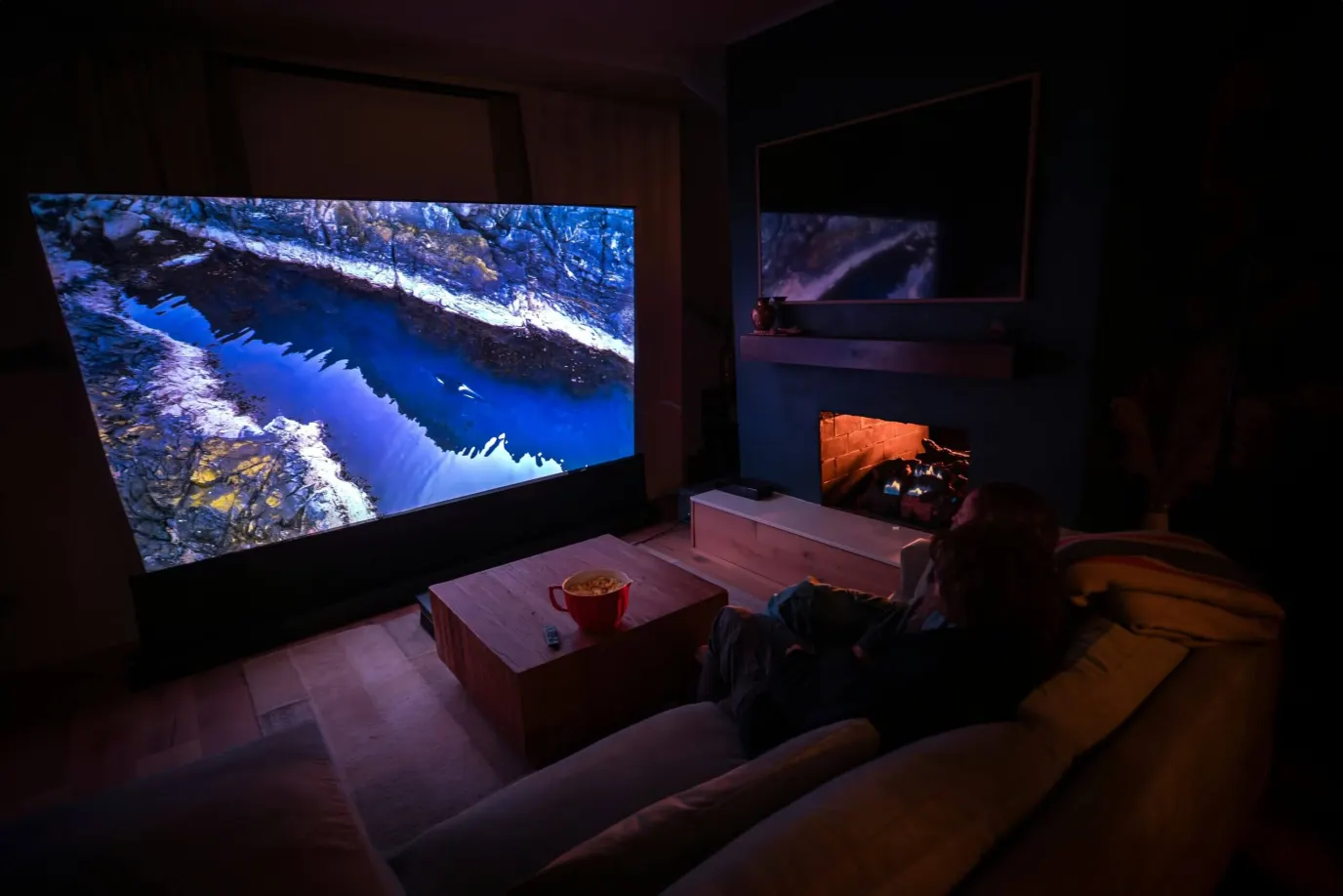
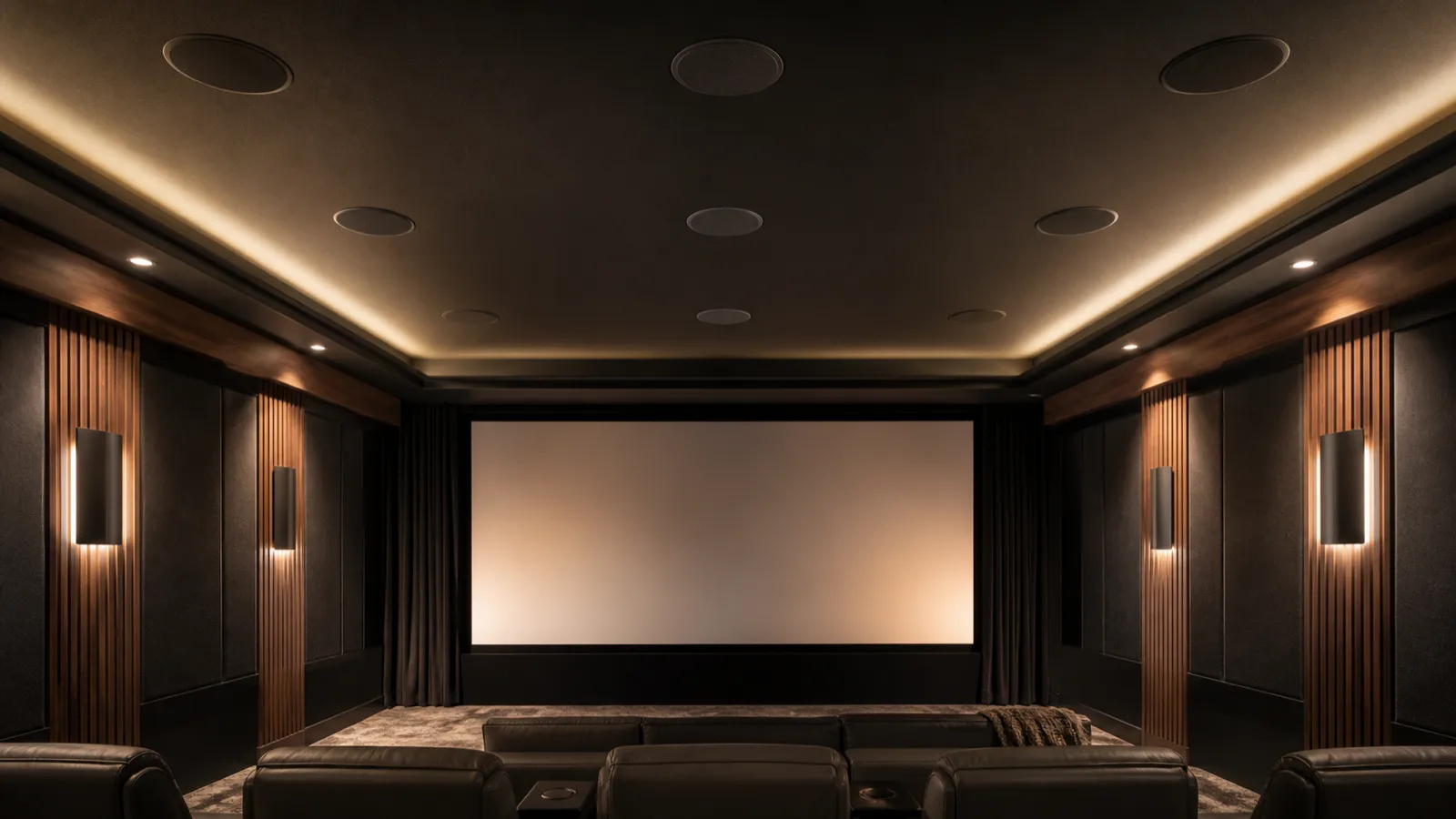
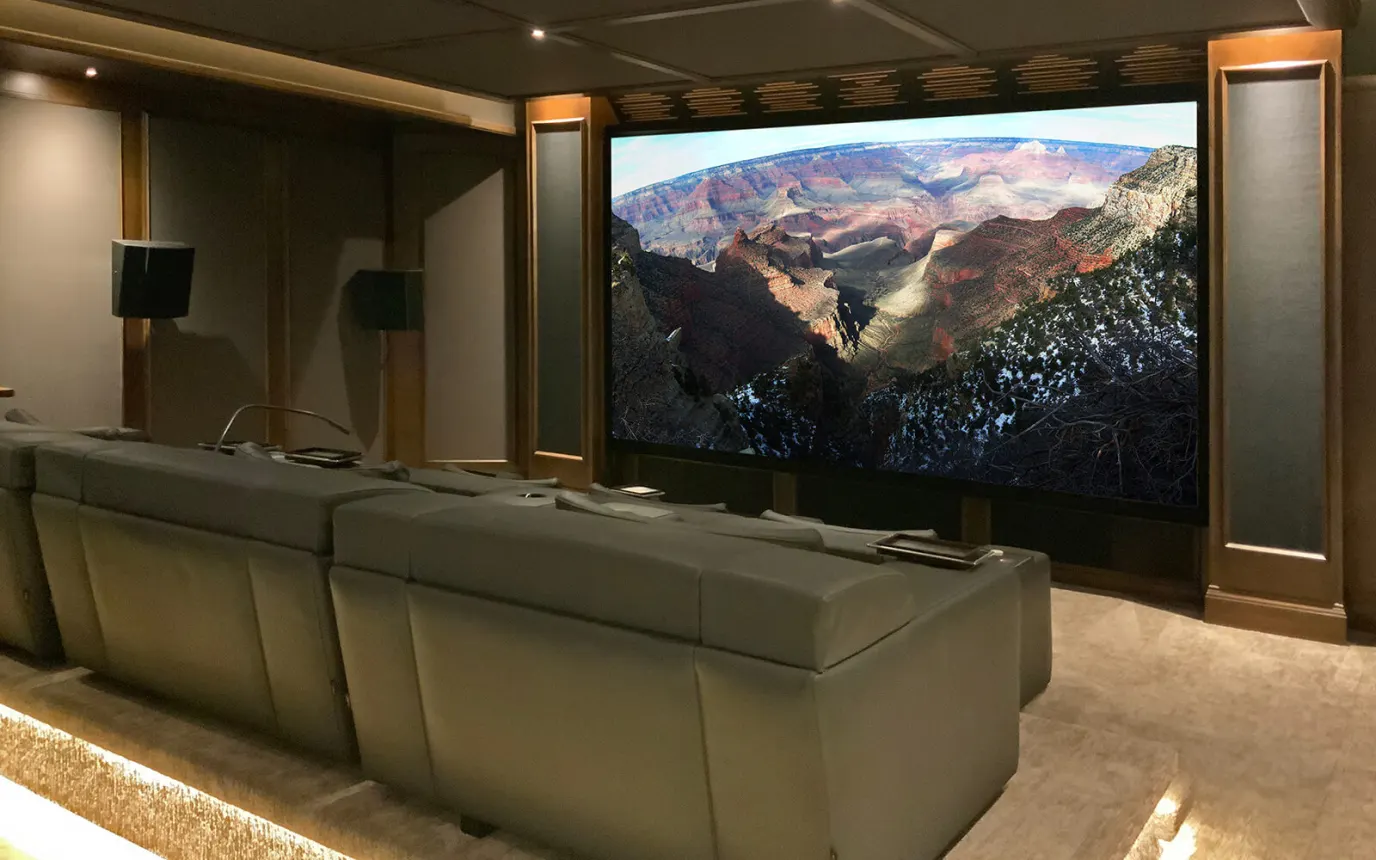
Best Home Theater Systems for Frisco TX: 2026 Complete Buyer’s Guide
No obligation · We aim to respond within one business day
Complimentary phone consultation
Talk it through with a local designer. Written proposal before anyone books a crew.
No obligation · We aim to respond within one business day
The best home theater setup for a Frisco home starts with where you sit, how much daylight reaches the screen, and where speakers can go. Choose the display after those checks, then match the receiver to the speaker layout. A television with a soundbar can suit a shared room; a dedicated theater needs a plan for projection, sound, wiring and control.
If the next step is a measured install rather than a shopping list, start with our home theater design and installation page.
Which home theater system fits your Frisco room?Link to this section
Choose a media-room system if the room also needs to work for conversation, homework or daytime television. Start by marking the furniture you intend to keep. Choose a dedicated theater if you are willing to arrange the room around watching films and listening from fixed seats.
Before shopping, sit in the least convenient seat as well as your favorite one. Check whether a doorway interrupts a speaker position, whether a recliner blocks a walkway, and whether the proposed screen leaves space for a center speaker. That speaker carries dialogue in a surround setup. A room drawing should show the furniture as well as the equipment.
For home theater design in Frisco, take room dimensions and photographs of the screen wall to the first discussion. Before construction or modifications begin, discuss the scope with Frisco Building Inspections to determine whether a permit is needed. Include windows, ceiling slopes and openings into adjacent rooms on your drawing. The home theater design guide covers the room-planning decisions in more detail.
We measure the space and the light first, then say which of the three this is: a dedicated cinema, a media-room conversion, or a retrofit around the architecture you already have. See what that includes in our home theater design service.
Before requesting a proposal, work through these five checks in order:
- Room light. Note the brightest hour you actually watch and whether existing shades or curtains can block the screen wall then.
- Seat distance. Measure from the primary seat to the screen wall; this number drives both display size and speaker placement.
- Speaker layout. Decide how many main speakers, surrounds, and overhead or height speakers the room can take. Dolby's own setup guidance places main speakers at roughly seated ear height and recommends angling ("toeing in") the left and right speakers toward the listening position.
- Receiver channels. Count the speakers you want powered directly versus through an external amplifier, then match that to a receiver's amplifier channel count.
- Subwoofer position. Leave room to test more than one subwoofer location before committing to cabinetry, since bass is not as directional as the other channels.
The budget comparisons below retain earlier planning allowances in US dollars for Frisco projects. They are not current retailer offers or Digitalholics quotes. Confirm model availability and obtain a fresh itemized price before buying. A higher allowance does not establish better performance in your room.
| Decision | Media room | Dedicated theater |
|---|---|---|
| Room Type | Shared living or bonus room | Room reserved for viewing |
| Lighting Control | Plan for daytime use | Plan light control |
| Display Choice | Compare TV and projection in room lighting | Check projector position and screen |
| Audio Approach | Work around furniture | Arrange seats and speakers together |
| Seating | Keep everyday furniture if it works | Plan sightlines before ordering seats |
| Acoustic Treatment | Assess dialogue and reflections | Include treatment in the room plan |
| Investment Range | $25,000-$50,000 | $50,000-$150,000+ |
Earlier planning allowances from this guide; a current price comes from a written proposal after a room measurement.
Complimentary phone consultation
Planning a theater or media room?
Tell us the room and how you like to watch. A complimentary phone consultation is the first step — no obligation, and the written proposal is yours to keep.
No obligation · We aim to respond within one business day
Should you choose a television or a projector and screen?Link to this section
For a shared room used with the lights on, start by comparing televisions. A projector is worth considering when you want a larger image and are willing to manage light at the screen. Ask for a demonstration under lighting similar to your room. A dark showroom cannot tell you how comfortable the picture will be during your usual viewing hours.
The Epson Pro Cinema LS12000, for example, has a manufacturer rating of 2,700 lumens for both color and white brightness. Lumens measure light output. Treat that as a model rating, not a promise about the picture in your room. Ask the installer to evaluate the projector, screen material and light together.
For projection, request the lens position and image dimensions on the drawing before ordering. Check that a ceiling fan, beam or light fixture will not cross the light path. Ask to see a screen-material sample from the side seats too. If you want speakers behind the screen, specify a screen designed for sound to pass through it and check the speaker clearance.
Use the projector versus television comparison for the full display decision. A projector is not worth buying just to make a shared room look like a theater if you dislike the lighting changes it requires.
Display and screen budget comparisonsLink to this section
Use these legacy model labels to compare allowances in an older proposal. These rows are an earlier planning snapshot, not a current-availability claim or a current Digitalholics quote for any model named below. Confirm the replacement model and screen specification before ordering.
| Legacy TV budget label | Legacy price range (USD) |
|---|---|
| Sony A95L QD-OLED | $2,500-$4,500 |
| LG C3/G3 OLED | $1,500-$5,500 |
| Samsung QN90D Neo QLED | $1,800-$8,000 |
| Sony X95L | $2,000-$3,500 |
| Samsung S90D OLED | $1,600-$3,500 |
| Legacy projector budget label | Legacy price range (USD) |
|---|---|
| Epson LS12000 | $3,500-$5,000 |
| Sony VW325ES | $5,000-$7,500 |
| JVC NZ7 | $7,000-$9,000 |
| Sony VW915ES | $13,000-$16,000 |
| JVC NZ9 | $18,000-$22,000 |
| Sony VW5000ES | $60,000+ |
| Legacy screen budget label | Legacy cost range (USD) |
|---|---|
| Fixed Frame (Matte White) | $800-$2,500 |
| Ambient Light Rejecting (ALR) | $1,500-$4,000 |
| Acoustically Transparent | $2,000-$5,000 |
| Motorized Retractable | $2,500-$6,000 |
| Elite Screens (Budget) | $500-$1,500 |
| Screen Innovations (Premium) | $3,000-$8,000 |
| Stewart Filmscreen (Reference) | $5,000-$15,000+ |
For a lamp-based projector, allow for its replacement lamp as well as the screen. The earlier allowances were $300-600 (also written $300-$600) for a lamp and $800-$5,000+ for a screen. Ask for the exact replacement part; do not infer its price or service life from the projector category.
How should you choose speakers and a subwoofer?Link to this section
Start with the listening position. Dolby recommends choosing a central seating point and aiming the speakers toward it, normally at seated ear height unless the layout says otherwise; see its 5.1.2 overhead layout. Dolby Atmos is sound that includes height effects.
Don't let an existing set of ceiling holes decide the entire theater layout. Ask the designer to identify which speaker handles dialogue, which ones surround the seating, and which ones provide overhead effects. For the placement details, use the Dolby Atmos layout guide.
Freestanding speakers are a sensible choice if you want to try positions before making holes. In-wall speakers suit a room where visible cabinets would interfere with furniture or walking space. Have the installer check the wall cavity and mounting depth before you buy them.
A subwoofer is a speaker for deep bass. Leave room to test its position before committing to cabinetry. During a demonstration, listen from the seats you will actually use. If the bass is distracting in one seat and weak in another, ask for placement and setup changes before ordering more equipment. The room acoustics guide covers treatment decisions separately.
Audio budget comparisonsLink to this section
Layout labels below describe earlier budget categories, not a required speaker count. Have the installer draw the proposed positions before assigning a budget.
| Legacy audio budget label | Legacy cost range (USD) |
|---|---|
| 5.1 Surround | $3,000-$8,000 |
| 5.1.2 Dolby Atmos | $6,000-$12,000 |
| 7.1.2 Dolby Atmos | $10,000-$18,000 |
| 7.1.4 Dolby Atmos | $15,000-$30,000 |
| 9.2.4 Dolby Atmos | $25,000-$50,000 |
| 11.2.6+ layout | $50,000-$100,000+ |
Earlier complete-audio allowances were $3,000-$10,000, $10,000-$30,000 and $30,000-$100,000+. Speaker-pair allowances included $400-$2,000 and $1,000-$5,000+, with narrower comparisons of $400-$800, $800-$1,500 and $1,500-$3,500 per pair. These are budget groupings, not sound-quality rankings or room-size requirements.
What to check before you order theater seatsLink to this section
Sit in the proposed seats, or a comparable showroom model, before ordering. Check recline clearance behind the row: a fully reclined seat needs space to the wall or the next row without blocking a walkway. Confirm the row rise if the layout has more than one row, so the back row can see over the row in front.
Mark the center speaker’s width and position, the screen, seating and walkways on the same room drawing before ordering seats. Everyday furniture already works in many media rooms.
For the seat-count cost math already on this site, see the four-seat total table on the Frisco home theater cost guide.
Which receiver or home theater unit should you buy?Link to this section
If you are comparing home theater units in Frisco, check what each package contains. A receiver handles sources and speaker power; a complete system also needs a display and speakers. Ask for model names beside each included item. A short package label can hide the difference between equipment alone and a working installation.
Count the speakers the receiver must power, then check its supported layouts. Processing channels describe the signals it can handle; amplifier channels describe the speakers it can power directly. The Denon AVR-X4800H has a 9-channel amplifier. That distinction matters if you plan to expand.
| Check on the Denon AVR-X4800H | Manufacturer specification | Buying decision |
|---|---|---|
| Built-in amplification | 9 channels | Check the proposed speaker layout against the amplifier assignments. |
| Expanded speaker connection | 11.1-channel connection requires an external amplifier | Include that amplifier, its cables and shelf space in the plan. |
| Room-correction software | Dirac Live requires a license purchase | Ask whether the optional license and setup are included. |
Room correction means electronic adjustment for room effects. Confirm which software the proposal includes and who will run the measurements. Don't pay for optional software just because the receiver supports it; ask what problem the upgrade is intended to address.
For television apps, check the audio connection back to the receiver. HDMI eARC, the enhanced audio return channel, sends television audio to a receiver or soundbar through an HDMI cable. Check the labels on the actual ports and test the apps you use before hiding the cable.
Earlier receiver allowances were $800-$1,500 and $1,500-$3,500; processor allowances were $3,500-$12,000+ (also shown as $3,500-$12,000). Subwoofer allowances were $500-$1,500, $1,500-$4,000 and $4,000-$10,000+ each. Check the actual equipment and installation scope rather than choosing a tier by price.
Can the theater also provide whole-home audio in Frisco?Link to this section
Whole-home audio, also called whole-house audio, is for listening across rooms. A theater is arranged around the screen and seats. For music across several rooms, start with the whole-home audio and video service page. If you want kitchen music while someone watches a film, specify independent source and volume control for those rooms; kitchen or patio music is not specified on this page. When the kitchen must keep its own music while the theater plays a film, that independence is the point of whole-home audio.
Write down which rooms should play together and which should work independently. Ask the installer to demonstrate the simultaneous uses you expect, rather than showing music in each room separately. Include the devices and subscriptions you already use in that discussion.
For Frisco cost ranges on that scope, see the whole-home audio cost guide. Keep the theater requirements on the same drawing so the proposals agree about shared equipment and controls.
How do complete-system budgets compare?Link to this section
Compare what is included before comparing totals. These legacy examples separate equipment from installation, treatment, seating and controls. Keep those categories in competing proposals. The custom example exceeds its heading range; use the itemized total when comparing scope. Any certification allowance needs a precise description of the deliverable before you accept it. The Frisco home theater cost guide has the room-type cost table behind these bands, and the home theater design guide covers the layout decisions that change them. These three example bands are earlier planning allowances, not current Digitalholics quotes.
Example: Media room: $25,000-$40,000Link to this section
| Component allowance | USD |
|---|---|
| TV option | $3,500 |
| Projector and screen option | $5,500 |
| Speakers | $6,000 |
| Subwoofers | $2,000 |
| Receiver | $2,500 |
| Wiring and installation | $4,000 |
| Acoustic treatment | $3,000 |
| Automation | $4,000 |
| Recliners | $4,000 |
| Total | $29,000-$31,000 |
Example: TV: $3,500 + $6,000 + $2,000 + $2,500 + $4,000 + $3,000 + $4,000 + $4,000 = $29,000. Substituting the $5,500 projector-and-screen allowance gives $31,000.
Example: Dedicated theater: $50,000-$80,000Link to this section
| Component allowance | USD |
|---|---|
| Projector | $6,500 |
| Screen | $4,500 |
| Front speakers | $6,000 |
| Surround and overhead speakers | $4,000 |
| Subwoofers | $4,000 |
| Receiver | $4,500 |
| Acoustic treatment | $12,000 |
| Installation and calibration | $8,000 |
| Automation | $8,000 |
| Lighting | $3,000 |
| Recliners | $12,000 |
| Platform and carpet | $4,000 |
| Total | $76,500 |
Example: Custom theater: $100,000-$200,000+Link to this section
| Component allowance | USD |
|---|---|
| Projector | $20,000 |
| Screen | $12,000 |
| Front speakers | $18,000 |
| Surround and overhead speakers | $20,000 |
| Subwoofers | $16,000 |
| Processor | $18,000 |
| Amplification | $12,000 |
| Acoustic design and treatment | $30,000 |
| Installation and certification allowance | $18,000 |
| Automation | $20,000 |
| Lighting and decor | $10,000 |
| Seating | $30,000 |
| Platform, carpet and architectural work | $15,000 |
| Total | $239,000 |
Other whole-system comparisons used $25,000-$45,000 ($25K-$45K) for media rooms and $50,000-$100,000 ($50K-$100K) for dedicated rooms, starting at $25,000 and reaching $100,000+. A $30K versus $80K comparison only helps when you identify what changes: display, audio, treatment, seating or building work. Budget alone cannot tell you which change you will notice.
When comparing an equipment allowance of $50,000 with $0 for treatment, ask how the proposal addresses echoes and dialogue. Earlier treatment allowances included $8,000-$15,000. Do not assume that $10K of treatment with $15K of speakers beats $40K of speakers, or that a $30K equipment upgrade solves an acoustic problem. Have the room assessed first.
A $15,000 speaker allowance alongside a $500 receiver needs a compatibility check, not an automatic rejection. Likewise, the earlier $10,000 speaker and $1,500-$2,500 receiver comparison is not a sizing formula. Ask about speaker load, amplifier assignments and your listening needs.
For phased work, the earlier allowances were $25K for the initial system, $8K for surround and receiver changes, $6K for height speakers and another subwoofer, and $10K for treatment and seating. Compare a complete plan before splitting purchases. Wiring allowances were $800 during initial work versus $4,000-$6,000 later; another comparison used $500-$800 initially versus $3,000-$6,000 later. Cable access and wall repair determine the actual scope.
Do not treat the earlier decision points of $15K, $25K, $35,000+, $40K+, $50,000 or $75K+ as technical limits. The same applies to comparisons at $15,000, $35,000 and $30K-$60K, a $20K projector allowance, and a $50,000-$100,000+ theater allowance. Decide on installation help from the work involved, and choose audio layouts from speaker positions.
When is DIY fine, and when should you hire an installer?Link to this section
DIY is reasonable for a television on suitable furniture, a soundbar and accessible plug-in connections if you are comfortable following the manuals. Hire an installer when the job involves overhead speakers, hidden wiring, projector mounting or controls that must operate several devices together. Dolby specifically recommends installers with overhead-speaker experience in its overhead setup guidance.
For home theater installation in Frisco, TX, compare the work included as closely as the equipment. Ask who handles wall repair, mounting support, cable labels and setup. Request separate descriptions of supplied equipment, reused equipment and optional work. An expensive receiver does not tell you whether those jobs are included.
A media room install is typically a few days on site. A dedicated cinema with construction, acoustic treatment and custom seating can take a few weeks. Our installation planning produces a written schedule; builder and finish work can move it. Ask for cable routes, screen-wall framing and backing to be agreed before drywall. Specify which lights, shades and sources the theater controls should operate so they can be planned together.
Technicians who hold THX professional certification measure the finished room with calibrated microphones — speaker levels, timing, and picture color — to the reference targets a commercial cinema uses. Ask the proposal to distinguish this measurement and calibration work from an optional receiver software license.
Before hiring, agree how the finished system will be checked. Have the installer show normal startup, a source change and television-app sound using the controls your household will keep. Try the system yourself before accepting the handover.
Before requesting a proposalLink to this section
- Measure the room and mark the seats, doors, windows and ceiling obstructions on a sketch.
- Photograph the existing equipment labels and connections. List what you want to reuse.
- Choose the viewing activities that matter most, such as daytime sport, films or gaming.
- Decide where visible speakers are acceptable and where hidden wiring is worth opening a wall.
- List the rooms that need independent music and the controls each person will use.
- Ask for a drawing that identifies the screen, speakers, subwoofer, equipment storage and cable routes.
- Request a written scope for installation, repair, setup and the demonstration before handover.
Send the sketch through the contact page when you are ready to discuss the room. Keep optional upgrades separate so you can choose what to buy now.
Start with home theater design and installation for a room-specific proposal.
SourcesLink to this section
Complimentary phone consultation
Need a system sized for you?
Bring the room size, seating distance, and what you already own. A complimentary phone consultation covers the setup, then we send a written line-item proposal — no obligation.
No obligation · We aim to respond within one business day