The Latest Trends in Corporate AV Technology: Complete 2026 Innovation and Strategic Implementation Guide
No obligation · We aim to respond within one business day
Complimentary phone consultation
Talk it through with a local designer. Written proposal before anyone books a crew.
No obligation · We aim to respond within one business day
Corporate AV trends worth evaluating in 2026 are hybrid meeting rooms, camera framing and audio processing powered by AI, remote device management, and immersive tools for specific training jobs. Start with the meeting your staff struggles to run. Choose equipment against that task, test it in the room, and budget for licenses, network preparation, and ongoing support before expanding across the workplace.
Which room upgrades are worth buying?Link to this section
Treat new features as candidates to test. Buy one only when it solves a problem you can describe: remote guests cannot hear the far end of the table, presenters cannot share from their laptops, or IT cannot tell which room needs attention.
There are concrete examples behind the trend labels. Logitech Rally Bar offers speaker framing, noise suppression, and device management through Logitech Sync. These are separate functions. A camera that follows a speaker does not also take responsibility for scheduling, room support, or meeting decisions.
For hybrid work, judge the remote participant's experience as carefully as the view inside the room. Use the call checklist below with a remote guest before approving the room. A polished demonstration at the front of an empty room misses those tests.
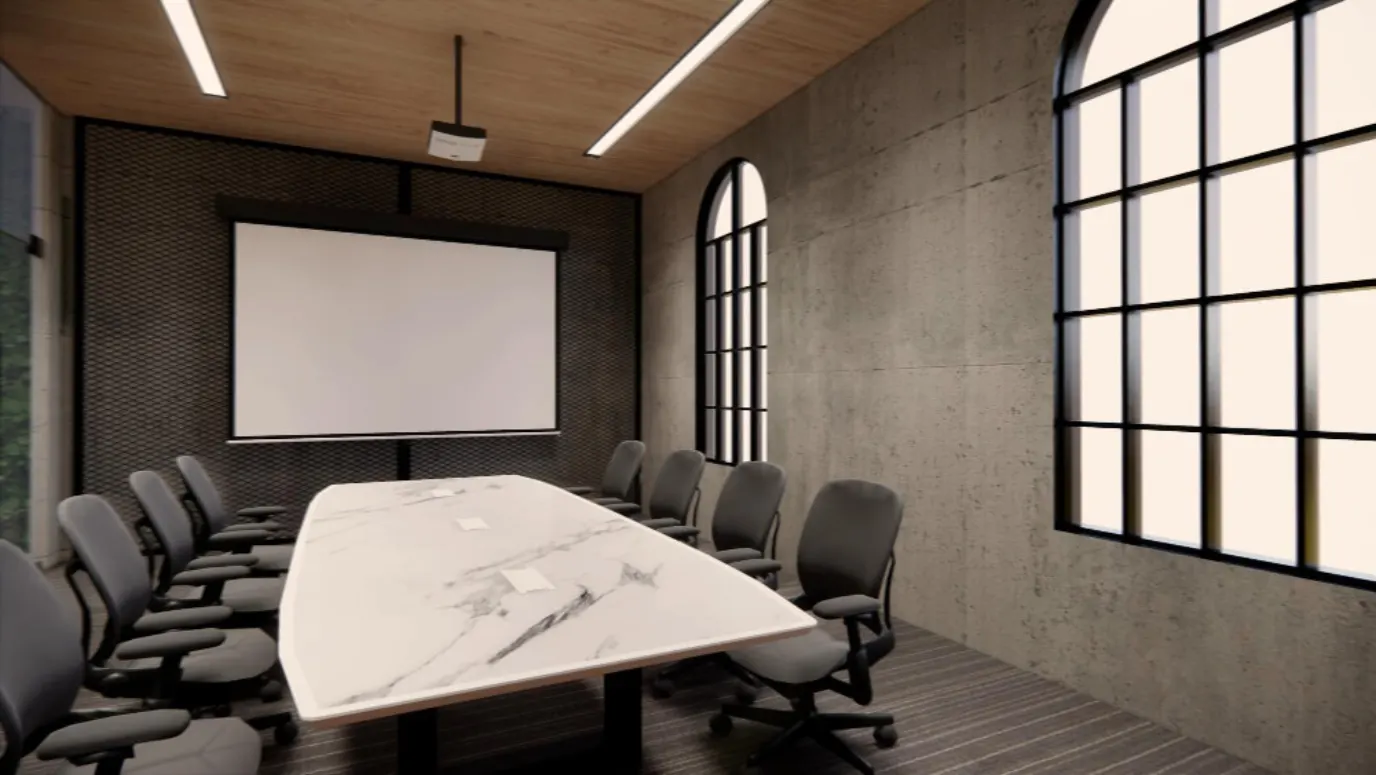
Keep existing displays if they still make the required content readable from the occupied seats. Replacing them solely because the room is part of a new initiative is not worth it. For display placement and seating geometry, use the conference room design guide.
Complimentary phone consultation
Planning a conference room, AV refresh, or network for your business?
Start with a complimentary phone consultation — scope, timeline and constraints first, then a written, line-item proposal before anything is scheduled.
No obligation · We aim to respond within one business day
Who will run and support the meeting rooms?Link to this section
Treat meeting rooms as workplace systems that IT supports. Assign an account owner, an update plan, a help route, and a repeatable way to join and share. Without those decisions, a new room can still leave the receptionist hunting for a cable before a client call.
Start with the steps from calendar invitation to finished meeting. Write down which account books the room, who signs in, how an outside presenter shares, and who removes access when a staff member leaves. Ask IT to approve the administrative access before buying equipment.
Microsoft's Teams Rooms planning guidance assigns work across room inventory, network readiness, resource accounts, deployment, adoption, and maintenance. It also distinguishes Teams Rooms Basic and Teams Rooms Pro licenses. Have the proposal identify the license and management functions you need; a hardware purchase is not the entire operating plan.
Choose a dedicated room system when staff need a consistent join experience and IT will manage it. Choose a laptop-led setup when meetings vary by host and the people using it are comfortable selecting their camera and microphone. DIY is fine for testing an existing laptop with a plug-in camera and speakerphone. Fixed ceiling equipment, concealed cabling, and shared administration need a coordinated scope.
Which AI features are useful, and when is immersive technology worth it?Link to this section
Buy AI features for a visible task. For example, Logitech describes Rally Bar's RightSight as framing the active speaker while its AI Viewfinder captures everyone in the room. Test that behavior with your seating layout, including people near the camera and someone speaking from the side. Decide whether the changing view helps your remote guests.
The following are ratings for this model, not promises for video bars as a class. Use them to decide what needs a room demonstration.
| Rally Bar specification | Manufacturer value | Purchase decision |
|---|---|---|
| Microphone pickup range | Up to 7 m, per Logitech's microphone specifications | Measure the farthest speaking position and test intelligibility there; distance alone does not approve the room. |
| Additional microphones | Supports up to 4 additional Rally Mic Pods, per Logitech's expansion guidance | Ask whether the proposal includes the pods, their cables, and mounting where needed. |
| Display support | 2 displays; up to 1080p display resolution, per Logitech's general specifications | Check the intended content layout before buying screens. |
For automated meeting notes, ask where recordings and transcripts go, who can open them, and how deletion works. Ask for the answer for the proposed application and license. Do not buy a camera on the assumption that meeting summaries come with it.
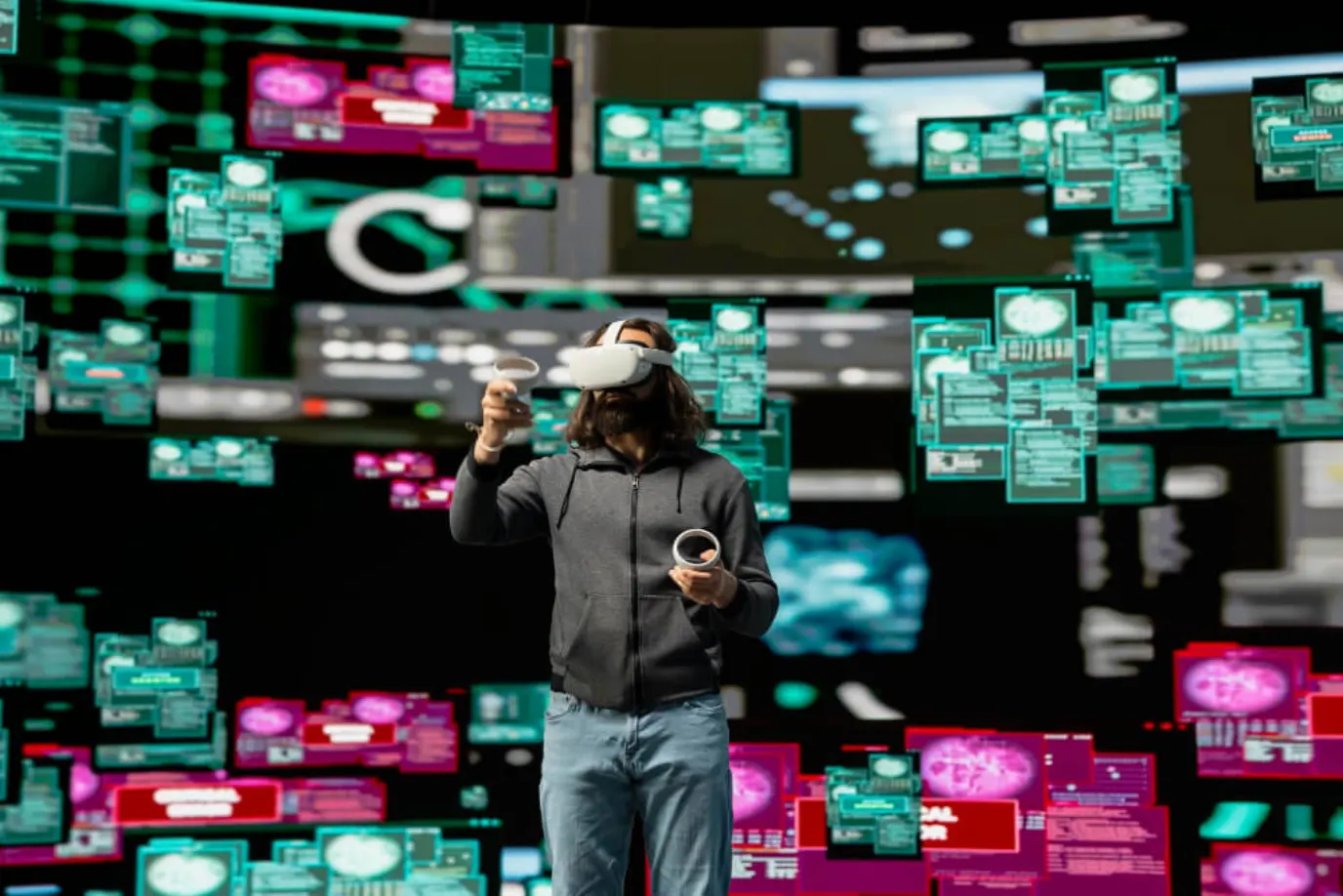
Immersive technology deserves a separate pilot. Virtual reality places a user inside a simulated scene; augmented reality adds information over a view of the surroundings. Consider these for a training task that needs spatial practice or a product review that needs scale. They are not worth adding to an ordinary status meeting just to make the room look new.
Before approving that pilot, name the lesson, the person who maintains the content, and how you will judge learning. Compare it with the same task using a normal screen. Include headset setup, accessibility, cleaning, and content revisions in the scope. Approve the pilot only if it makes the task easier enough to justify that extra work.
What needs planning from the table to the network closet?Link to this section
Plan the full connection path, including the service outside the building. Ask for a drawing that identifies equipment locations, cable routes, power, network connections, and responsibility at each handoff. Do this while the room layout can still change.
For networked media, a protocol name does not guarantee good performance. IETF RFC 3550 defines RTP, a protocol for carrying real-time media. RTP itself does not guarantee delivery or timely arrival. Its companion control protocol, RTCP, supports delivery monitoring. Ask IT which measurements the proposed system exposes and how they will inspect a poor call.
Keep the switch and cabling discussion tied to the selected equipment. Ask for required ports, power supplies, permitted network traffic, and remote-management access. The network infrastructure guide for AV covers that supporting scope.
Ask for labeled cables and mapped ports at handover. Make the same information part of your acceptance checklist so the next person supporting the room can identify the connections.
Building integration also needs a defined boundary. If a meeting control will adjust lighting, shades, or climate, ask which contractor owns each connection and what remains operable when the room system is offline. Test the ordinary wall controls. Add power schedules only after checking how the equipment wakes, updates, and becomes ready for a meeting; do not assume an energy-saving percentage.
How do you track down a bad call?Link to this section
Reproduce the complaint, then check whether the cause is in the room, a device, or the network. Write down the occupied seat, meeting application, connected laptop, and symptom. Change a setting, repeat the same task, and keep the result. Buying a replacement before identifying the failing path makes it hard to know what the purchase fixed.
Microsoft recommends checking room acoustics and layout, including camera obstruction, excessive echo, noisy air conditioning, and available power. Test with the furniture in place and the ventilation running. An empty-room test cannot tell you whether a chair blocks the view during normal use.
- Listen from outside the office while someone speaks from each intended seat. Note quiet voices, echo, clipped words, or distracting background sound.
- Share a real work document. Check the smallest text people need to read, then switch presenters using the expected guest connection.
- Check framing with people seated and standing where they work. Compare automatic framing with a fixed view.
- Ask IT to review the call's diagnostic data. Distinguish a local microphone problem from a connection problem before adjusting audio settings.
- Retest after changes and save the accepted configuration. Include mute, end-call, restart, and the next meeting's start in the handover.
Agree on the acceptance test before installation. A room is ready when the agreed tasks work for its users, including remote guests. Avoid signing off solely because a display turns on and the touch panel responds.
How should you compare investment, subscriptions, and business value?Link to this section
Separate purchase costs from recurring commitments. Ask for hardware, design, installation, licensing, cloud management, and support as distinct lines, with exclusions stated. If a supplier offers AV as a service, a subscription for equipment and support, check equipment ownership, cancellation, replacement terms, and what happens to administration when the contract ends.
These are earlier planning allowances from this guide, in US dollars for its US workplace context. They are not current Digitalholics prices or a quote for your office. A current price comes from a written proposal after room measurement. The original categories overlap, so do not add these ranges into a project total.
| Earlier scope category | Earlier allowance, USD | What to clarify before budgeting |
|---|---|---|
| Entry-level immersive pilot | $5,000-$15,000 | Headsets, applications, pilot content, and training |
| Professional immersive platform | $25,000-$100,000 | Custom content and the equipment it needs |
| Full immersive environment with automation integration | $50,000+ | Integration scope and recurring content work |
| Hardware investment | $25,000-$500,000+ per facility | Displays, processing equipment, and infrastructure |
| Software licensing | $5,000-$50,000+ annually | Platform subscriptions and management tools |
| Professional services | $15,000-$150,000+ per project | Design, installation, and integration |
| Cloud services | $2,000-$25,000+ annually | Management platforms and content delivery |
| Maintenance and support | $5,000-$50,000+ annually | Technical assistance and equipment service |
The earlier guide also used $4+ million as a breach-cost claim. Do not use that figure to justify an AV purchase; it is not a validated loss estimate for your business. Have IT assess the proposed access and security controls on their own merits.
For business value, compare the pilot against your current room using the same meeting tasks. Log time lost getting connected, calls that need help, and support effort. Count travel savings only where a remote meeting actually replaces planned travel. A room that staff avoid needs a usability fix before you can make a credible return-on-investment case.
How do you repeat a successful room across the workplace?Link to this section
Start with a pilot room that suits the work you do. Let ordinary hosts use it before repeating the design elsewhere. Resolve guest sharing, room booking, microphone coverage, and the support handoff while changes affect only the pilot.
A room standard is a repeatable equipment and control plan. Keep room-specific exceptions visible rather than letting each site choose a different way to join a meeting.
Before hiring anyone, prepare the room plans, photographs, common meeting applications, guest-sharing needs, current equipment inventory, and the IT contact who can approve access. Add the acceptance tests above to the brief. Ask bidders to identify reusable equipment and explain each proposed replacement.
To allow for future changes, request administrative ownership, saved settings, cable labels, and a list of recurring services at handover. Ask how a failed component is replaced and how a software change is tested before it reaches occupied rooms. These details make later changes easier to plan without promising that hardware will last indefinitely.
Bring your room brief through the contact page when the scope and internal decision makers are ready.
For help scoping the workplace system, start with commercial audio-visual services.
SourcesLink to this section
Complimentary phone consultation
Ready to scope it for your space?
A complimentary phone consultation is the first step: what the room or floor has to do, who uses it, and when it has to be live. Then a written, line-item proposal — no obligation.
No obligation · We aim to respond within one business day