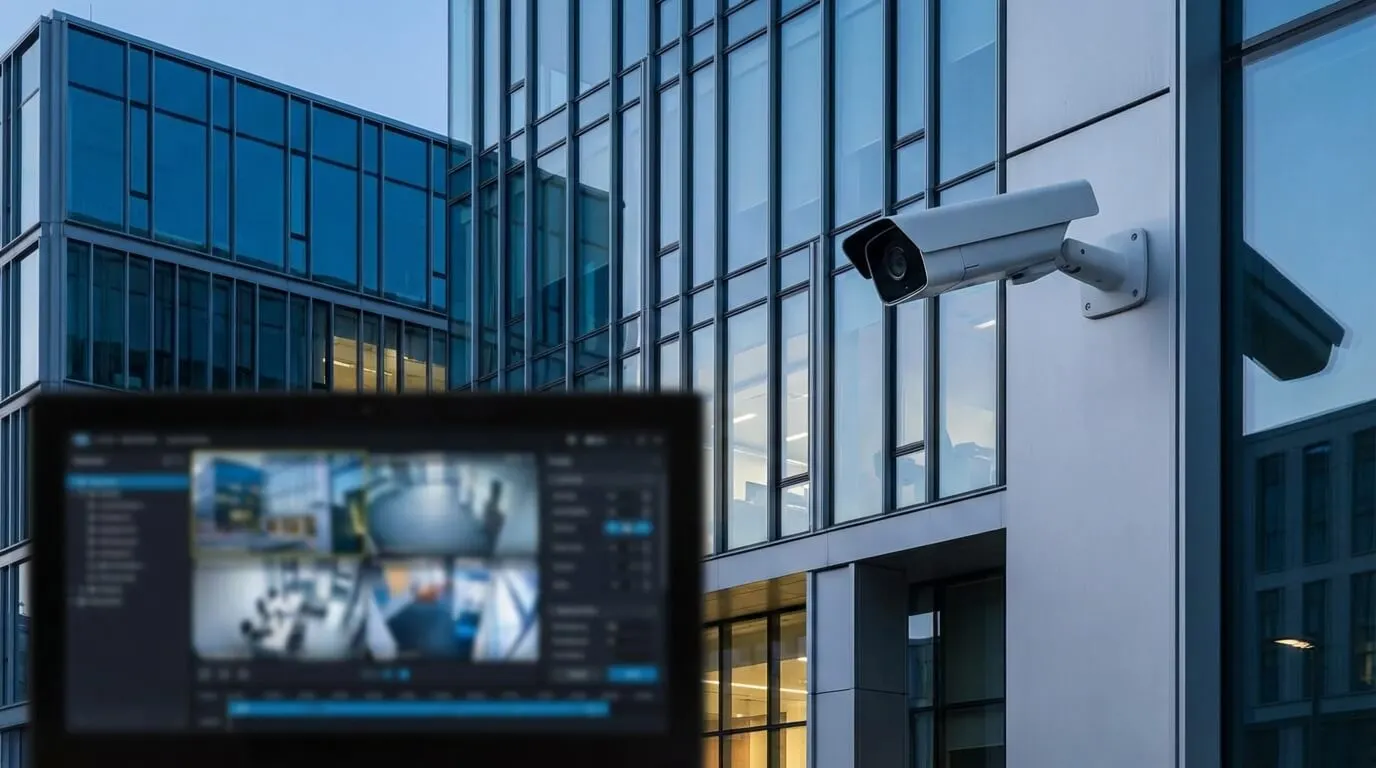
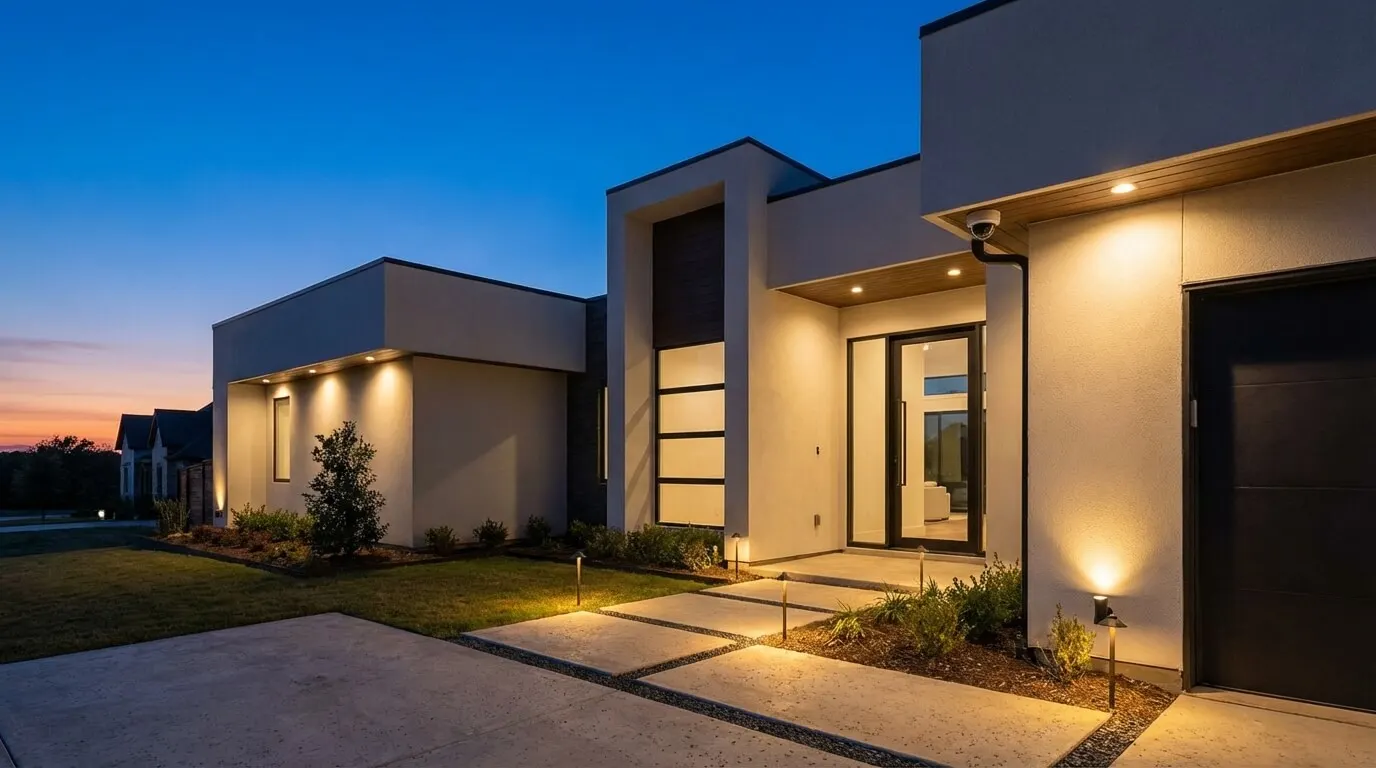
Smart Home Security Systems: How to Plan the Right Installation
No obligation · We aim to respond within one business day
Complimentary phone consultation
Talk it through with a local designer. Written proposal before anyone books a crew.
No obligation · We aim to respond within one business day
A smart home security install comes down to eight choices: the alarm panel and sensors, cameras, where recordings live, backup power and a backup connection, self or professional monitoring, privacy settings, which brands work together, and the alarm permit your city requires. Walk every approach to the house first, then size each piece to what you saw. This guide follows that order.
The Frisco security system cost guide is this site's pricing page; the cost section here keeps this guide's earlier planning allowances in one labeled place.
What belongs in one unified system?Link to this section
A unified setup has six parts that act as one: an alarm panel with door, window, motion, and glass-break sensors; cameras and a doorbell; a recorder in the house; backup power plus a second connection path for outages; a monitoring decision, self or professional; and one app with privacy controls you can actually find. When these parts come from one plan, one alert can lock doors, record clips, and light the path to the exit. When they come from separate apps, you get the alert and do the rest by hand.
Detection is where buyers overpay. Person, vehicle, and package labels plus zones you draw yourself cover most houses. Ask for a live demo on your own phone before you accept facial recognition or other extras. The AI home security guide compares detection features in more depth.
Monitoring has a shared language now. The ANSI/TMA-AVS-01 2024 Alarm Validation Scoring standard gives monitoring centers a repeatable score for each alarm, from Level 0, no call for service, up to Level 4, a call with a confirmed threat to life. Ask a provider how its operators score alarms before calling dispatch.
Privacy starts with where clips live. Camera maker IC Realtime states its position plainly: "We believe your security footage belongs to you." A recorder in the house is the literal version of that promise. For connected gear in general, NIST's device cybersecurity catalog builds on a core baseline of device capabilities, which works as a comparison checklist for cameras and panels.
Complimentary phone consultation
Thinking about cameras or a security upgrade?
A complimentary phone consultation covers the property, the coverage you want, and what a professional installation involves — no obligation.
No obligation · We aim to respond within one business day
How should cameras and recording be set up?Link to this section
Camera placement is the whole job: we walk the lot with you, mark every approach, and run cable back to a recorder in the closet.
Run cable where you can. A wired camera on PoE (power and video over one cable) stays off Wi-Fi entirely. Use wireless only where cable cannot go, and check battery replacement and night performance on those spots before you commit.
Name a real recorder before you buy cameras, so storage and compatibility get decided once. Luma rates its 120 Series NVR for cameras up to 8MP, with 4K HDMI output and PoE over Cat6 cable up to 200m. That 200m rating belongs to that model line, not to PoE in general. Luma also states its NVRs are fully ONVIF conformant and that the unit records the Control4 Chime video doorbell and DS2 intercom.
ONVIF conformance is what lets a recorder and cameras from different brands work as a set. Under Profile G, a conformant camera can record video data over an IP network or on the device itself, while the recorder software can configure, request, and control recording from those devices. Ask for the profile in writing. The security camera brand comparison covers brand options.
Recordings stay on a video recorder that lives in your house (an NVR).
Size storage with one division. Take the recorder's terabytes, multiply by 90, and divide by camera count times bitrate in Mbps. The answer is about how many days fit. Example: four cameras at 4 Mbps each write about 173 GB per day, so 4 TB holds about 23 days (4000 ÷ 173).
Which parts work together, and which do not?Link to this section
For sensors, locks, and lights, certification matters more than a logo on the box. The Z-Wave Alliance states that certification ensures that all Z-Wave products work together with each other regardless of brand, including backward-compatibility between versions. The radios support full mesh networks without the need for a coordinator node. They operate in the sub-1GHz band, clear of 2.4-GHz Wi-Fi and Bluetooth traffic, on physical and MAC layers defined by ITU-T G.9959.
"Works with" on a box is not the same as certified or conformant. Ask which certification or ONVIF profile each device carries and get the answer in the proposal. A camera that merely streams to an app may not record to your NVR.
Shops and offices add one more filter. If a bid or insurer asks for NDAA-compliant cameras, Luma states its full X20 family is NDAA compliant. Prefer wired sensors and cameras back to the panel and recorder on commercial work, where a missed alert costs business, and have someone test each door and camera before sign-off. Leave one spare recorder channel and one spare cable run for the camera you add later.
How does this compare to a DIY alarm app?Link to this section
If you are comparing this approach against a consumer alarm kit such as SimpliSafe, or an Alarm.com-powered system quoted by a dealer, apply the same certification checks: ask which Z-Wave certification its sensors carry and which ONVIF profile its cameras support.
Should you monitor it yourself or pay for monitoring?Link to this section
Neither choice is wrong. The table below sorts them by what you want from an alarm at 2 a.m.
| Choose self-monitoring if | Choose professional monitoring if |
|---|---|
| You hear your phone at night and can act on every alert | Alarms must summon help when you cannot act |
| Deterrence plus video evidence meets your goal | You want an operator judging alarms before dispatch |
| You accept false alerts as your own problem to tune | You want false-alarm screening before anyone is called |
The comparison that matters is not a platform's name but whether it offers the operator-judged dispatch and false-alarm screening the right column above describes.
Scoring is the question that separates providers. The AVS-01 standard defines five levels: Level 0 sends no call for service; Level 1 calls with limited to no additional information; Level 2 calls with confirmed or highly probable human presence of unknown intent; Level 3 calls with a confirmed threat to property; Level 4 calls with a confirmed threat to life. Ask how a center trains its operators on these levels. TMA's AVS-01 page lists the full definitions.
Read monitoring reviews for contract and support patterns: contract length, how video verification works, and how false alarms are handled. One reviewer's fast response says little about your panel, your signal, and the night your alarm fires.
False dispatches cost attention everywhere and money in Frisco after the free ones run out, as the next section shows.
What does Frisco require for an alarm permit?Link to this section
Frisco requires an alarm permit for any person or business operating an alarm with intent to summon city emergency service, whether the system is monitored or not, and the permit must be in hand within 30 days of installation. The reason is volume: city police and fire answer more than 8,000 false alarms every year. Operating without a permit risks a citation fine of up to $500 per day, plus a $250 penalty, under an ordinance in effect as of January 1, 2017.
False alarms are counted over the previous 12 months. Each permit gets a free count, then pays per extra alarm:
| Alarm type | Free per 12 months | Charge after that |
|---|---|---|
| Burglar | First 3 | $50 for the 4th and 5th; $75 for the 6th and 7th; $100 each from the 8th on, and the permit may be suspended |
| Robbery | First 2 | $75 each |
| Panic | First 2 | $75 each |
| Fire | First 2 | $75 each |
Permits move with the holder, not the house: a resident more than 60 days from expiration can transfer remaining time to a new Frisco address; there is no fee to transfer, while permits cannot be transferred to different people or businesses. Installers matter too. Digitalholics, founded in 2015, works under Texas Alarm License B12713501 from its Plano office.
What drives the cost?Link to this section
Five things set the number: how many doors, windows, and cameras the plan covers; how many rooms and floors they span; whether cable pulls through open framing or finished walls; which equipment tier you pick; and how much programming the scenes need. Retrofit cable and fussy scenes cost more than the boxes on the wall.
The two tables below keep this guide's earlier planning allowances. They are not current prices and not a quote.
| Upfront scope | Earlier allowance |
|---|---|
| Basic do-it-yourself kit | $199 to $599 |
| Mid-range professional system | $600 to $1,500 |
| Premium integrated system | $1,500 to $5,000 or more |
| Professionally integrated Control4-type system | $3,000 to $15,000 |
| Labor saved by going DIY (not a cost to pay) | $99 to $300 |
| Monthly service | Earlier allowance |
|---|---|
| Self-monitoring | $0 to $15 |
| Professional monitoring | $20 to $60 |
| Premium service plan | $60 to $100 or more |
For current numbers, read the Frisco security system cost guide or use the contact page to request a written proposal after a room measurement.
When is DIY fine, and when should you hire it out?Link to this section
DIY fits renters, single rooms, and small systems where no new cable is needed and you enjoy phone apps. Stop there when the job needs attic or wall cable runs, covers two floors, ties into lights and locks, or protects a business. Monitored alarms raise the stakes further: every false dispatch spends the free counts Frisco allows.
Hire out commercial work. Tested doors and cameras plus documented settings are worth more than the labor saved, and a shop cannot pause for a weekend of troubleshooting. The DIY versus professional security comparison walks through the trade-offs in detail.
What should you check before you hire anyone?Link to this section
- Ask who files the alarm permit and who pays the false-alarm charges.
- Ask for the installer's Texas alarm license number and confirm it before work starts.
- Require a placement walk in the quote, with every approach marked.
- Get compatibility in writing: the ONVIF profile for cameras and the certification for sensors.
- Get retention days in writing, with the camera count and bitrate behind the number.
- Read the monitoring terms: contract length, video verification, and how alarms are scored before dispatch.
- Ask which existing contacts, panels, and cameras stay and which go.
- Accept only a written proposal built from a measurement of your rooms.
Next step: see surveillance and security installation, or start with a complimentary phone consultation through Digitalholics' contact page.
Frequently asked questionsLink to this section
What is the best smart home security system?Link to this section
There is no single winner here, since this guide does not test products. Judge any system against the decision framework above: a unified setup of six parts acting as one, and the self-versus-professional monitoring table for how an alarm gets handled at 2 a.m. Those two checks apply to any product you are comparing.
Is Alarm.com or SimpliSafe better for a smart home?Link to this section
Neither product gets a review here. What matters is certification, not brand: ask which Z-Wave certification or ONVIF profile a platform's compatible sensors and cameras carry, the same question covered in the certification section above.
How much does a smart home security system cost?Link to this section
For current numbers, read the Frisco security system cost guide or request a written proposal after a room measurement.
Is a DIY smart home security system enough?Link to this section
DIY fits renters, single rooms, and small systems where no new cable is needed and you enjoy phone apps. Hire out when the job needs attic or wall cable runs, covers two floors, ties into lights and locks, or protects a business, as the DIY-versus-hire section above covers in more detail.
SourcesLink to this section
- City of Frisco: Alarm Permits
- City of Frisco: Alarm Permit FAQs
- ONVIF Profile G
- Snap One: Luma 120 Series NVR
- IC Realtime
- Z-Wave Alliance: Technology Overview
- Z-Wave Alliance: Interoperability
- NIST: Device Cybersecurity Capabilities Catalog
- The Monitoring Association: AVS-01 Alarm Validation Scoring Standard
Complimentary phone consultation
DIY kit or a full system?
Bring the devices you own and the protocols you need checked. A complimentary phone consultation covers compatibility, then we send a written line-item proposal — no obligation.
No obligation · We aim to respond within one business day