The Complete Guide to AI-Powered Home Security: Protecting Your Family with Intelligent Technology
No obligation · We aim to respond within one business day
Complimentary phone consultation
Talk it through with a local designer. Written proposal before anyone books a crew.
No obligation · We aim to respond within one business day
AI home security uses cameras and software to flag people, animals, or vehicles for you to review. Shortlist Nest for Google Home, Ubiquiti for wired cameras with a recorder, or HomeKit Secure Video for an Apple household; these are choices by fit, not an accuracy ranking. Choose alerts you will act on, then compare storage, subscriptions, and who responds.
At a glance: which camera platform fits your household?Link to this section
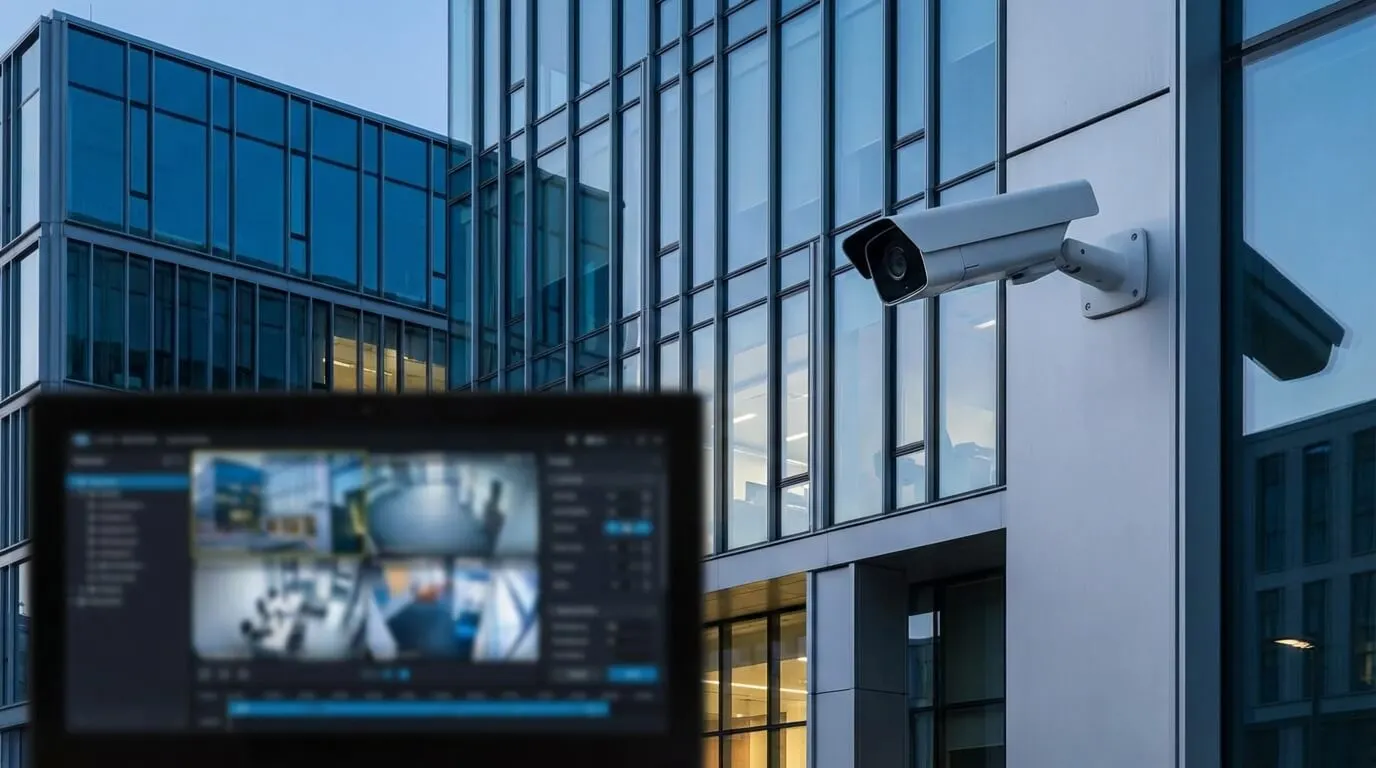
This guide compares three platforms in depth further down: Google Nest Cam (battery) for a household already using the Google Home app, with up to 1080p at 30 frames/sec and an IP54 rating; Ubiquiti's G5 Bullet for wired outdoor cameras with person, vehicle, and animal detection and a PoE connection; and Apple HomeKit Secure Video, which analyzes footage on your home hub before saving it to iCloud and requires an iCloud+ subscription. None of the three is ranked above the others here; the table further down compares what to check before buying each one.
What is AI home security, and how does it differ from a basic alarm?Link to this section
A door contact answers whether the door opened. A camera helps you review what happened nearby. AI adds classification: software labels something in the image so you can decide whether to look. Keep the alarm and camera jobs separate when you shop. A useful picture does not establish that a monitoring center received an alarm.
How does the camera recognize an event?Link to this section
Computer vision means software interpreting camera images. Machine learning means recognizing patterns learned from data. Google's Nest Cam (battery) has on-device machine learning. The practical question is which events the proposed model can identify.
Nest cameras in the Google Home app analyze video for people, animals, and moving vehicles. That is more useful than treating movement as evidence of an intruder. It still needs your judgment: a person label says nothing about permission to enter. Do not buy an upgrade on a promise that it will predict a burglary.
Complimentary phone consultation
Thinking about cameras or a security upgrade?
A complimentary phone consultation covers the property, the coverage you want, and what a professional installation involves — no obligation.
No obligation · We aim to respond within one business day
Which camera platform should you shortlist?Link to this section
Shortlist Google Nest if you want camera events in the Google Home app. Consider Ubiquiti when you want wired cameras and are prepared to plan their network and recording equipment. For an Apple household, compare compatible cameras through HomeKit Secure Video. These are different buying paths; choose around the app your household can use and the footage you need.
The table compares specific equipment and platform requirements, not a ranking of detection accuracy. The camera specifications are manufacturer ratings. For broader hardware choices, use the security camera brand comparison.
| Device or platform | Useful capability or rating | Choose it if | Check before buying |
|---|---|---|---|
| Google Nest Cam (battery) | Up to 1080p at 30 frames/sec; IP54 rating; -4°F to 104°F operating temperature | You want a battery camera and can reach it for charging. | Continuous video history requires wired power on Nest Cam (battery); confirm the subscription too. |
| Ubiquiti G5 Bullet | People, vehicle, and animal detections; 2688 x 1512 resolution; PoE; 4W maximum power consumption | You can run network cable and want a fixed outdoor view. | PoE means power over the network cable. Include the compatible recorder and power source in the proposal. |
| Apple HomeKit Secure Video | Requires a home hub and an iCloud+ subscription held by you or someone in your Family Sharing group | You prefer reviewing footage through Apple Home. | Choose a compatible camera; this is a recording service, not a camera model. |
Start with the approach you cannot see from inside. A camera overlooking the driveway and a doorbell pointed at a package landing solve different problems. Adding recognition features to a poor view is not worth it.
What AI alerts are available, and which ones deserve a phone notification?Link to this section
Modern camera choices include person, animal, vehicle, package, familiar-face, and selected sound alerts. Availability depends on the model and subscription: Google Home Premium features vary by plan, device, and region. Check the manufacturer's device-specific comparison before checkout.
Start with person alerts at entrances. Add vehicle alerts where an arriving car matters, rather than wherever passing traffic fills the picture. A package alert is useful only if the delivery spot is visible. Familiar-face detection is optional; paying to label a visitor by name is not worthwhile if a person alert already gives you the information you need.
With Google Home Premium, you may be able to turn on familiar-face detection. When enabled, the camera compares new faces with its face library. Treat a familiar label as a prompt to review the image, not permission to release a lock. Ask household members before enrolling faces.
Test alerts on the phone that will receive them. Walk into the selected zone while the phone is locked, then open the notification and play the event. Repeat with the phone off home Wi-Fi. Check notification permissions, quiet modes, and the backup recipient if you miss it. A demonstration on the installer's phone does not test your settings.
Where should cameras go, and what should you check for Texas weather?Link to this section
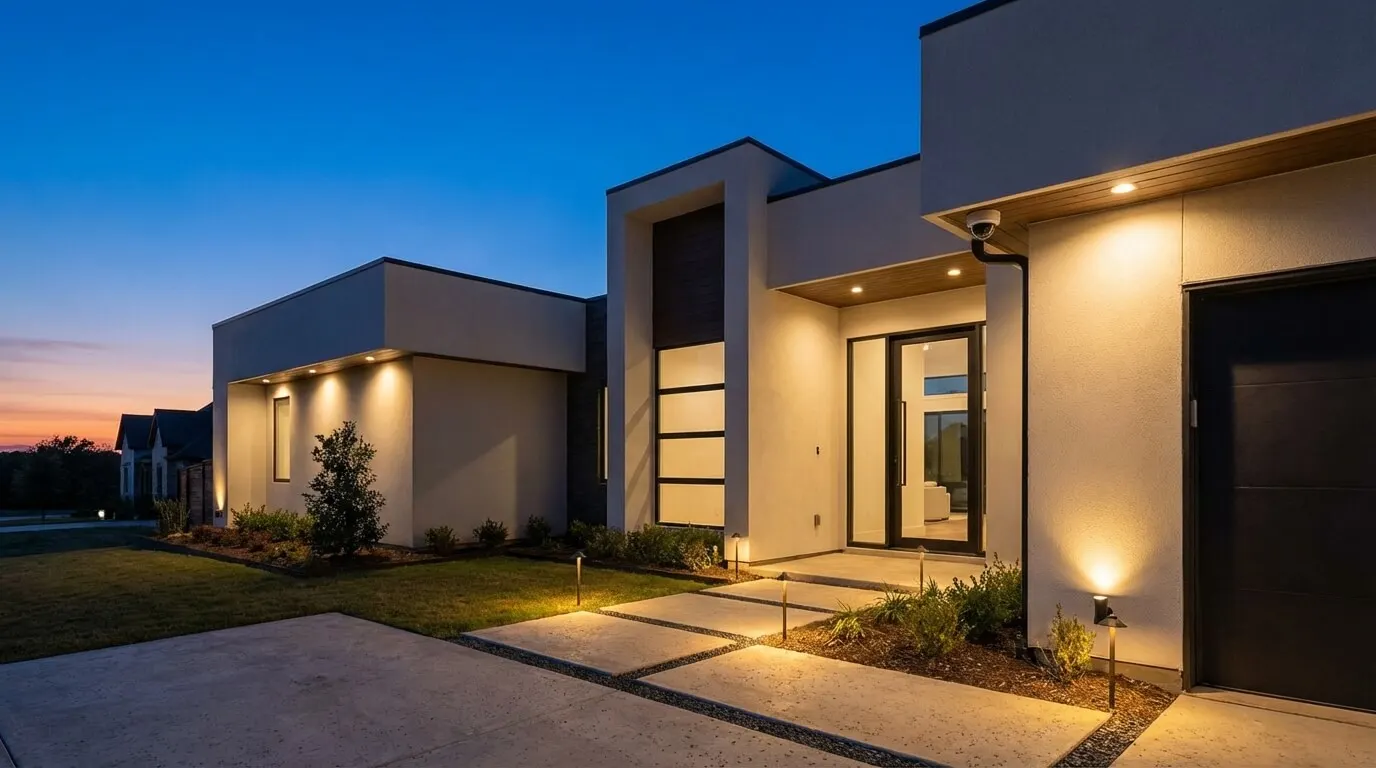
Begin with a sketch of the front walk, driveway, side gate, and rear door. Mark the subject you need to see at each approach. Ask for a temporary view before approving the final mount, and review a moving person after dark. A wide overview can be useful without giving you the face detail you expected.
We walk the lot with you, mark every approach, and run cable back to a recorder in the closet. The camera view still needs your approval: show the installer where packages land and which gate your household uses.
Set an activity zone around the approach you care about. Nest general-motion alerts can be triggered by moving tree branches. Narrowing the view or selecting person events is worth trying before replacing the camera. Recheck the result when you move a planter or change the porch lighting.
For exposed mounts, compare the model's operating temperature and water protection with the location. Google rates Nest Cam Outdoor (wired, 2nd gen) IP65 under IEC standard 60529. IP is an enclosure protection rating; it is not a promise that a device is waterproof. Ask how the installer will protect the cable entry and power connection, and avoid treating a storage-temperature rating as an operating rating.
How can smart home security help protect family members?Link to this section
Agree on who checks an arrival alert and who takes over if that person is busy. Ask family members which entrances they use and whether they want arrival notifications shared. An entrance alert can prompt a check-in, but it cannot replace supervision.
A shared alert reaches more than one phone, so a multi-device family setup does not depend on a single person noticing. Treat it as backup coverage, not AI-powered family safety that replaces a person checking in.
Decide who acts when nobody at home can answer. If you want professional monitoring, request the covered event types, contact sequence, and dispatch conditions in writing. Do not assume that a camera subscription includes an alarm-monitoring service. Ask the provider to explain its response to camera failure separately from its response to an intrusion alarm.
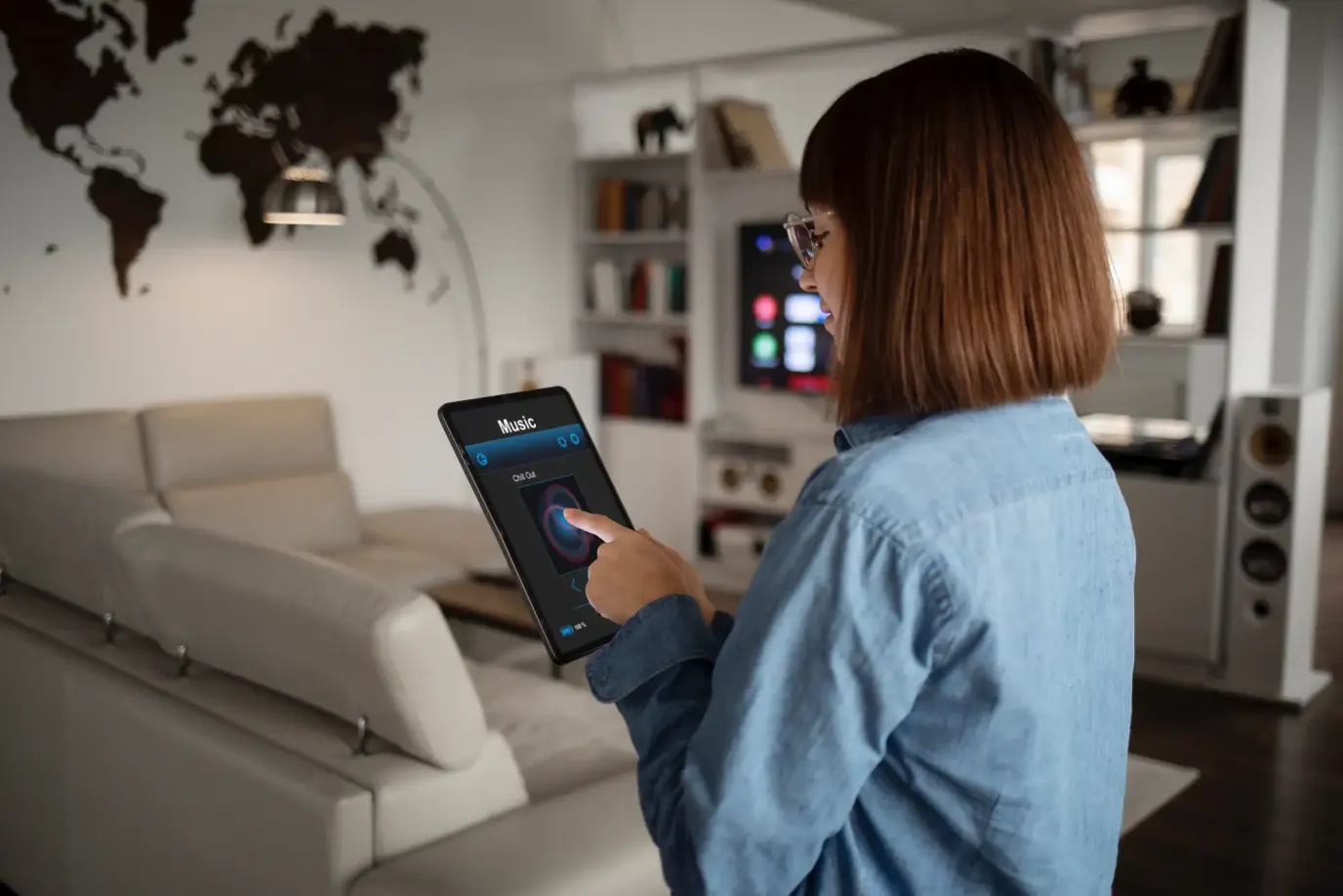
Choose automation conservatively. Turning on a light after a detection is a different decision from allowing a lock to open. Require a demonstration of the exact camera, controller, and action proposed. A logo on a compatibility page is not enough to approve access to your house. Broader alarm and automation planning belongs in the smart home security installation guide.
Check your city's permit requirements before activating a monitored alarm. McKinney requires an alarm permit if your system summons law enforcement. Digitalholics holds Texas Alarm License B12713501; ask who will complete the homeowner permit paperwork for your address.
How do you keep footage private and check compatibility?Link to this section
Separate where video is analyzed from where it is saved. HomeKit Secure Video analyzes video on the home hub before recording it to iCloud. Apple describes the footage as end-to-end encrypted, meaning encrypted between the authorized endpoints. Local analysis does not mean local-only storage.
We keep recordings on a video recorder that lives in your house (an NVR). For any proposed system, ask who can view remotely, how access is removed, and how you export a clip. Choose the retention period you need and have the installer size storage for the recording mode. Event clips and continuous footage serve different review needs.
Keep cameras out of bedrooms and bathrooms. Agree on indoor viewing with the people who live there, and aim exterior cameras at your property. Ask whether a privacy mask actually excludes an area from saved video; notification settings alone should not be your privacy plan.
Before adding a voice assistant or an existing alarm panel, name the action you want: display video, announce a visitor, arm the alarm, or control a lock. Have the seller confirm each action for the exact models. Test internet loss and power loss separately, noting what still records and which alerts stop. Ask about backup power for the network and recorder as well as the camera.
What costs should you compare before choosing a system?Link to this section
Compare equipment, installation, recording, monitoring, and maintenance separately. Every USD amount below is a legacy figure from the previous version of this guide, not a Digitalholics quote or a Frisco cost-guide tier. Do not use these figures as a budget for your Texas home. Get an itemized proposal for the equipment and work you need.
| Budget item | Legacy figure in USD (not a quote or cost-guide tier) | Confirm in the quote |
|---|---|---|
| Installation | Legacy: $49 to $200; $94.00 reference allowance | Cable work, mounting, setup, and training |
| Basic security equipment | Legacy: $325 reference allowance; $100 to $700 range | Exact included devices |
| Basic AI package | Legacy: $500-$1,200 | Camera models and detection features |
| Expanded system | Legacy: $1,500-$3,500 | Recording equipment and integration |
| Luxury installation | Legacy: $4,000-$10,000+ | Scope behind the premium |
| Entry-level DIY | Legacy: $200-$500 | Power and mounting accessories |
| Mid-range DIY | Legacy: $600-$1,200 | Storage and feature subscriptions |
| High-end DIY | Legacy: $1,500-$2,500 | Network and recording hardware |
| Basic monthly plans | Legacy: $15 to $35/month | Monitoring versus recording |
| Basic monitoring | Legacy: $15-25/month | Covered events and contact procedure |
| Advanced AI features | Legacy: $30-50/month | Features remaining after cancellation |
| Full-service monitoring | Legacy: $40-70/month | Contract and dispatch conditions |
| Cloud storage | Legacy: $5-15/month | Retention and camera limits |
| Cellular backup | Legacy: $10-20/month | Which devices and traffic it covers |
| Professional maintenance | Legacy: $100-200/year | Included visits and replacement parts |
The earlier $15 to $35/month basic-plan range and $30-70/month AI-or-monitoring range are also legacy figures, not quotes or cost-guide tiers. Their scopes overlap; do not add them together. Ask the seller which charges cover recording and which cover monitoring. Check the renewal amount, minimum term, cancellation charge, and whether equipment payments continue when monitoring ends.
Do not fund the purchase with an assumed $200-500 annual insurance saving. Ask your insurer for the actual change in premium. Example: a $400,000 home and a hoped-for $20,000 value increase are not a security-system payback calculation. Likewise, a $2,000 loss allowance is not proof of the amount a camera will save. Even a $2,000 avoided loss would depend on an event you cannot budget as certain.
For the wider installation scope, see the Frisco security system cost guide. Keep the buying decision tied to a useful camera view and an affordable ongoing bill.
Is DIY enough, and what should you test before hiring anyone?Link to this section
DIY is fine for a reachable camera when you can follow its mounting instructions, get a reliable connection at that location, and manage the app yourself. Hire an installer for difficult cable routes, high mounts, recording hardware, or integration with an existing alarm. The DIY versus professional security guide covers that choice in more detail.
- Mark the approaches you want to see and the events that deserve an alert. Bring photos of those views.
- List existing camera, alarm, router, and controller models. Ask which parts can stay.
- Request a sample daytime and nighttime view with someone moving through the intended detection area.
- Test an alert on the phone that will receive it. Confirm who answers a missed notification.
- Play back an event and export it. Confirm who owns the administrator account and can remove a guest.
- Ask for the behavior during internet and power outages, plus a demonstration of any promised backup.
- Get equipment, subscriptions, installation, contract terms, and support responsibilities in writing before signing.
Bring that checklist to a complimentary phone consultation. Leave optional recognition features out of the first proposal if you cannot name an action they would change.
Plan the next step through Digitalholics' home surveillance and security service.
Frequently asked questionsLink to this section
What is AI home security?Link to this section
AI home security uses cameras and software to flag people, animals, or vehicles for you to review, rather than treating any motion as evidence of an intruder. That classification step is what separates it from a basic alarm, which only tells you a sensor was triggered. You still decide whether a flagged event is a problem; the software does not call that for you.
How does AI improve home security?Link to this section
It sorts events instead of alerting on every motion. Person, vehicle, package, and familiar-face labels let you set alerts for what actually matters at each approach, such as a person at the door versus passing traffic at the curb. The alert-testing checklist further up this page covers how to confirm those labels fire correctly before you rely on them.
Is AI home security worth it?Link to this section
Test it before you pay for it: walk into the camera's zone with your phone locked, confirm the alert arrives and matches the event, and repeat off your home Wi-Fi. The DIY-versus-hire guidance above also applies here, since a system worth paying for is one that fits the view you need and the subscription you can maintain, not a feature list.
How much does an AI home security system cost?Link to this section
The cost table above lists legacy figures from an earlier version of this guide, not a Digitalholics quote or a figure from the Frisco cost-guide tiers. Get an itemized proposal for your own equipment and installation; see the Frisco security system cost guide for current numbers.
SourcesLink to this section
- Google: Nest motion, sound, and familiar-face detection
- Google: subscription and device feature comparison
- Google: Nest camera specifications
- Ubiquiti: G5 Bullet technical specifications
- Apple: HomeKit Secure Video setup
- Apple: encrypted camera footage and home-hub analysis
- City of McKinney: alarm permits
Complimentary phone consultation
Which camera platform fits you?
Bring the cameras you have and whether you use Nest, Ubiquiti, or HomeKit. A complimentary phone consultation is the first step — no obligation.
No obligation · We aim to respond within one business day